
You can now run Redis commands, browse keys, and inspect values directly in the Vercel dashboard using the Marketplace database browser.
Both the Redis and Upstash for Redis integrations in Vercel Marketplace are supported, so you no longer need redis-cli or a separate database UI.
From your project, open Infrastructure > Storage and select a Redis database. The database page now includes two new tabs:
CLI: Run Redis commands and inspect the results. Run multiple commands by separating them with newlines or semicolons, with support for
MULTI/EXECtransactions.Browser: Browse keys in a flat list or grouped by prefix, and filter them by type or pattern. Select a key to inspect its value and metadata, including its type, TTL, encoding, and size. Supported value types include string, JSON, hash, list, set, and sorted set.
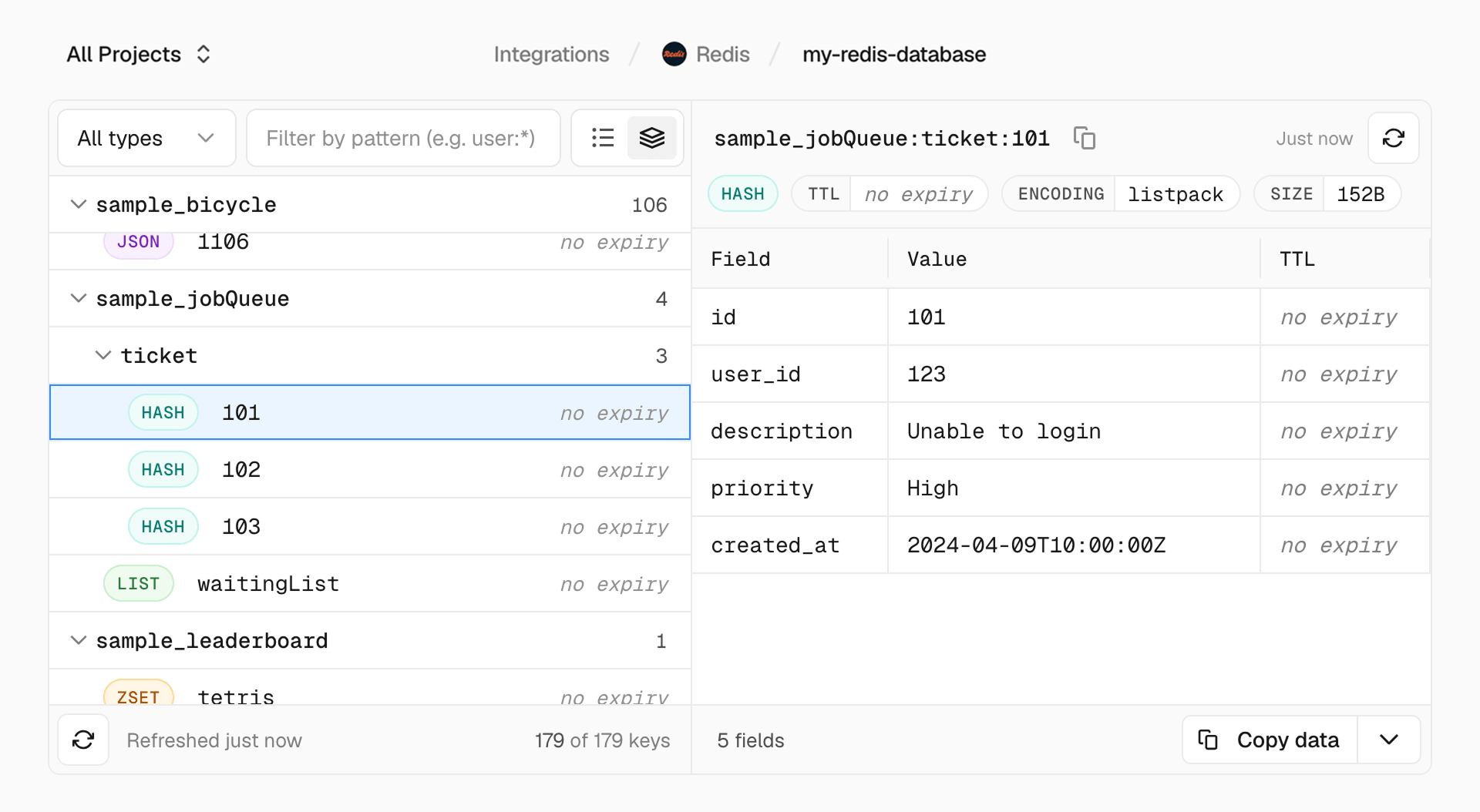
These tabs are currently available only to team members with the Owner role. Learn more in the Marketplace storage documentation.
