Skip to content
Install
vc i redis

Overview

Redis Cloud is the official managed cloud service for Redis, delivered by the team behind Redis. Add Redis to your Vercel project in minutes and start building with the standard Redis API.

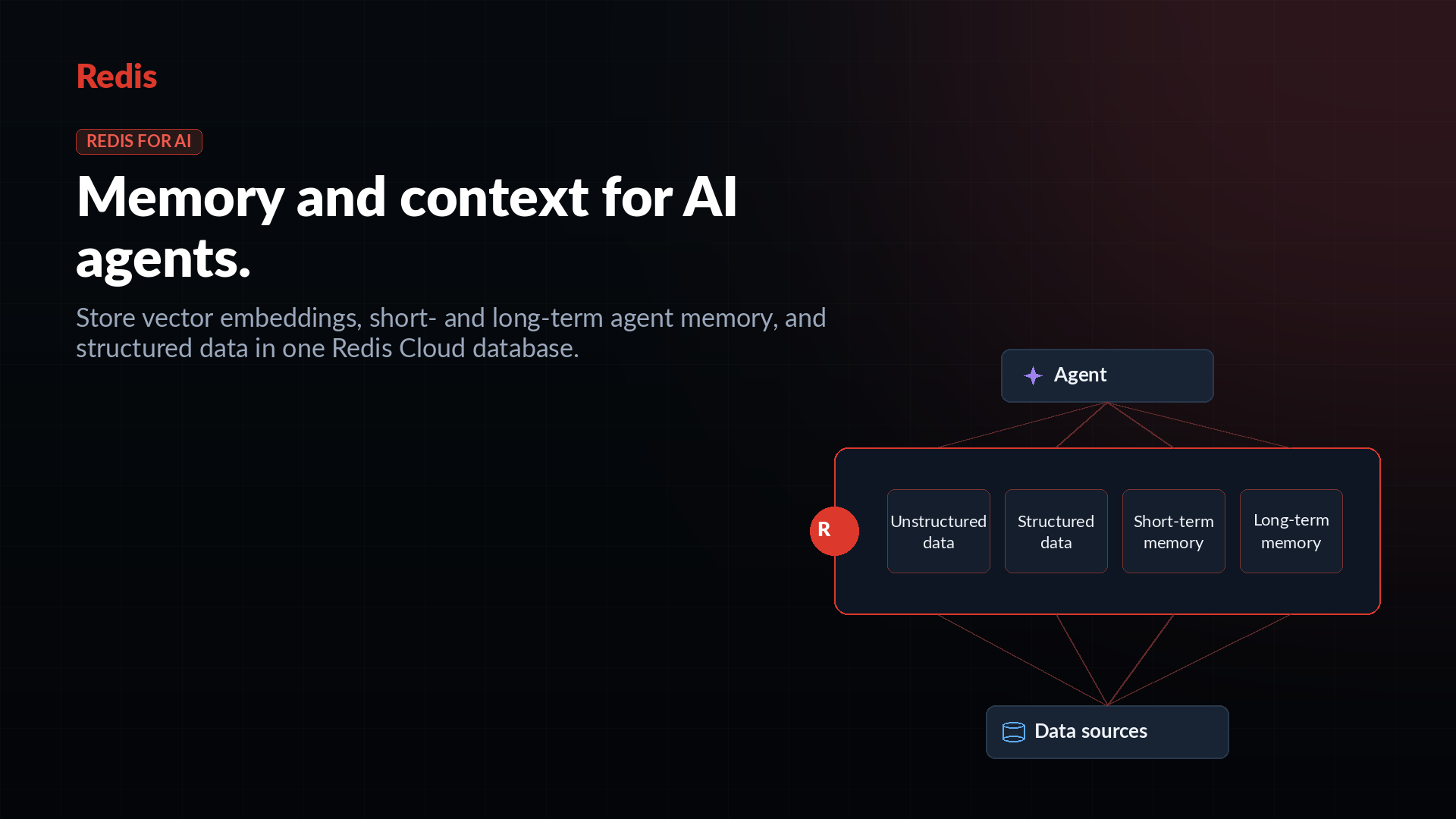
One Redis database can handle common Vercel app jobs: caching, sessions, rate limiting, queues, real-time updates, AI memory, JSON documents, and vector search.

Start free, then scale to production without switching databases or APIs.

Product

  • Redis

    Official Redis for Vercel

    Free, Essentials · RAM or Flex

Instructions

Get started with Redis Cloud on Vercel

  1. Create a new Redis Cloud database from this listing.
  2. If prompted, sign in or create a Redis Cloud account.
  3. Select the Vercel project to link.
  4. Vercel adds the connection details to your project environment variables.
  5. Pull your env vars and use Redis in your app.
  6. Open Redis Insight to explore and debug data, or Redis Cloud for advanced settings, usage, and plan changes.

Before choosing a plan

  • Essentials is fully in-memory for lowest latency. Flex combines RAM + SSD for larger datasets at lower cost per GB.
  • Data persistence is enabled on paid plans.
  • High availability adds a replica for failover. With HA on, total memory is split 50/50 between dataset and replica, so usable dataset size is half of the selected plan.
  • Single-zone HA: 99.9% uptime. Multi-zone HA: 99.99% uptime.

See the Redis-Vercel setup guide for examples.