

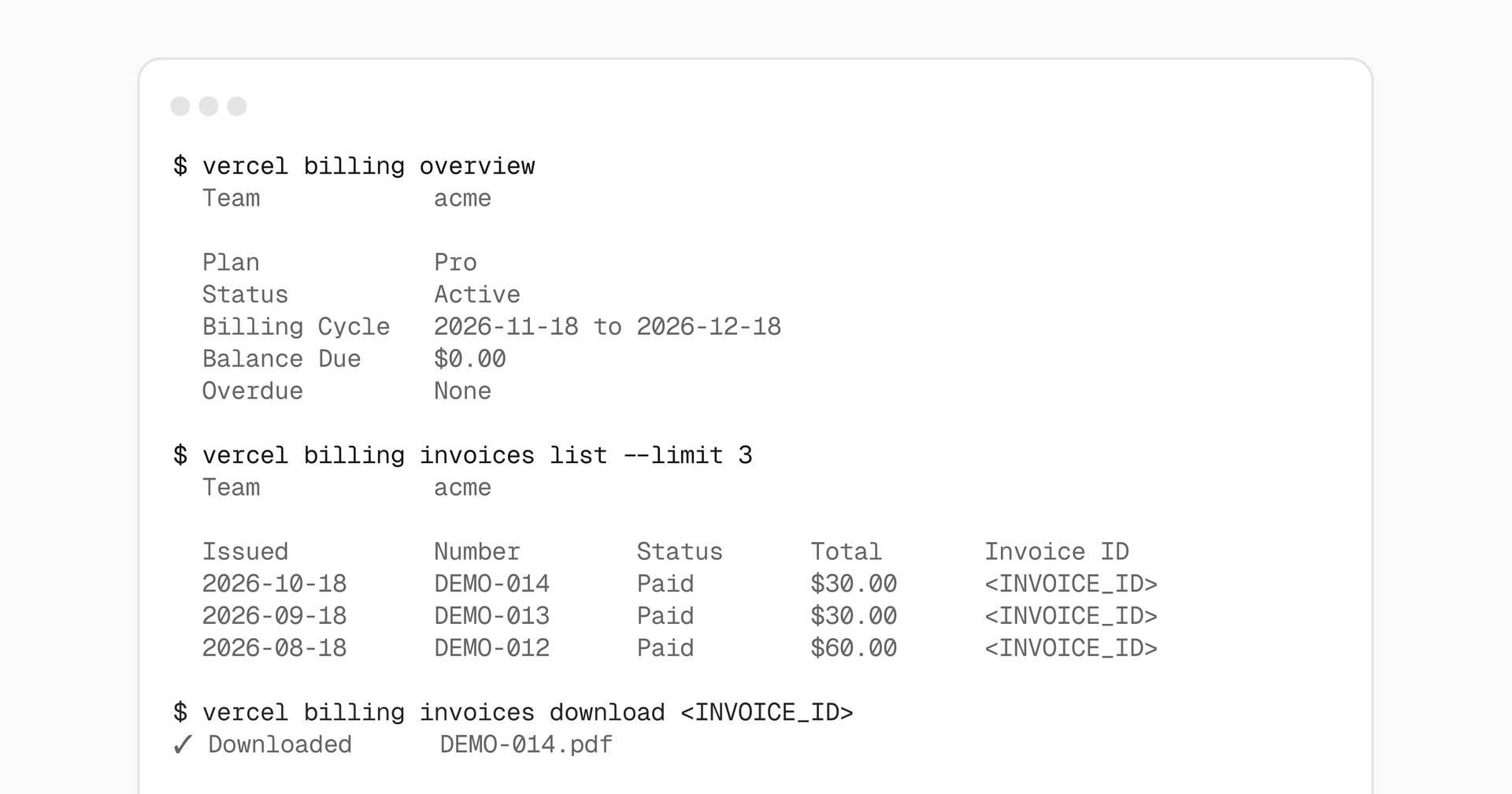
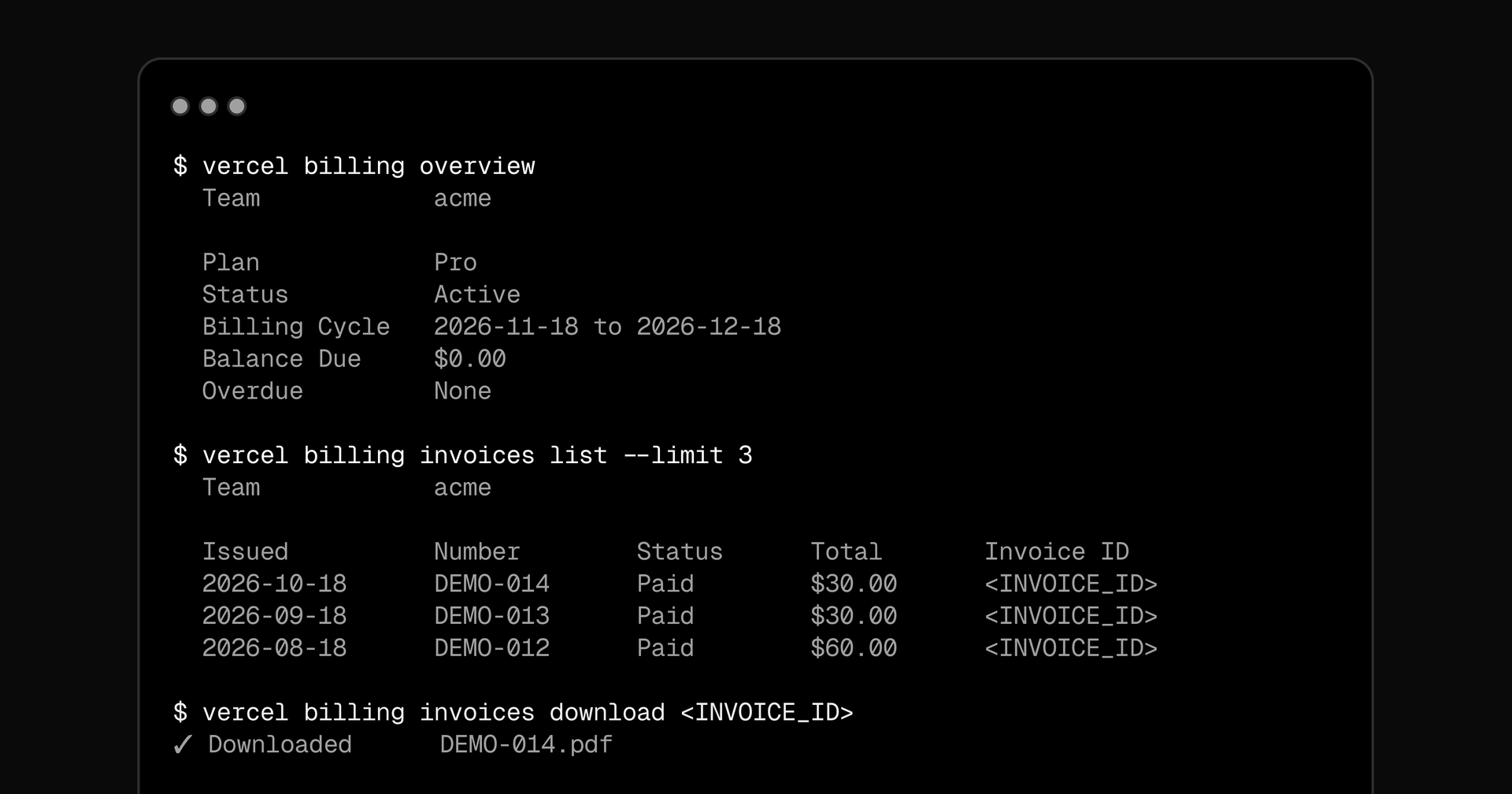
You can now check your team’s billing overview, review and download invoices, and preview upcoming charges with the Vercel CLI. All billing commands, including usage, contracts, and budgets, are now grouped under vercel billing.
Billing overview and invoice history are available on all plans, subject to your team’s existing billing permissions. Upcoming invoice estimates require an active paid subscription.
Copy link to headingBilling overview
Check your team’s plan, billing status, billing cycle, balance due, and overdue invoices:
# View billing for the current teamvercel billing overview
# View billing for a specific teamvercel billing overview --scope <team>
In CLI 65.17.0 and later, this overview also includes configured invoice details such as your billing address, tax ID, and purchase order.
Copy link to headingInvoices and upcoming charges
Use vercel billing invoices to review invoices, download PDFs, and preview upcoming charges. For inspect and download, replace <INVOICE_ID> with a full invoice ID from the list output:
# List the three most recent invoicesvercel billing invoices list --limit 3
# Inspect an invoicevercel billing invoices inspect <INVOICE_ID>
# Download the same invoice as a PDFvercel billing invoices download <INVOICE_ID>
# Preview your next invoice and its line itemsvercel billing invoices upcoming
Upcoming charges are estimates and may change until the end of the billing period.
For scripts and agents, add --json to vercel billing overview or any vercel billing invoices subcommand for structured output.
Existing usage, contract, and budget commands now also use the same prefix:
vercel usage→vercel billing usagevercel contract→vercel billing contractvercel budgets→vercel billing budgets
The previous command names continue to work as aliases.
To get started, update your Vercel CLI with vercel upgrade. Learn more in the Billing & Invoices documentation.