
Speed Insights and Web Analytics now fully support custom environments.
Previously, data captured on deployments to a custom environment was attributed to the Preview environment. That data is now attributed to the custom environment it came from, so you can track performance and traffic for staging, QA, or canary environments separately from Production and Preview.
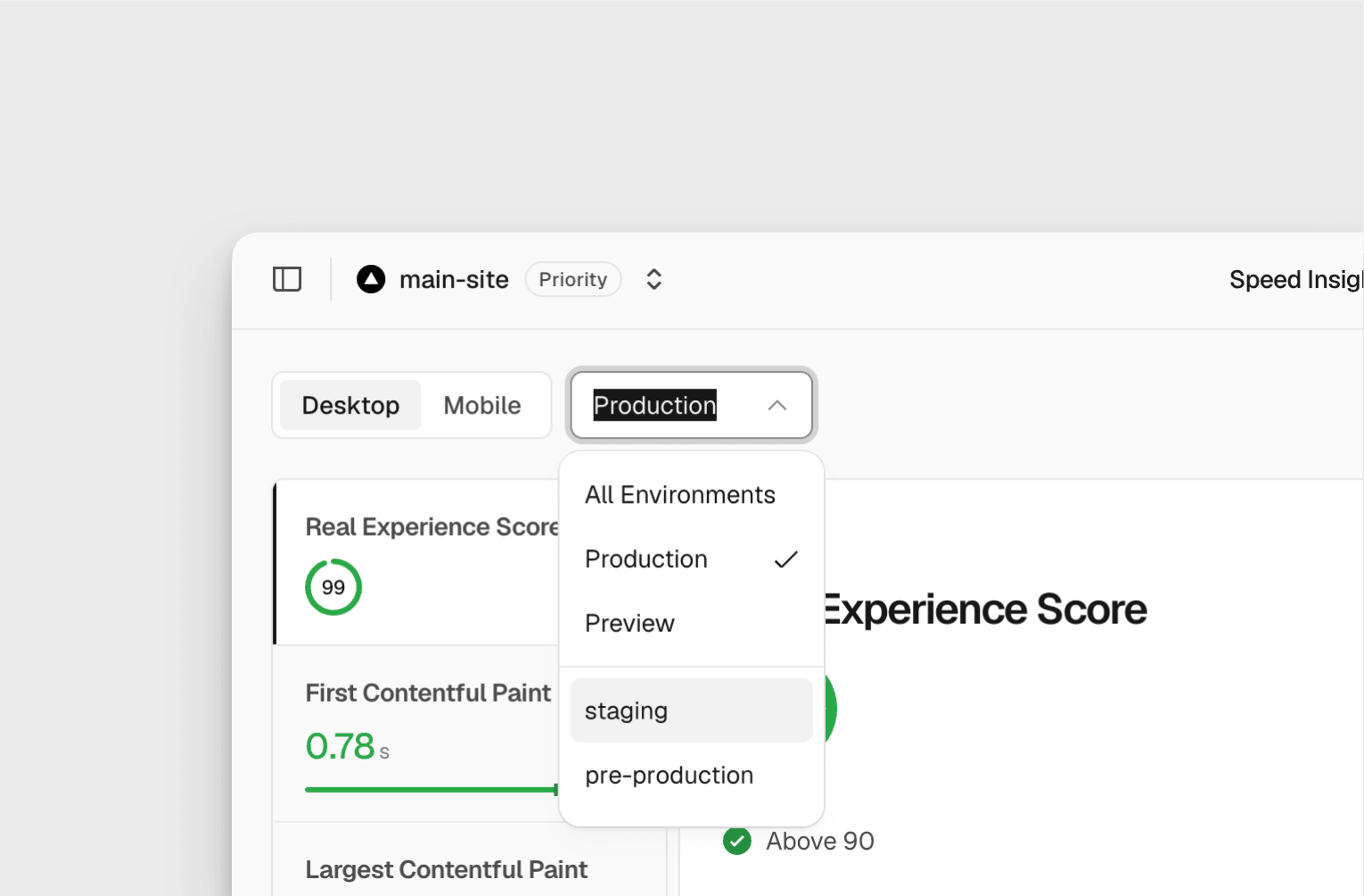
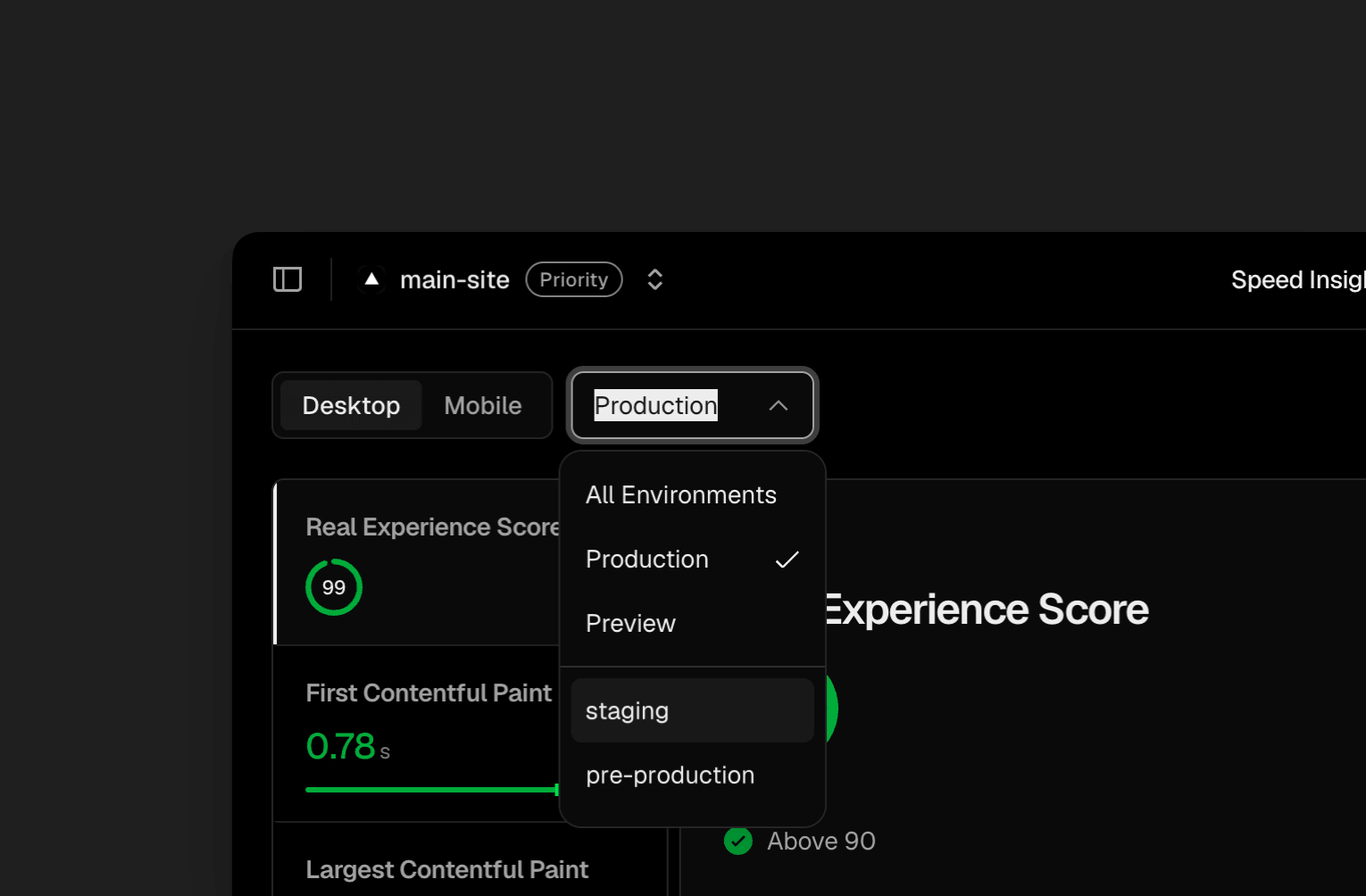
You can view this data in several places:
Dashboard: use the Environment dropdown in Speed Insights and Web Analytics to pick a custom environment
CLI: query it with the
vc metricscommandQuery builder: filter and break down by environment
Aggregation API: query it programmatically (Web Analytics only)
This change only affects how data is attributed. No new data points are collected, and no configuration changes are needed.
Custom environments are available on Pro and Enterprise plans. Learn more in the environments documentation.