Route outbound requests through static IPs, compatible with services and firewalls that require IP whitelisting.
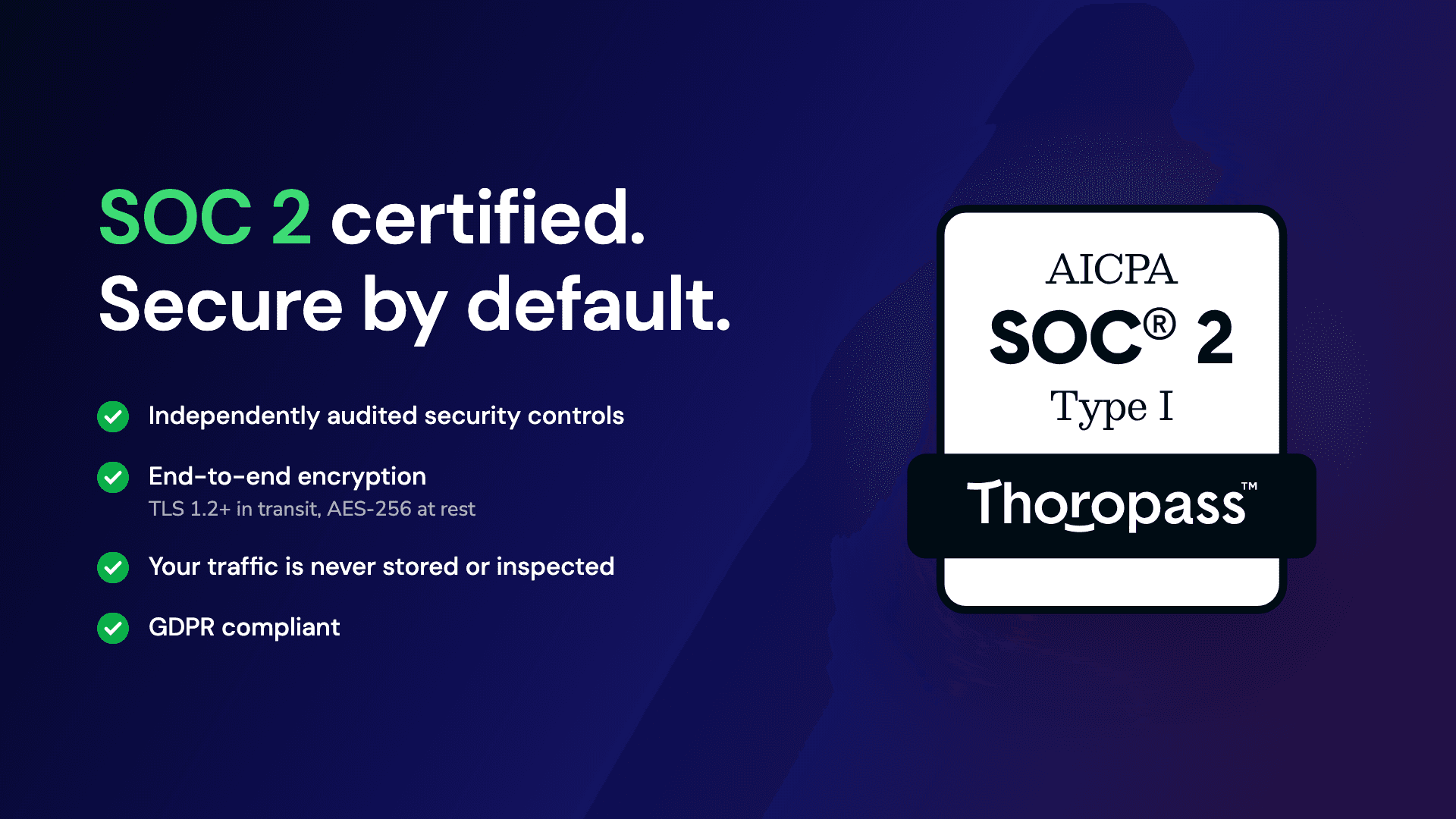
Fixie is SOC 2 certified and GDPR compliant - easy to approve in enterprise security reviews.
Traffic is routed through a proxy cluster with health monitoring, load-balancing, and automated failover — 99.98% uptime.
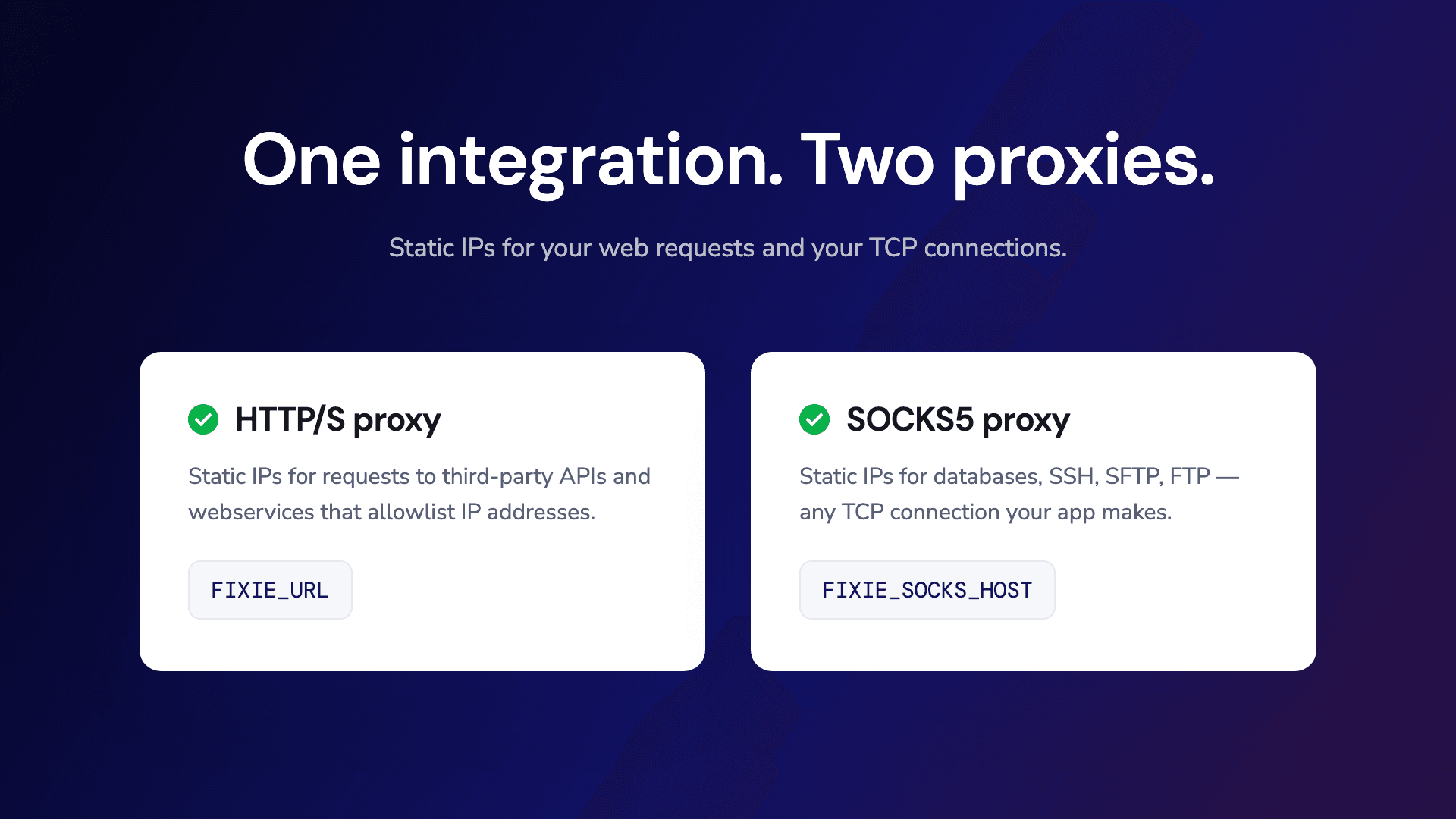
A traditional HTTP/S proxy, plus any TCP connection over Fixie’s static IPs.
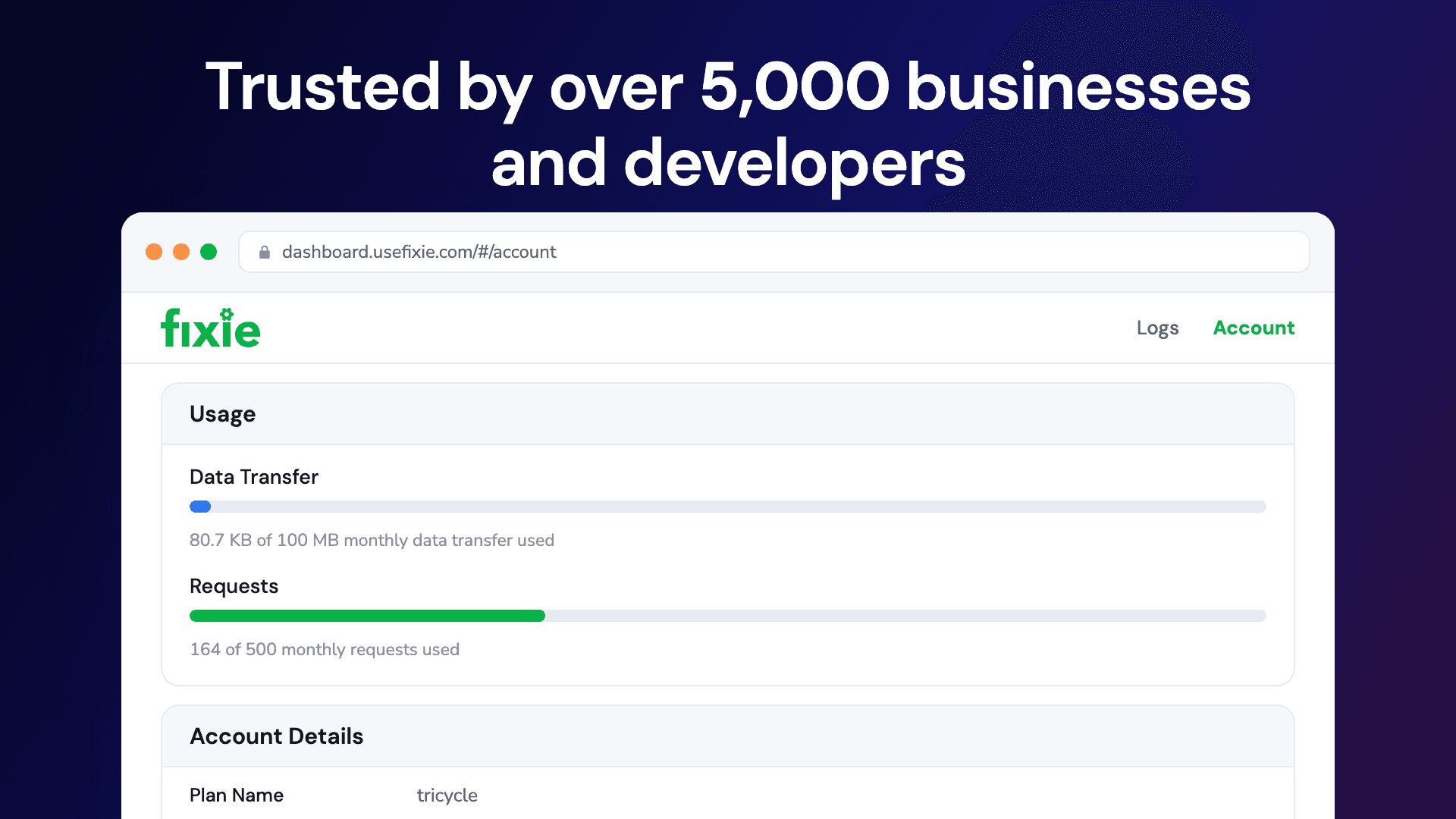
The Fixie dashboard provides days of logs and real-time usage monitoring.
Fixie creates an Environment Variable for your connected Vercel project — use it with any language or framework.
The Fixie documentation includes code samples in many languages and frameworks. Here, we will look at one common example - Javascript next.js application.
Sign up or connect Fixie via Vercel Marketplace by clicking “Add Integration”
Select “Create New Proxy Application”. By selecting a Vercel project to connect, Fixie will set a relevant environment variable in Vercel. Follow the steps to complete the creation.
Update your application logic to use new proxy.
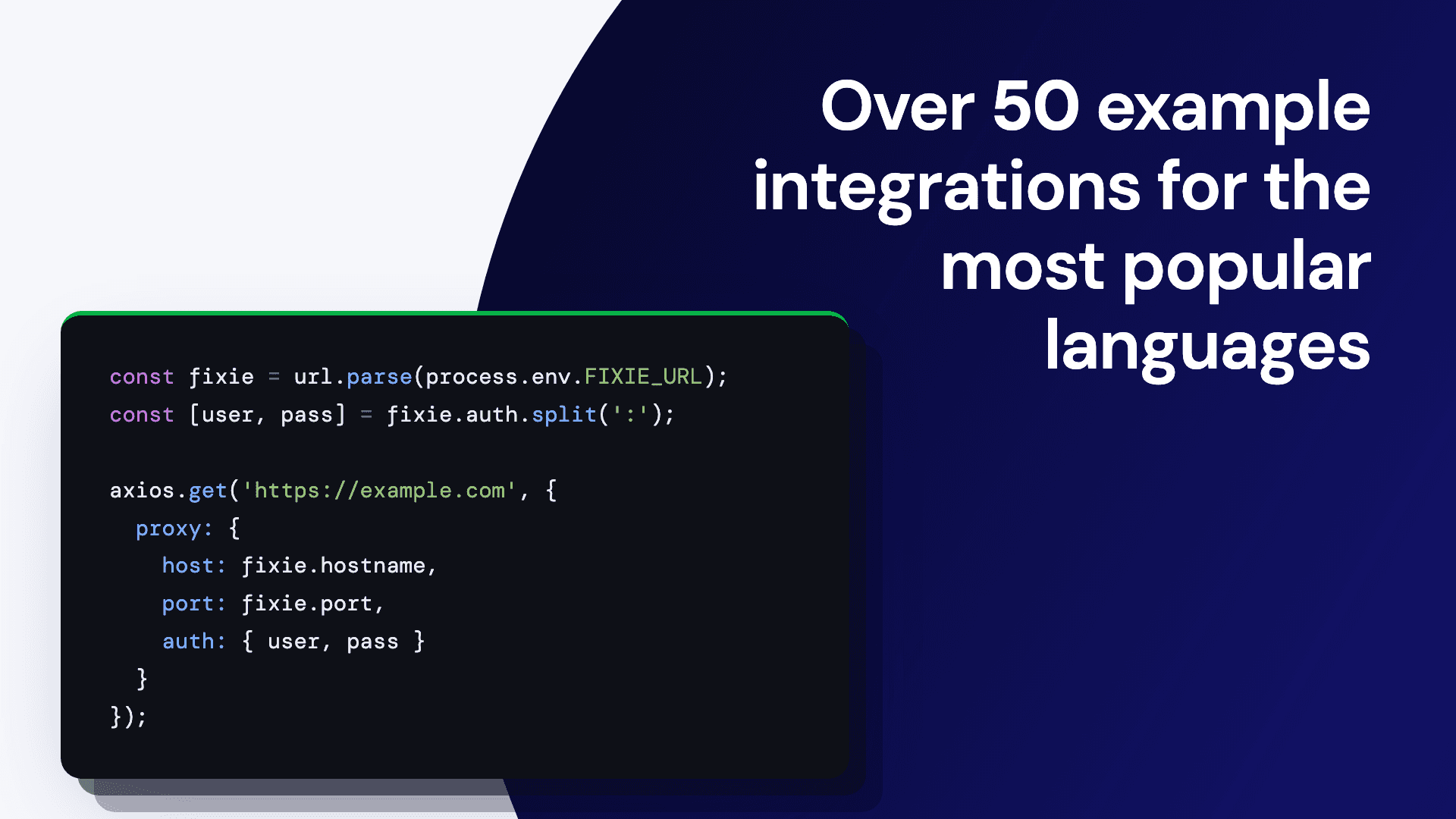
In this case, we will use FIXIE_URL as HTTP proxy is readily supported by most Javascript clients, including the popular Axios library.
const axios = require('axios');
const url = require('url');
const fixieUrl = url.parse(process.env.FIXIE_URL);
const fixieAuth = fixieUrl.auth.split(':');

axios.get('https://example.com', {
  proxy: {
    protocol: 'http',
    host: fixieUrl.hostname,
    port: fixieUrl.port,
    auth: {username: fixieAuth[0], password: fixieAuth[1]}
  }
}).then(response => {
  console.log(response.status);
});
