

Any MCP client can now ask to connect to Vercel MCP. You still log in and approve each connection, but the client no longer has to be reviewed by Vercel first. Previously, Vercel reviewed and allowlisted each client and its redirect URIs by hand, and anything not on the list was rejected.
To connect, a client publishes a Client ID Metadata Document (CIMD), a JSON file on its own domain that describes it, and uses that file's HTTPS URL as its OAuth client_id. This follows the MCP authorization spec, which now recommends CIMD over Dynamic Client Registration.
Because Vercel hasn't reviewed these clients, the consent screen shows where each one comes from: its name, its logo, and the hostname that serves its metadata document, for example "Claude Code by claude.ai". CIMD clients don't get the Vercel verified badge, so the hostname is what you're trusting when you approve.
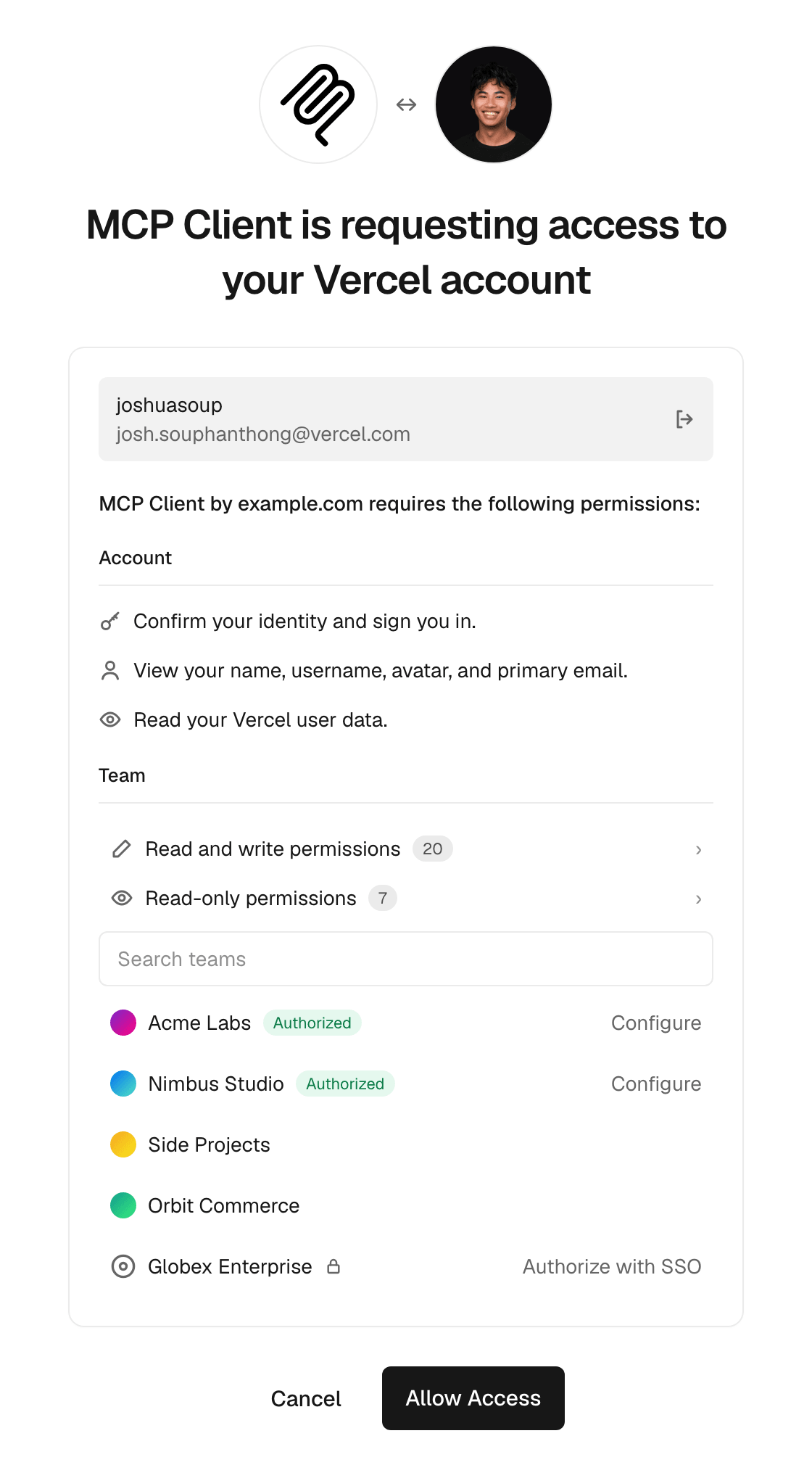
Apps already registered with Vercel are unchanged.
Read the Vercel MCP documentation to connect your client.