


Vercel Connect now supports Enterprise-Managed Authorization (EMA) in public beta. Your apps and agents can access supported services on behalf of signed-in users without separate consent prompts for each service.
Here's how access works:
Admin-managed access: Administrators can grant or revoke access to supported services through the identity provider.
Corporate sign-in: Users sign into your app with their corporate account through a compatible identity provider such as Okta.
Scoped tokens: Your app requests the scopes it needs, and Connect handles token exchange, caching, and renewal. Access is limited to approved scopes and the user’s existing service permissions.
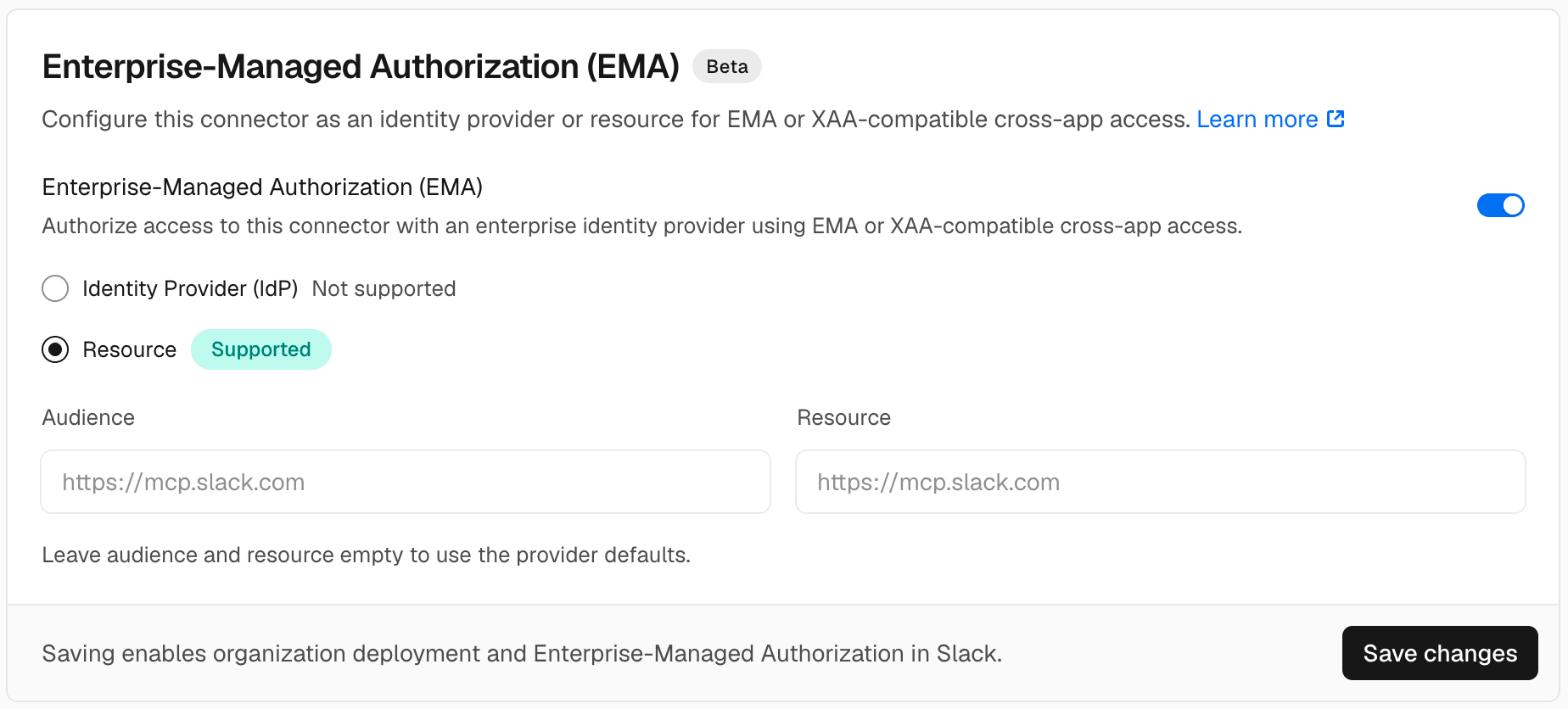
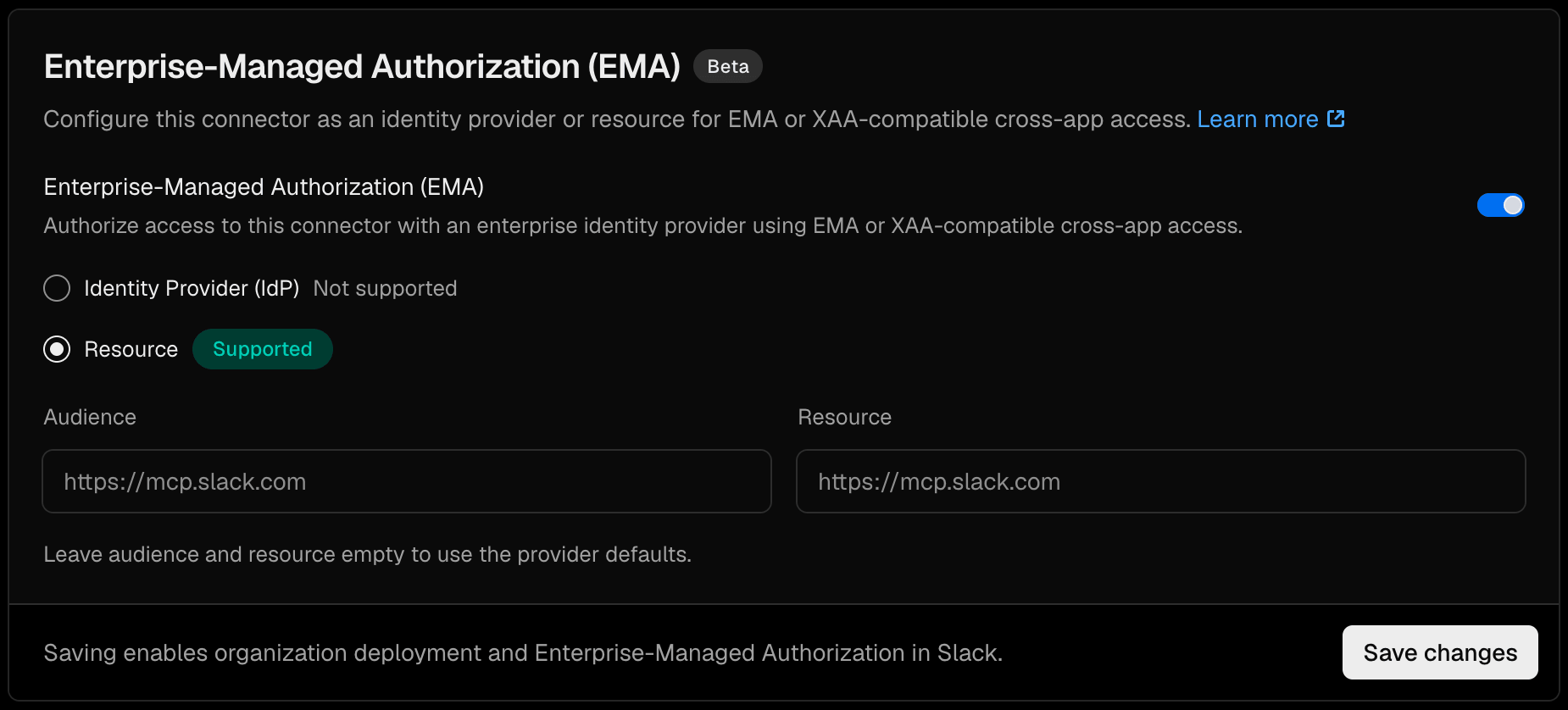
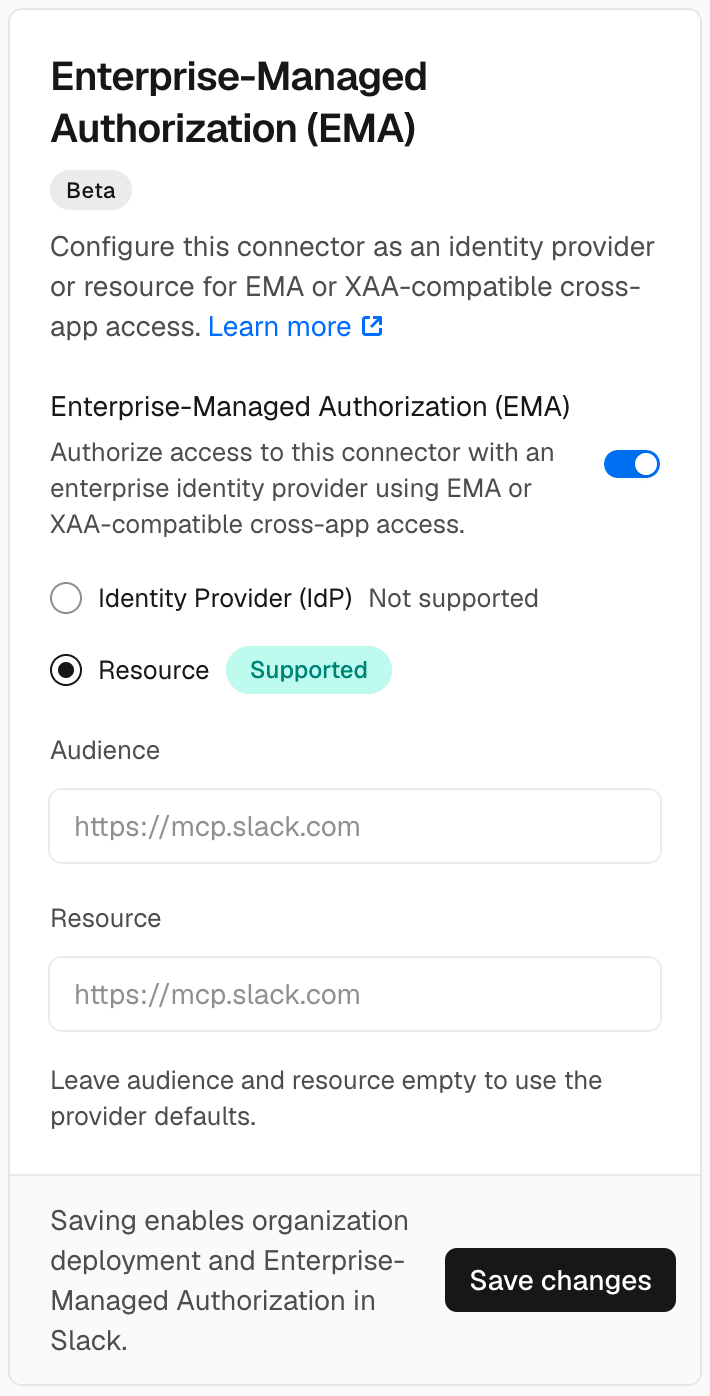
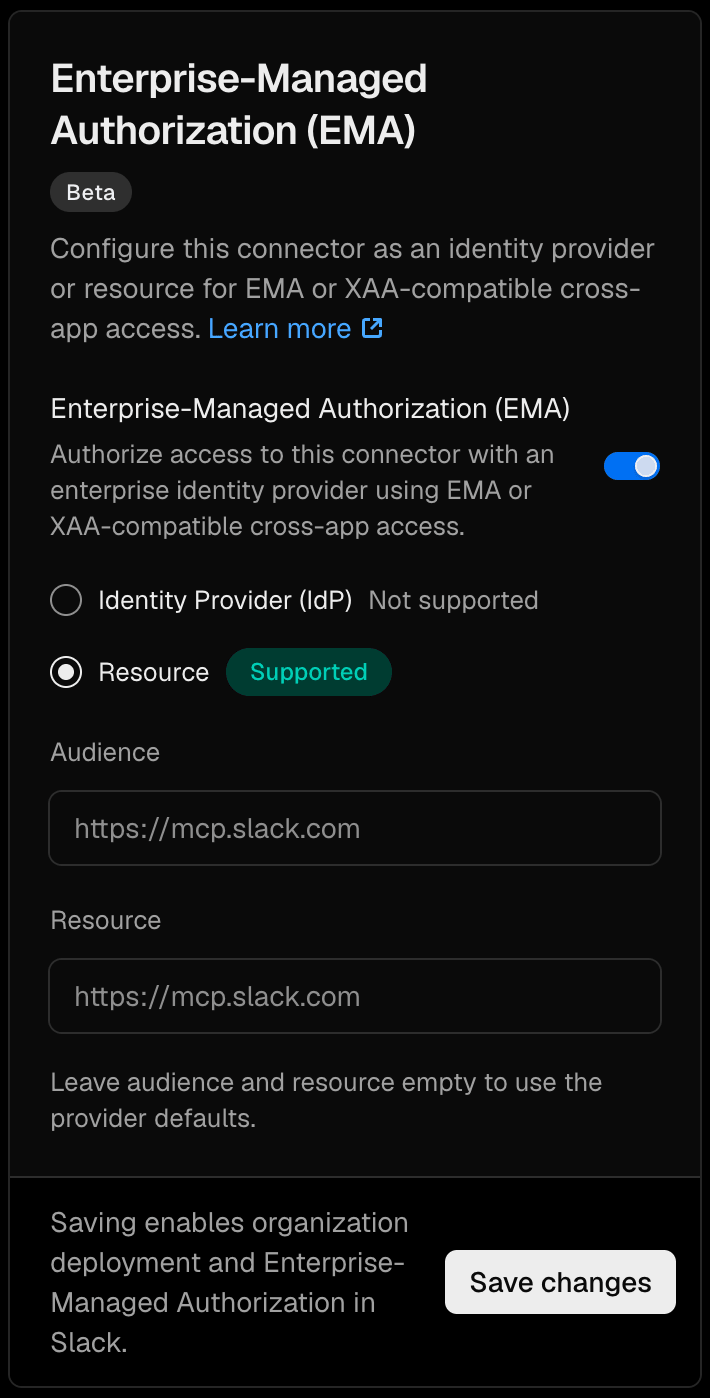
If your app uses Vercel Passport, you can request a token for Slack’s Model Context Protocol (MCP) server with the signed-in user’s identity:
import 'server-only';import { getToken } from '@vercel/connect';import { requireIdentity } from '@vercel/passport';export async function getResourceToken(scopes: string[]) { const identity = await requireIdentity(); return getToken('oauth/resource', { subject: identity, scopes });}EMA-enabled getToken with the Passport identity
Connect supports Cross-App Access (XAA), including its use for MCP authorization through EMA. Follow the Vercel Connect EMA setup guide to configure your identity provider and services and enable EMA on their Connect connectors.