


Speed Insights now measures soft navigations: client-side route changes that update page content without a full reload. This means you can now track performance as users move through your app, not just on full-page loads.
Speed Insights captures LCP, FCP, INP, and CLS for soft navigations and includes these measurements in your Real Experience Score. TTFB is not captured because there is no new document request.
Soft-navigation tracking is enabled by default for all projects using Speed Insights, with no action required. It works with modern web frameworks such as Next.js, SvelteKit, and Nuxt, in Chromium-based browsers.
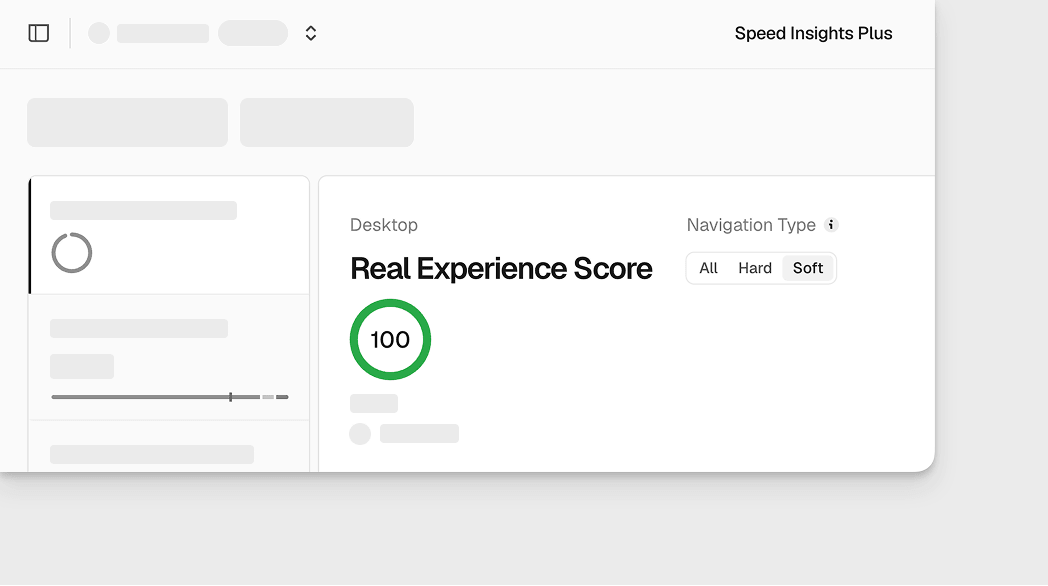
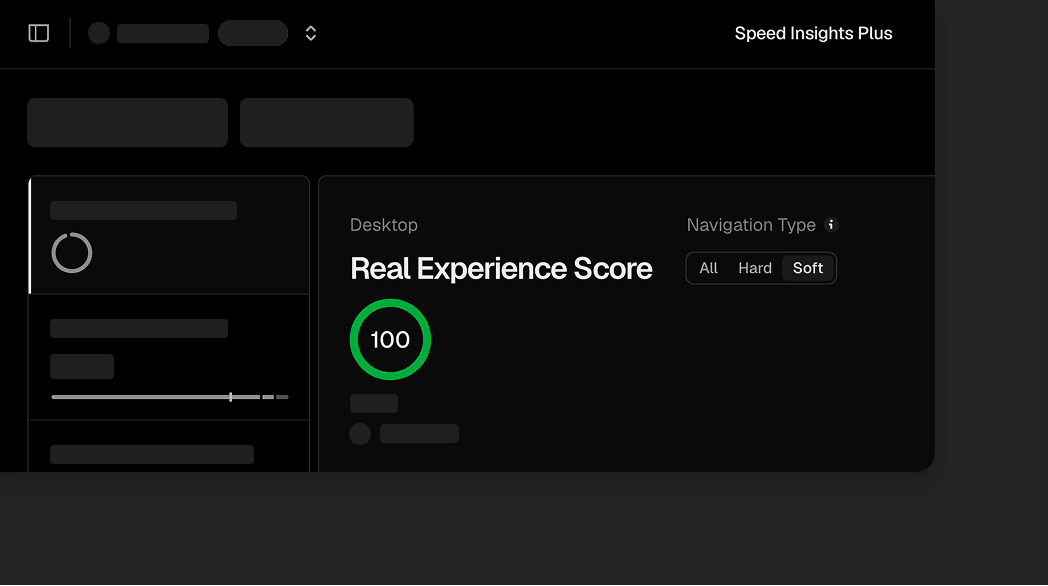
In your project's Speed Insights dashboard, use the new Navigation Type filter to view All, Hard, or Soft navigation data.
Soft-navigation events count toward Speed Insights Plus usage. Existing Plus customers will receive an email with details about when billing for these events begins. For projects that newly enable Plus, these events are billed from the start.
To disable soft-navigation tracking, set softNavs to false in your application code and redeploy. This option requires @vercel/speed-insights version 2.1.0 or later:
<SpeedInsights softNavs={false} />// orinjectSpeedInsights({ softNavs: false });Disable soft-navigation tracking in your application.
Learn more in the Speed Insights documentation.