Product name
Product description
Free plan with generous quotas
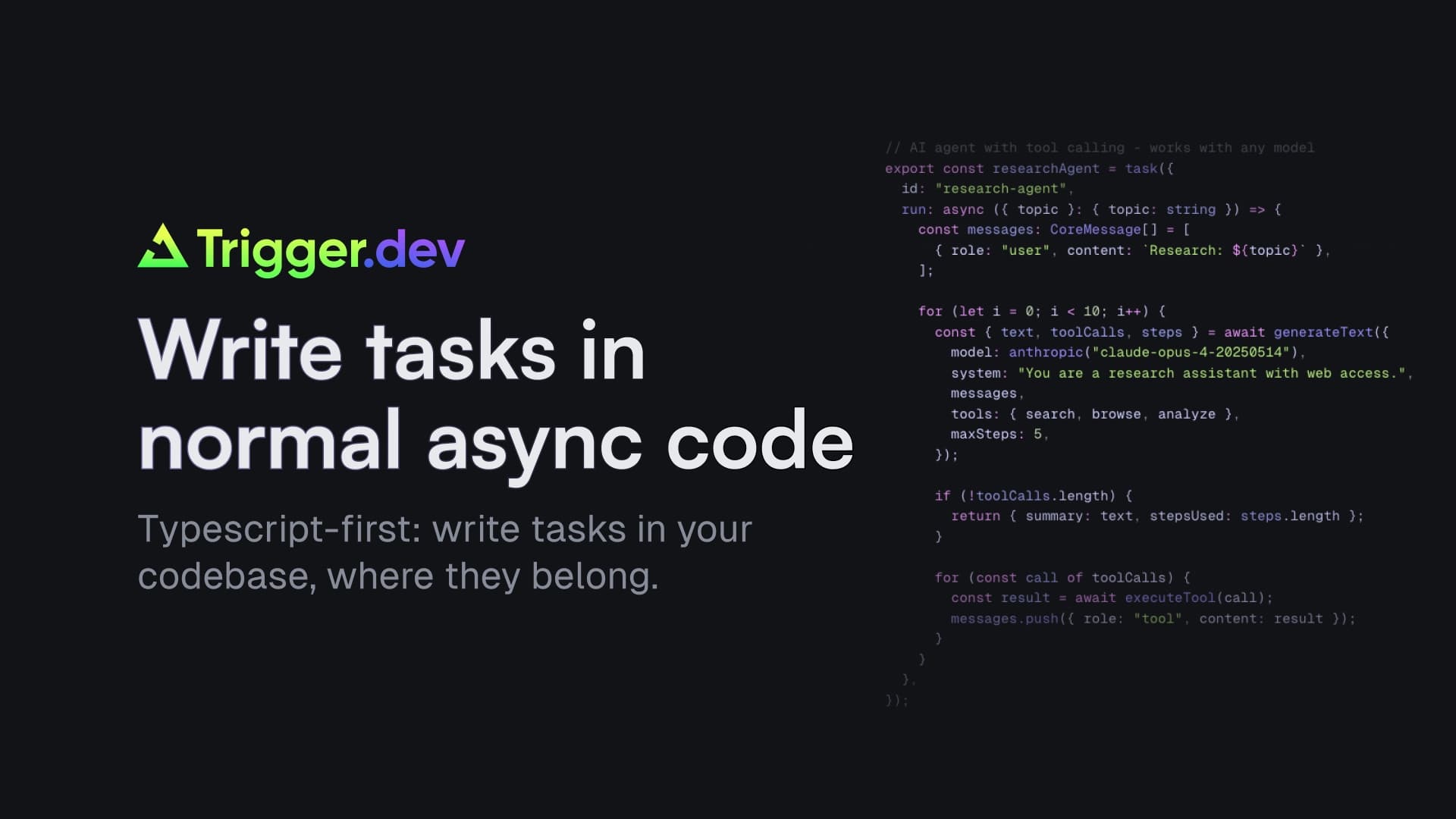
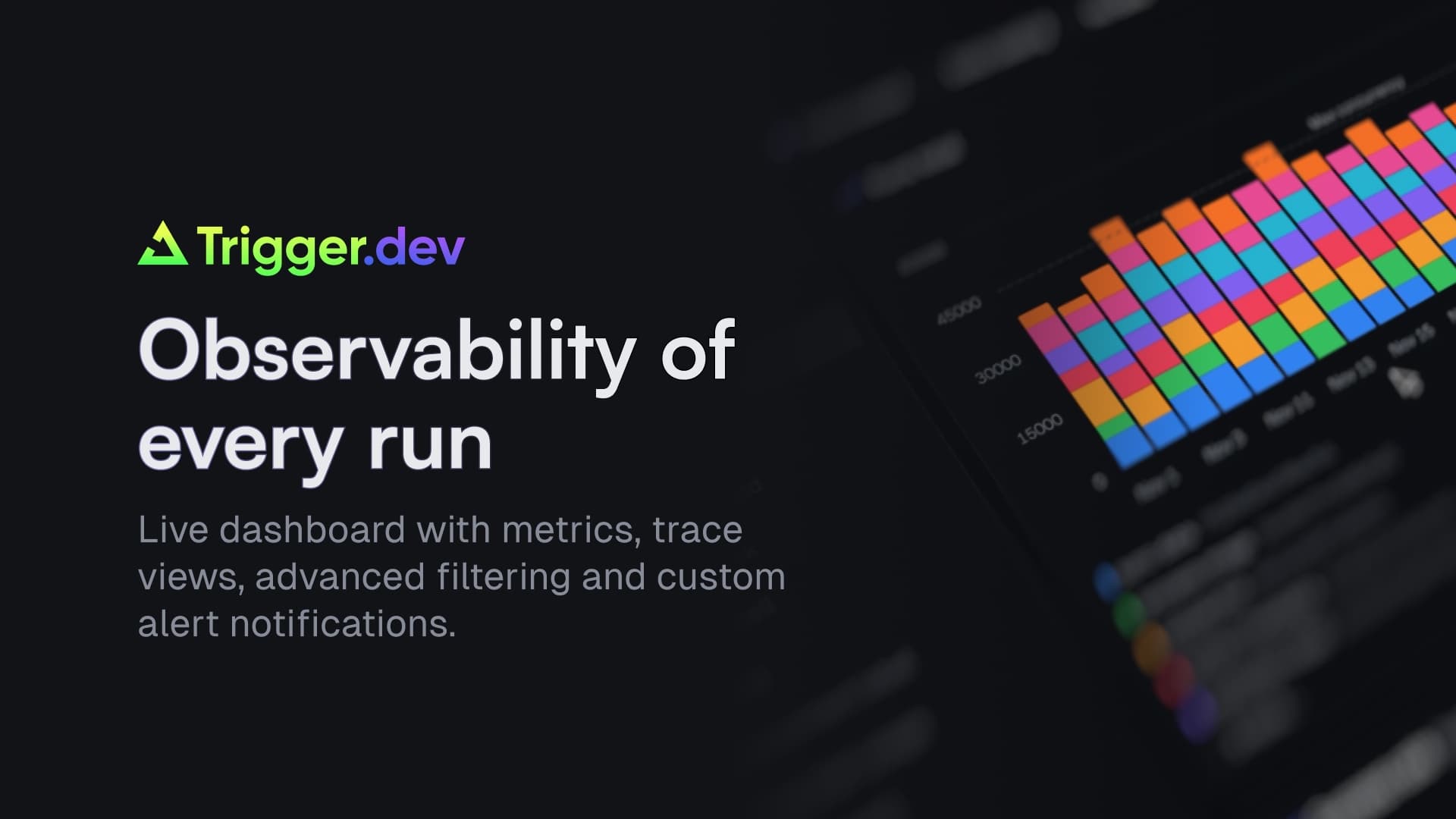
Trigger.dev is the open-source platform for durable AI agents and workflows in TypeScript. Write tasks in your existing codebase and get; no timeouts, automatic retries, queues, concurrency controls, elastic scaling and zero infrastructure to manage.
Build AI agent workflows, document processing, video pipelines, scheduled, complex multi-step automations and more. All with full observability, logs and tracing on every run.
Durable execution: Tasks run for as long as they need with retries, idempotency, and human-in-the-loop built in.
Realtime to your frontend: Stream LLM responses and task progress to your Next.js app with React hooks.
Vercel-native: Preview branch syncing and env variable sync across deployments.
There are two ways to connect Trigger.dev with your Vercel project:
Install directly from the Vercel Marketplace. You'll be guided through creating your Trigger.dev account, organization, and project which connects to your Vercel project automatically. Environment variables and GitHub integration are configured as part of setup.
From the Marketplace: Click connect, select your Trigger.dev organization and project, link it to your Vercel project, choose which environment variables to sync, and connect your GitHub repo.
From the Trigger.dev dashboard: Use the Vercel connect button in your project settings. You'll link your Vercel project, configure env variable syncing, and set preferences for atomic builds and new variable discovery.
Both paths sync your environment variables from Vercel and connect GitHub for automatic deployments. See our Vercel integration guide.
