Product name
Product description
Free plan with generous quotas
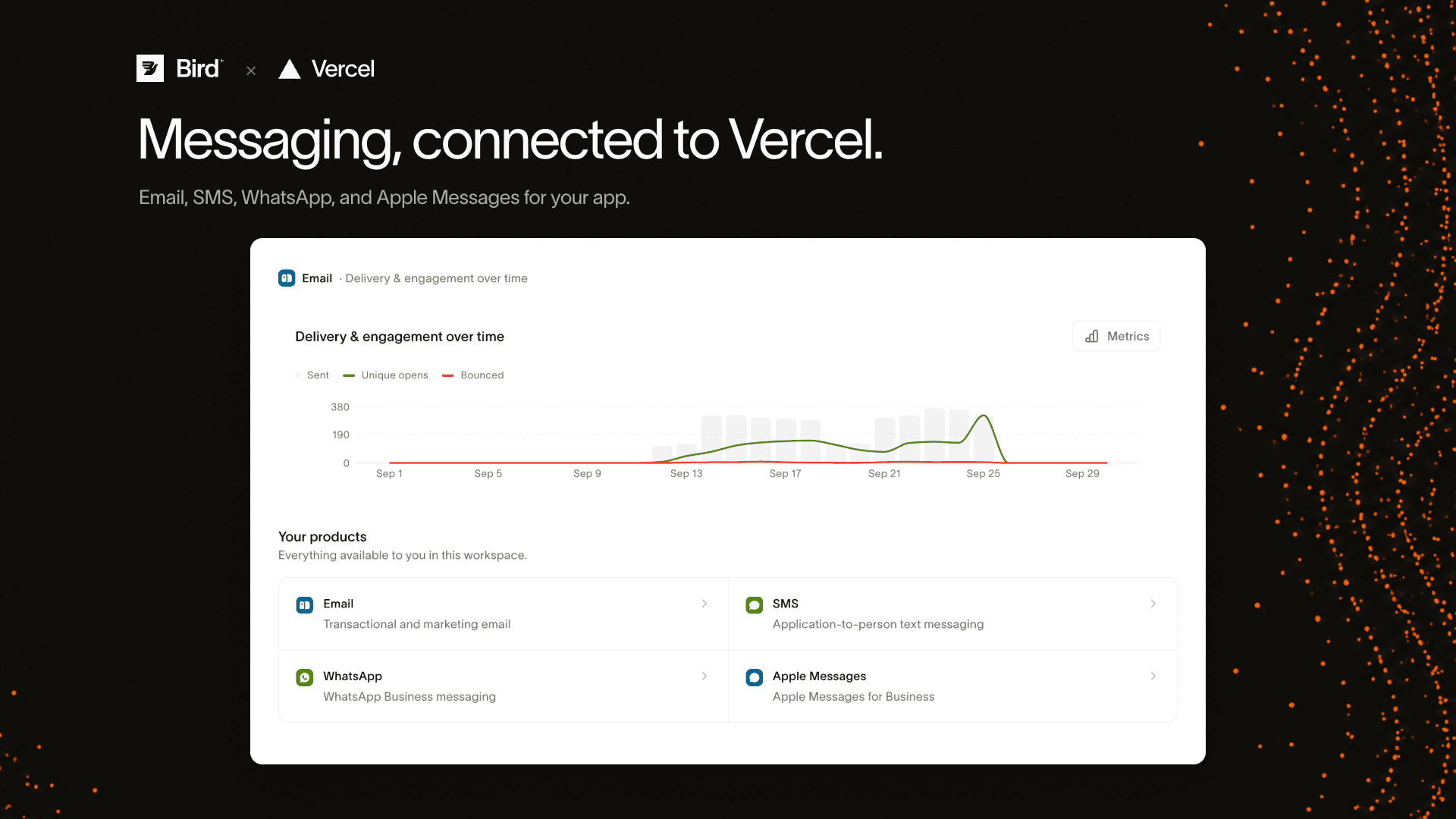
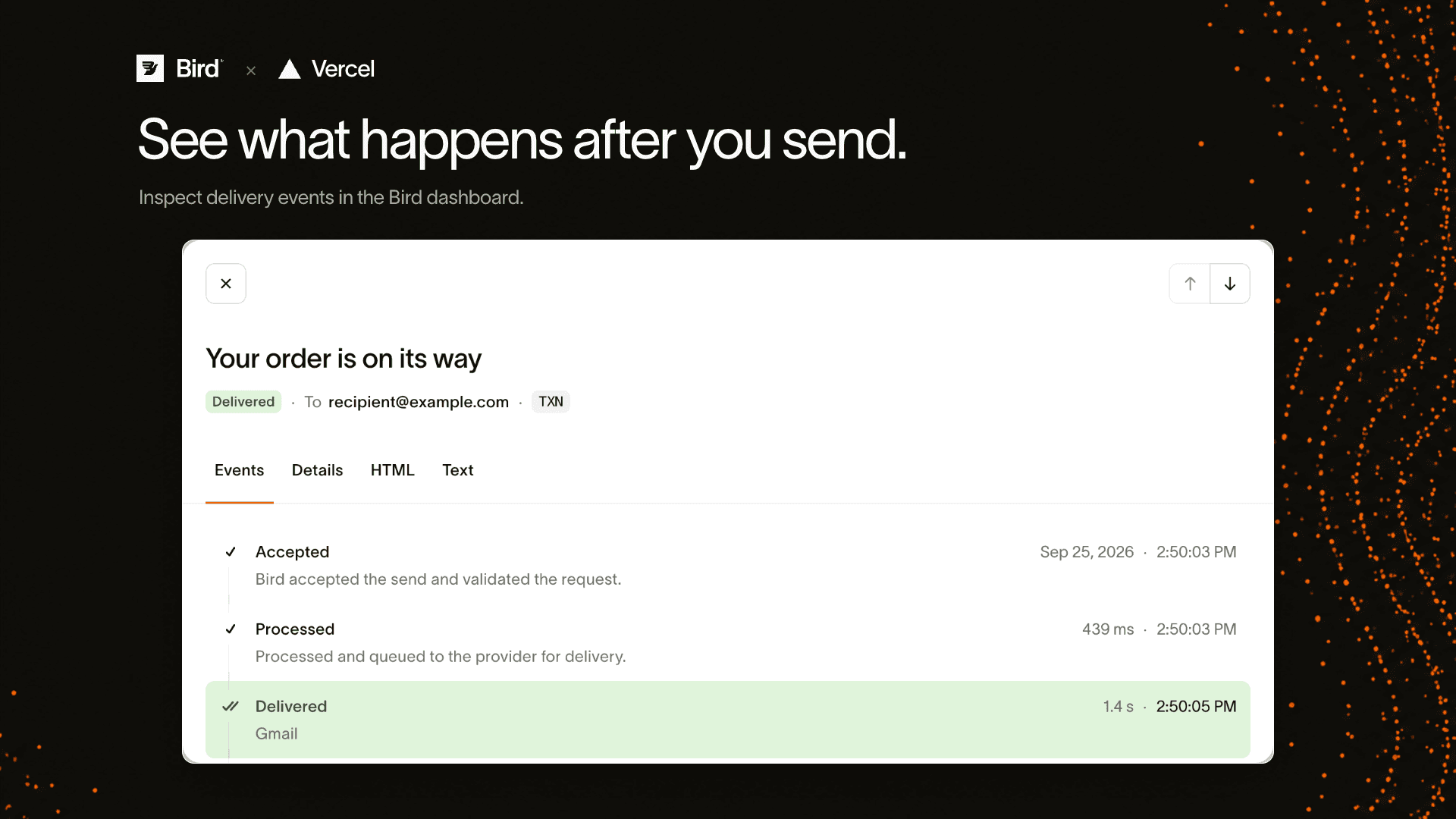

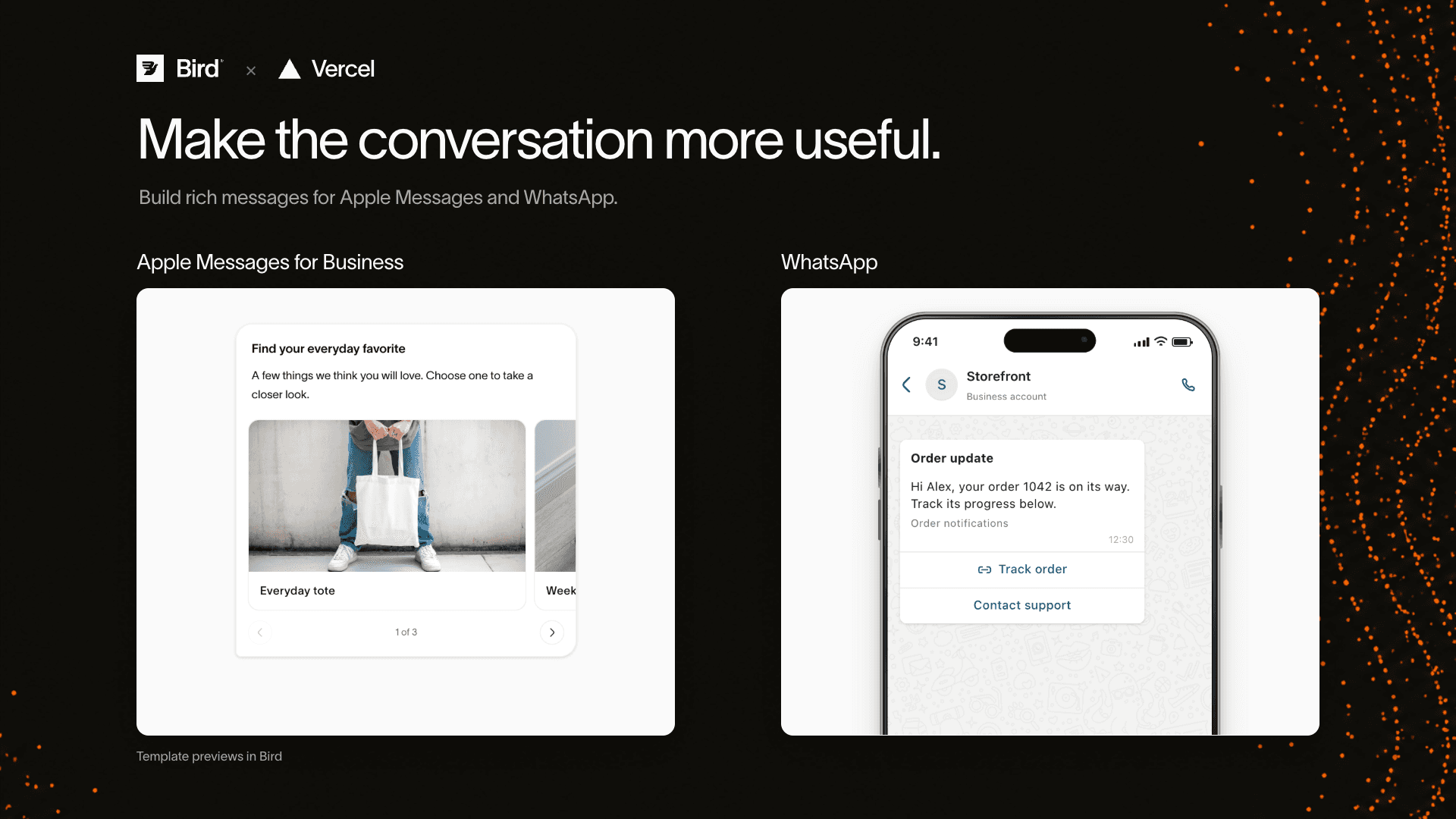
Build customer messaging into your Vercel app with Bird. Send email, SMS, WhatsApp, and Apple Messages for Business through Bird APIs, then inspect delivery and engagement in the Bird dashboard.
Use email for receipts and welcome messages, SMS for alerts, and rich conversations on WhatsApp and Apple Messages for product choices, order updates, and support.
Connect your Bird workspace, choose Vercel projects and Preview or Production environments, then create and save a sending API key for each project environment. The integration also saves your workspace's regional API endpoint.
Channel availability depends on your Bird workspace and completed channel setup.
The integration saves these encrypted environment variables in the project environments you select:
BIRD_API_KEY: authenticates server-side requests to Bird.BIRD_API_BASE_URL: the API endpoint for your Bird workspace's region.Preview is selected by default; Production is opt-in. Each selected project/environment gets its own key with your available sending permissions.
Finish installation in Vercel, then redeploy your app to load the variables. Complete sender setup and any required channel approvals in Bird before sending.
Manage key permissions, expiry, and revocation in Bird. Removing the integration leaves Bird keys active; Vercel removes the variables it owns. Existing deployments can retain earlier values.
