Publish to a Domain
The site looks great inside v0. But "inside v0" is a preview. To send it to a friend (or a customer, or your mom), it needs a real URL on the real internet.
This part takes about a minute.
Publish to production
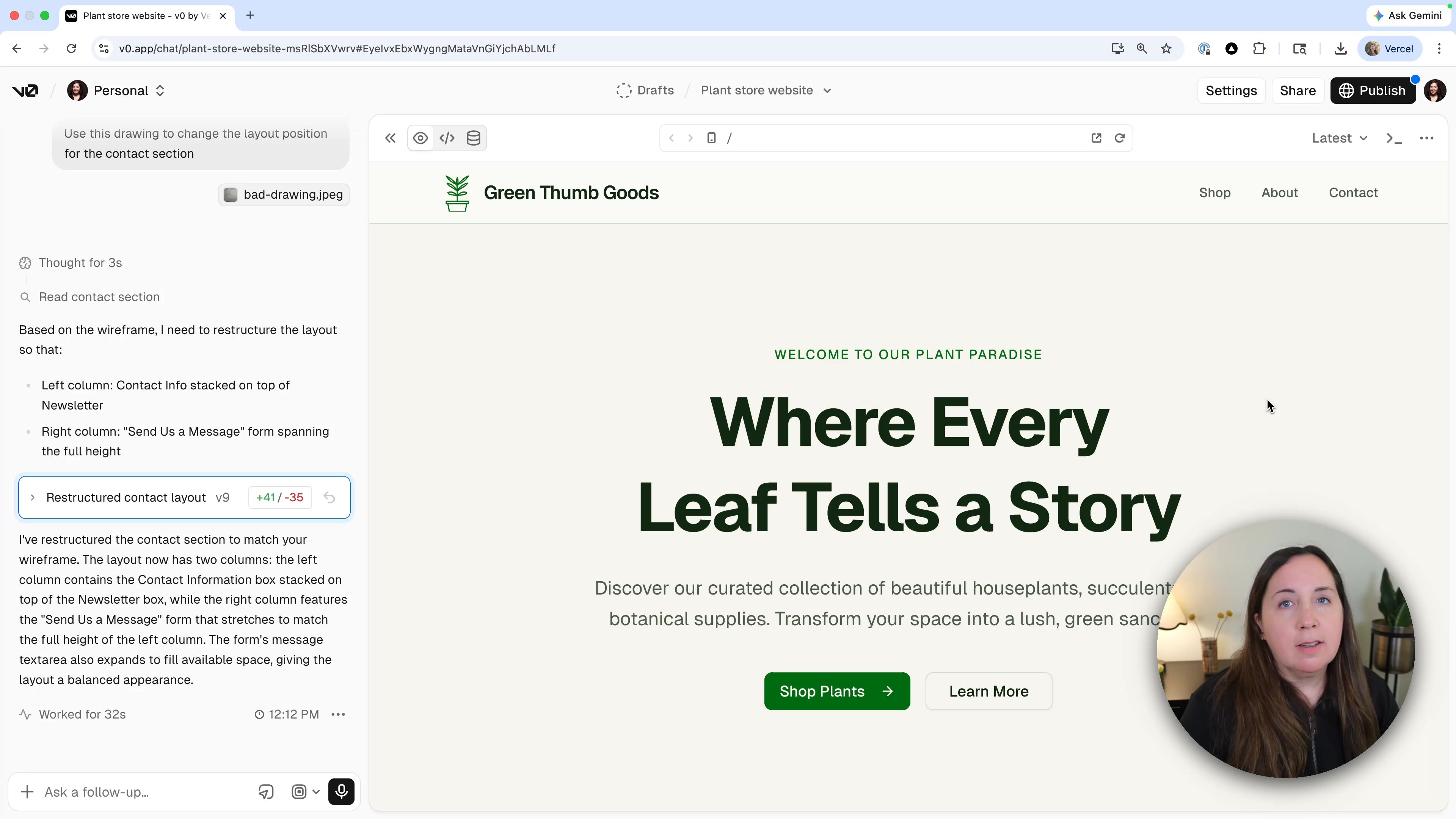
Top right corner of v0: the Publish button. Click it, then click Publish to Production.
v0 hands the project to Vercel, which builds and hosts it. Roughly 30 seconds later, you'll get a live link. That link is real. Anyone with it can see your site.
Buy a custom domain
The default URL is functional but not memorable. To upgrade it, click Customize and then Buy a Domain.
Vercel is also a domain registrar, so you can search and purchase right inside the same dashboard. Search for your shop name (in the video, we tried greenthumbgoods and grabbed .city because it was cheap and on-theme).
After checkout, click Configure, then Connect to Project, and point the new domain at your plant store project.
Settings tour
Once your site is live, the Settings section over on Vercel becomes more interesting:
- Analytics shows you who's visiting (right now, just you, but not forever).
- Integrations is where we'll connect Supabase and Resend in the next two lessons.
- Domains is where you'd add more domains or change DNS later.
Recap
- Publish sends your site to Vercel and gives you a live URL.
- Custom domains can be bought and connected in the same flow.
- v0 builds it, Vercel hosts it, and your domain points people to it.
Was this helpful?