Email with Resend
The database is great, but it's a pull system. Someone has to remember to check it. A real plant shop owner wants to know when a message comes in, not whenever they get around to opening the dashboard.
That's email's job. Specifically, Resend's job.
Get a Resend API key
Head to resend.com and log in (or sign up if it's your first time). The first thing you want is an API key.
Click Add API Key, name it something like green-thumb-goods, and copy the value. That string is your credential. It's how Resend knows requests are coming from you and not someone pretending to be you.
Tell v0 about the key
Back in v0:
okay, I have a Resend API key now. Where do I put it?
v0 will surface a field for the key and ask for a contact email, the inbox where notifications should land. Paste the key, drop in your email, hit submit.
Behind the scenes, v0 just added an environment variable to your project. That's a fancy term for a small piece of configuration that lives outside your code.
Redeploy after adding env vars
Anytime you change an environment variable, you need to publish a fresh deployment for it to take effect. Click Update to push a new production deploy.
This step is easy to forget and confusing when you do. If your email notifications aren't working after setup, the redeploy is the first thing to check.
Test the full loop
Head to your live site and submit a real (well, real-ish) message:
Email: fake@reallyfake.com
Message: test message to see if email notifications are working.
Three things should happen:
- The site shows a "message sent" confirmation.
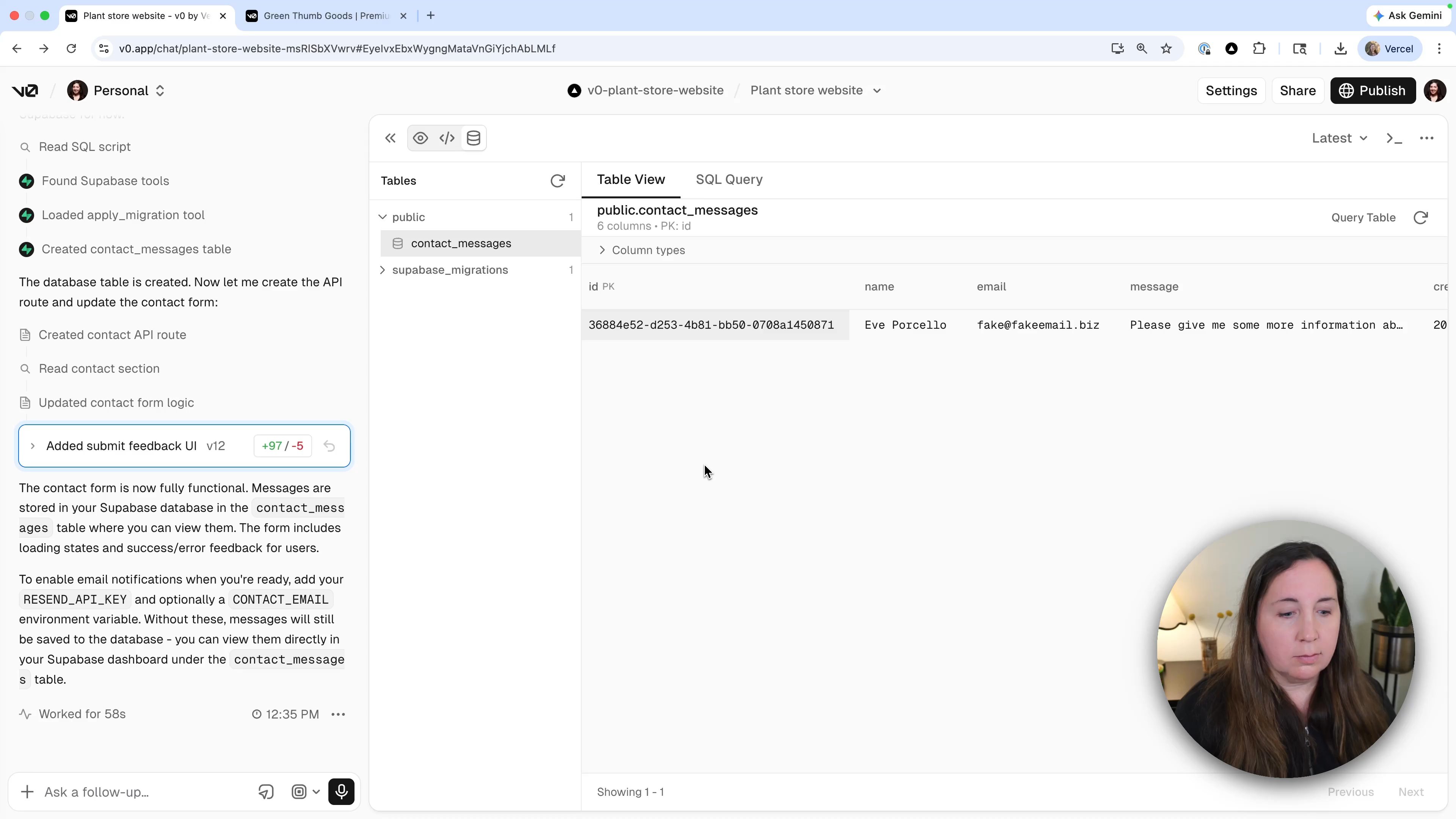
- The message appears in your Supabase contact_messages table when you refresh.
- An email arrives in your inbox with the submission details.
If the email shows up, the whole loop works: form to database to inbox.
Recap
- API keys identify your account when one service talks to another.
- Environment variables store credentials safely outside your code.
- Redeploy after changing environment variables.
- Test end to end (site, database, email) to confirm everything's wired up.
Was this helpful?