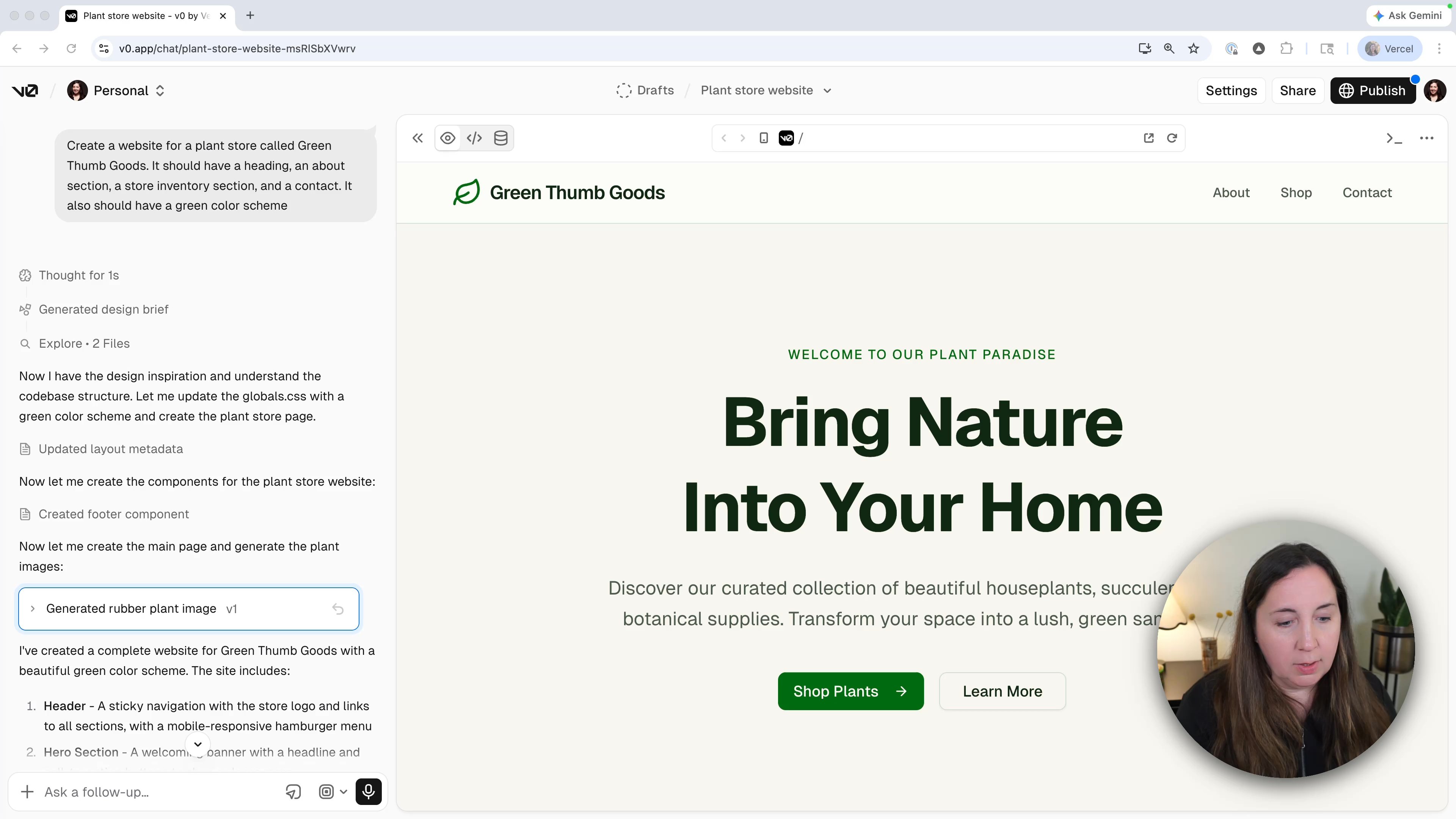
Customize with Prompts
The first prompt got us 80% of the way there. The remaining 20% is where v0 starts to feel like a real tool, not a party trick. We're not going back to a blank page to redo it. We're talking to the site we already have.
Check the mobile view
Before changing anything, click the mobile icon at the top of the preview pane. v0 shows you exactly how the site looks on a phone. Click it again to switch back to desktop.
Most of what v0 generates is responsive out of the box. Worth a glance though, because every change we make from here will affect both views.
Rename or restructure with a prompt
Don't like the navigation? Tell v0.
switch shop and about links in the header nav
That swaps the order. Same pattern works for anything visible: rename a section, add a button, move a contact form, change a color. The trick is to be specific about what and where.
Use v0 as a copywriter
This is the part most people miss. v0 doesn't just design. It can write. If a piece of copy doesn't sound right, ask for alternatives.
I like "bring nature into your home", but can you give me three other
tagline suggestions to choose from?
v0 will pop up a little quiz interface with options. Pick one, and it slots straight into the design.
Recap
- Toggle mobile preview to see how each change affects phones.
- Use prompts to restructure anything visible: links, sections, layout.
- Ask for copy options instead of writing it yourself. v0 is a designer and a writer.
Was this helpful?