
Contentful CMS bulk redirects (vercel.ts) example
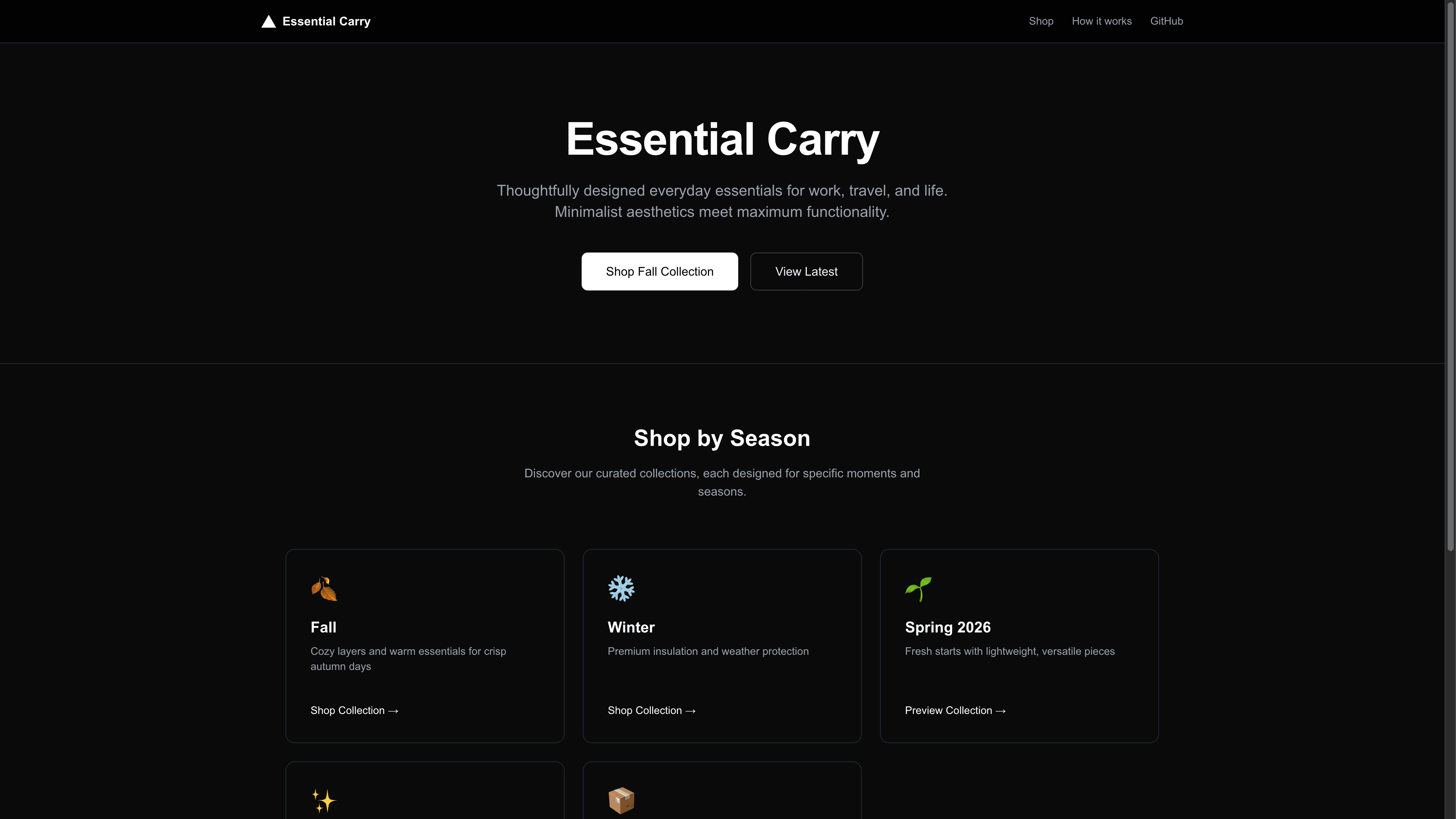
This example shows how to pull redirect entries from Contentful at build time, write them to a bulk redirects file, and publish them with the new vercel.ts config. The demo uses an e-commerce catalog so marketing can rotate seasonal URLs without shipping code.
Demo
https://cms-bulk-redirects.vercel.app
How to Use
You can choose from one of the following two methods to use this repository:
One-Click Deploy
Deploy the example using Vercel:
Clone and Deploy
Execute create-next-app with npm or Yarn to bootstrap the example:
Next, run Next.js in development mode:
Environment variables
CONTENTFUL_SPACE_ID– Contentful space IDCONTENTFUL_ACCESS_TOKEN– Content Delivery API token (CDA)
The example ships a small generated-redirects.json for local runs. When the environment variables are present, vercel.ts fetches real entries from Contentful and rewrites the bulk redirects file before build.
How it works
vercel.tsruns at build time. It pullsredirectentries from Contentful, transforms them into Vercel bulk redirect objects, and writesgenerated-redirects.json.- The
configexported fromvercel.tssetsbulkRedirectsPathto that file. Vercel publishes the redirects without touching Next.js routing, middleware, or edge functions. - The UI shows an e-commerce catalog with collections that map to redirect targets like
/catalog/fall-2025or/catalog/limited-edition. Legacy vanity paths such as/catalog/fallor/products/daybreak-packare captured by bulk redirects.
You can extend this pattern to any CMS: swap the fetch logic, keep the same bulkRedirectsPath.