New Project
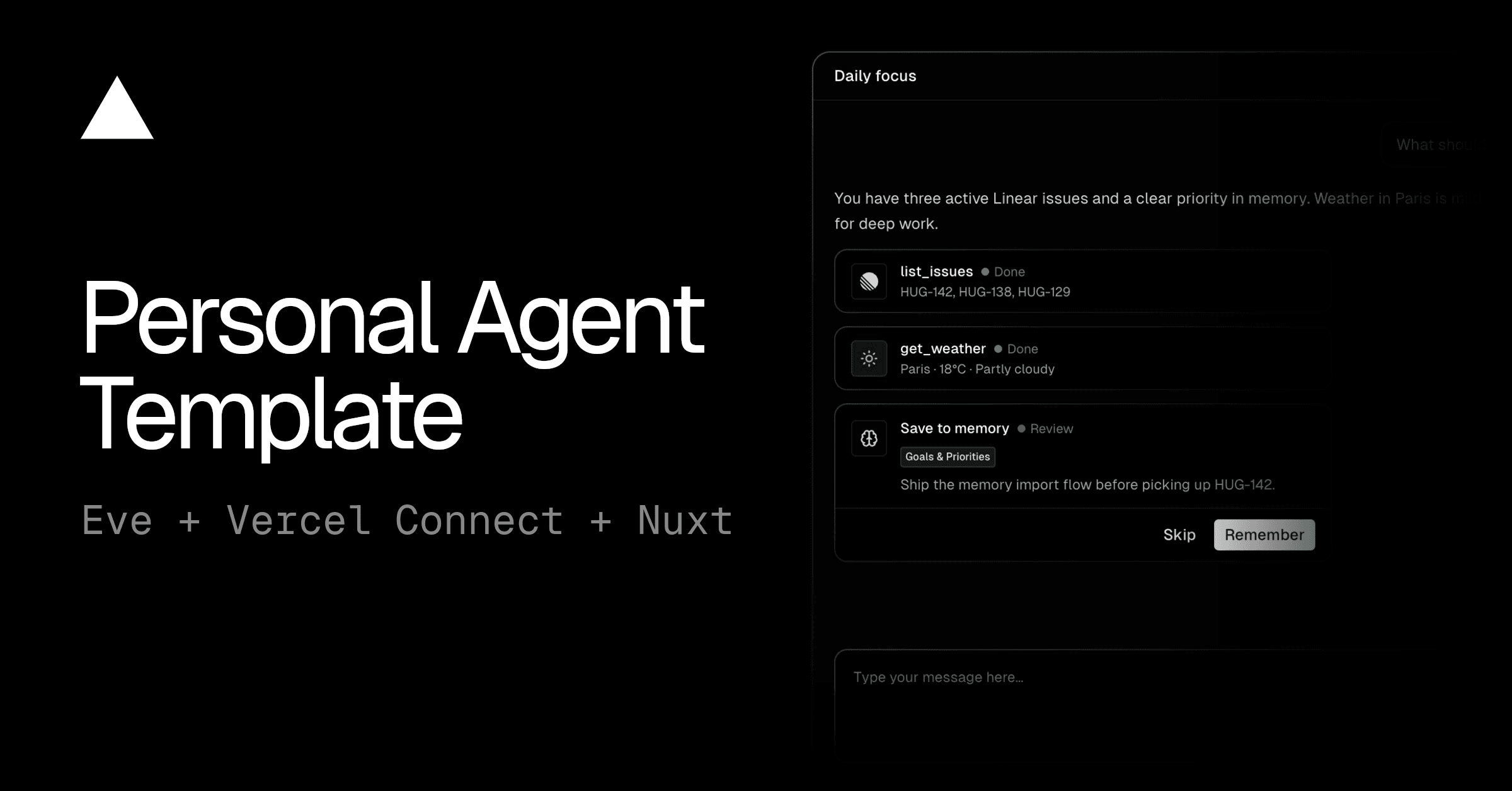
A Slack-based content assistant built on eve. Writers @mention it in Slack and it drafts blog posts, LinkedIn and X posts, release notes, and newsletters in your house voice, pulling source material from Notion and publishing approved pieces back to Notion as the signed-in writer.
Deploying with the button provisions everything the agent needs and wires it up for you:
SLACK_CONNECTOR, with the event trigger pointed at
/eve/v1/slack),NOTION_CONNECTOR),Once deployed, @mention the bot in your Slack workspace to start drafting.
| Layer | Technology |
|---|---|
| Agent framework | eve |
| Language | TypeScript (strict, ESM) |
| Chat surface | Slack, via Vercel Connect |
| Source & publishing | Notion (MCP), user-scoped OAuth via Vercel Connect |
| File storage | Vercel Blob |
| Model access | Vercel AI Gateway |
| Sandbox | Vercel Sandbox |
| Lint & format | Ultracite (Biome) |
Zero static keys.
Authentication runs entirely on Vercel Connect
(Slack and Notion) and Vercel OIDC (Vercel Blob and AI
Gateway). There are no API keys or client secrets to manage in code or .env files: Notion is
authorized per writer in the browser, and Blob and the model authenticate with the project's
OIDC token.
If you're working with an AI coding agent like Claude Code or Cursor, you can use this prompt to have it help you with building your agent:
Link the project you deployed (or a fresh one) and pull its environment:
Then run the development server and link a model provider with /model in the TUI:
You can chat with the agent directly in the dev TUI to test the drafting, style-lint, Notion, and Blob flows. The Slack surface itself only runs against a deployment. Ship changes with:
This project uses Ultracite (a Biome preset) for linting and formatting:
The Deploy button provisions these for you. To set them up manually (for a project you didn't create with the button), use the Vercel CLI:
agent/skills/*/SKILL.md, and the
references/banned-words.json each one lints against. Add a new surface by adding a new
skill folder (and a matching entry in the lint_against_style surface list).shared-references/ (the source of
truth), then run pnpm sync:shared. It copies them into every skill's references/ and
regenerates the managed ## Shared references section in each SKILL.md (a skill's own
## References section is left alone). The sync also runs automatically on pnpm dev and
pnpm build. Never edit the synced copies or that section directly.agent/instructions.md.agent/agent.ts (or run /model in the dev TUI).agent/tools/. The filename is the tool name.The agent auto-updates as you edit these files.