New Project
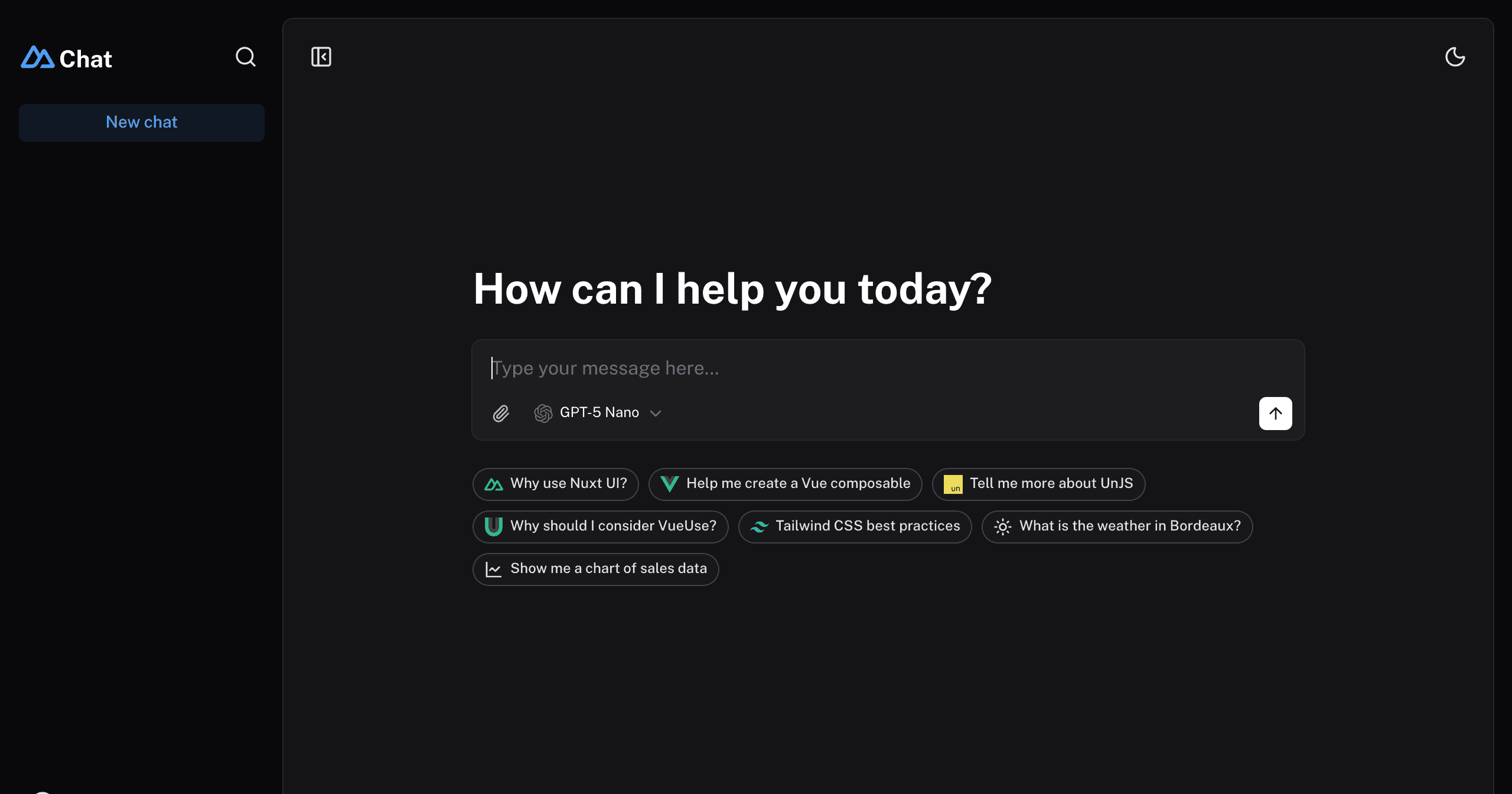
Full-featured AI Chatbot Nuxt application with authentication, chat history, collapsible sidebar, keyboard shortcuts, light & dark mode, command palette and more. Built using Nuxt UI components and integrated with AI SDK for a complete chat experience.
The chat template for Vue is on https://github.com/nuxt-ui-templates/chat-vue.
Make sure to install the dependencies:
Run database migrations:
[!NOTE] In production, configure your database connection. On Vercel, add the Turso integration to automatically provision
TURSO_DATABASE_URLandTURSO_AUTH_TOKEN.
This template uses the Vercel AI SDK for streaming AI responses with support for multiple providers through Vercel AI Gateway. When deployed on Vercel, the AI Gateway is configured automatically.
For local development, set your API key in .env:
[!TIP] With Vercel AI Gateway, you don't need individual API keys for OpenAI, Anthropic, etc. It provides a unified API to access hundreds of models through a single endpoint with automatic load balancing, fallbacks, and spend monitoring.
This template uses nuxt-auth-utils for authentication with GitHub OAuth.
To enable authentication, create a GitHub OAuth application and set:
This template uses NuxtHub Blob for file uploads, which supports multiple storage drivers:
.data/blob)For Vercel Blob, assign a Blob Store to your project from the Vercel dashboard (Project → Storage), then set the token for local development:
[!NOTE] File uploads require authentication. See the NuxtHub Blob documentation for configuring other storage drivers.
Start the development server on http://localhost:3000:
Build the application for production:
Locally preview production build:
Check out the deployment documentation for more information.
Install Renovate GitHub app on your repository and you are good to go.
An AI chatbot template to build your own chatbot powered by Nuxt MDC and Vercel AI SDK.


