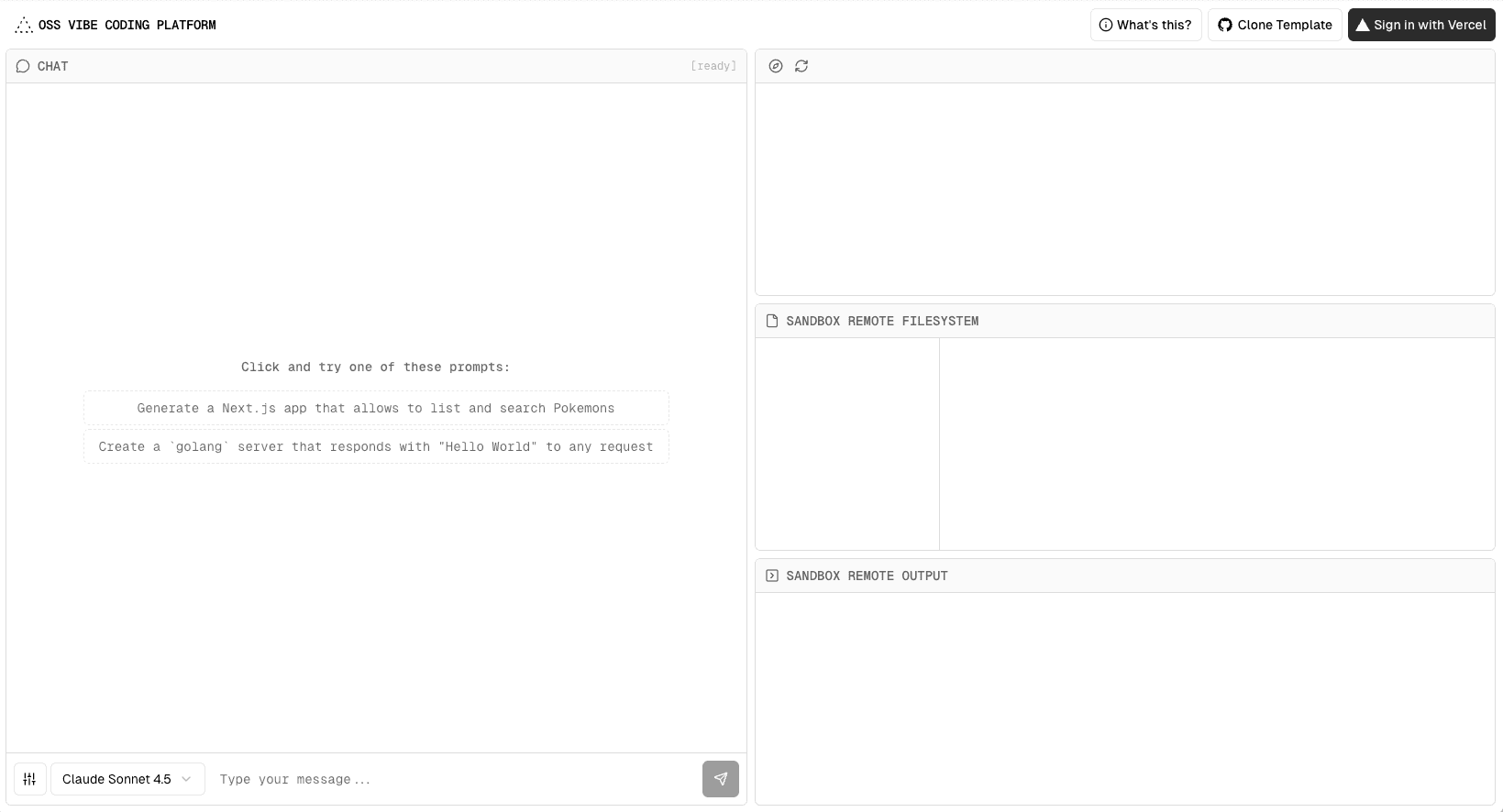
An open-source vibe coding platform built with Next.js, AI SDK, GPT-5, and the Vercel AI Cloud. The platform combines real-time AI interactions with safe sandboxed execution environments and framework-defined infrastructure.
Getting Started
First, run the development server:
Open http://localhost:3000 in your browser to see the result.
You can start editing the page by modifying app/page.tsx. The page auto-updates as you edit the file.
This project uses next/font to automatically optimize and load Geist, a new font family for Vercel.
How it Works
Frontend
The frontend is built with Next.js and AI SDK. User messages are submitted through the sendMessage API, which forwards the prompt and selected model (default GPT-5) to the backend.
Once deployed, Vercel automatically provisions infrastructure to:
Serve the frontend quickly through the Vercel CDN.
Handle API calls with Vercel Functions.
Backend
The backend runs as a function on Fluid compute, optimized for prompt-based workloads. Since LLMs often idle while reasoning, Fluid compute reallocates unused cycles to serve other requests or reduce cost.
The API call is powered by the AI SDK. It handles the conversation history, verifies the user with Vercel BotID, and routes through AI Gateway automatically.
Sandboxed Execution
AI responses stream into an ephemeral sandbox. Each sandbox is stateless, isolated, and expires after a short timeout. It has no access to your projects or data, making it safe to run arbitrary code.
The sandbox streams real-time updates back to the frontend so users see progress instantly:
"status": "done", "sandboxId": "sbx_123", "command": "npm install", "commandId": "cmd_abc" } }
Security
The platform protects high-value API calls with BotID for advanced bot detection and Vercel Firewall for rate limiting.
Related Templates
Nuxt AI Chatbot
Chatbot UI
ChatGPT Plugin Starter: WeatherGPT