Back to Templates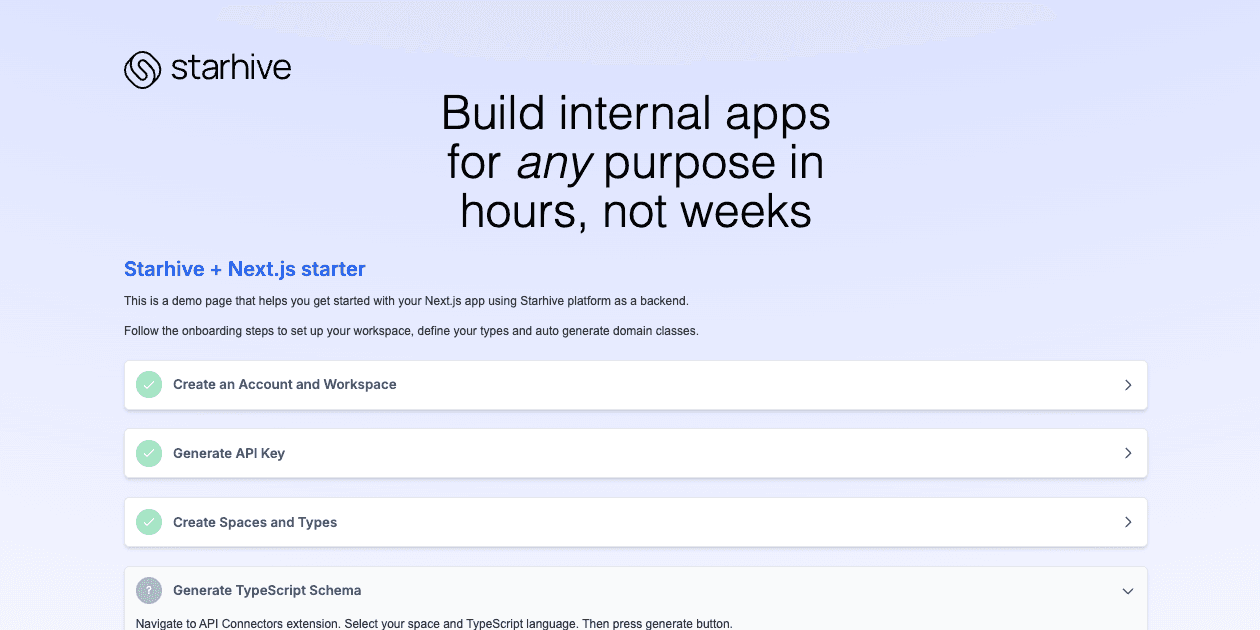

This is a starter project using Next.js and Starhive.
Getting Started
First, run the development server:
Open http://localhost:3000 with your browser to see the result.
You can start editing the page by modifying app/page.tsx. The page auto-updates as you edit the file.
This project uses next/font to automatically optimize and load Inter, a custom Google Font.
Learn More
To learn more about Next.js, take a look at the following resources:
- Next.js Documentation - learn about Next.js features and API.
- Learn Next.js - an interactive Next.js tutorial.
To learn more about Starhive, take a look at the following resources:
- Starhive main website - learn about Starhive features and use cases.
- Starhive Docs - Starhive official product documentation.
Deploy on Vercel
The easiest way to deploy your Next.js app is to use the Vercel Platform from the creators of Next.js.
Related Templates
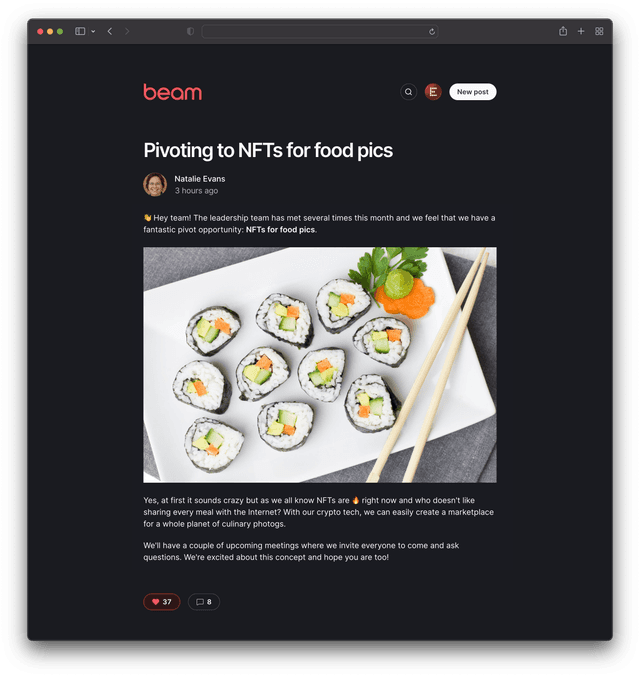
Beam Internal Blog
A simple message board for your organization or project.
Internal Knowledge Base - AI SDK
A retrieval-augmented generation Next.js chatbot using the AI SDK's middleware interface.
AI FAQ Documentation Generator
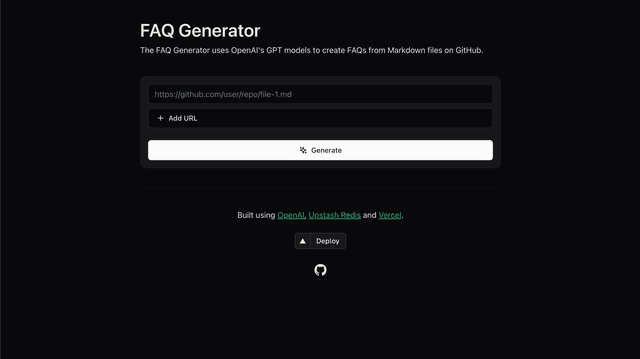
The FAQ Generator is a tool designed to generate frequently asked questions (FAQs) from Markdown files stored in GitHub repositories with AI