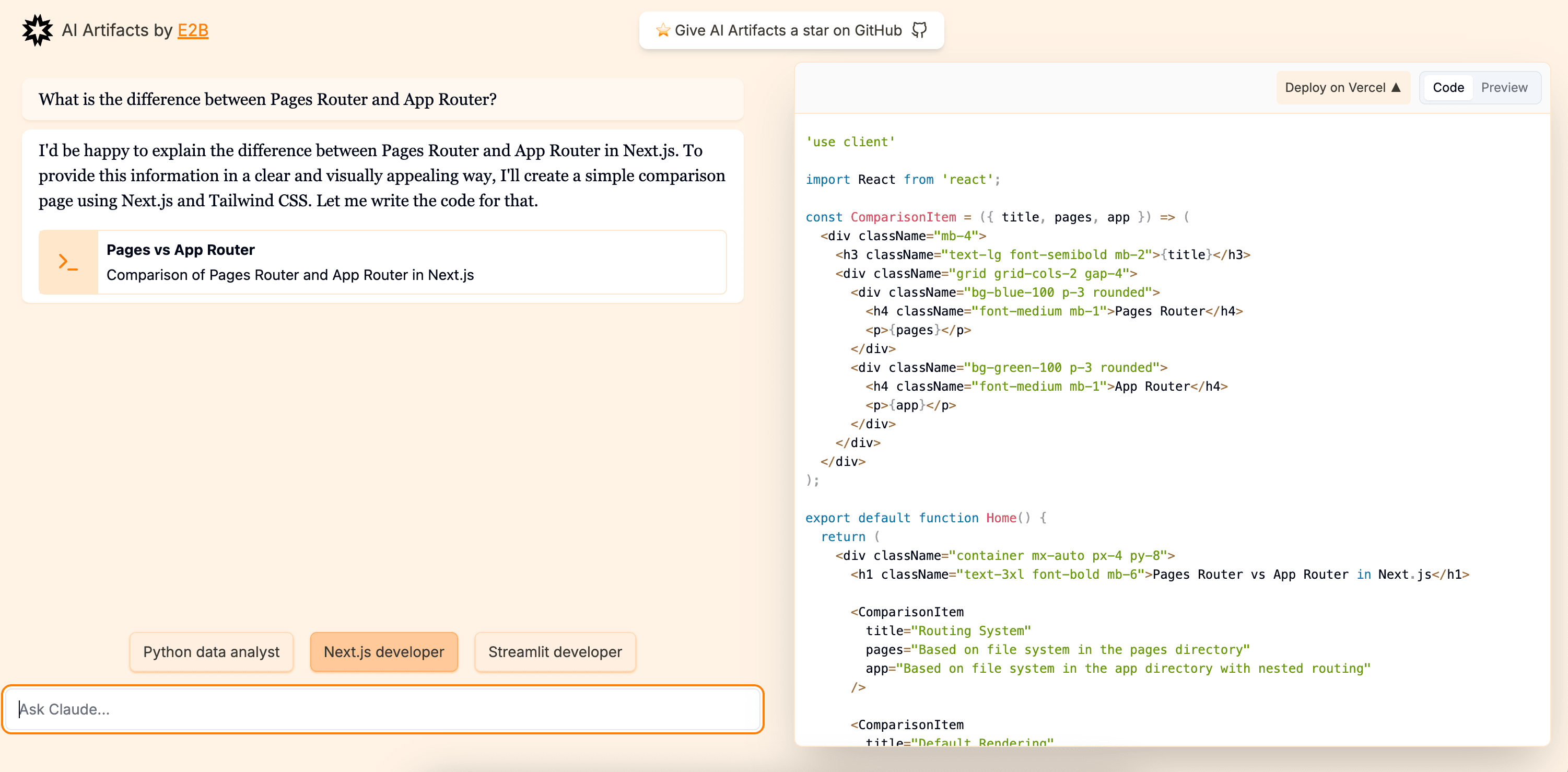
Fragments by E2B
This is an open-source version of apps like Anthropic's Claude Artifacts, Vercel v0, or GPT Engineer.
Powered by the E2B SDK.
Features
- Based on Next.js 14 (App Router, Server Actions), shadcn/ui, TailwindCSS, Vercel AI SDK.
- Uses the E2B SDK by E2B to securely execute code generated by AI.
- Streaming in the UI.
- Can install and use any package from npm, pip.
- Supported stacks (add your own):
- 🔸 Python interpreter
- 🔸 Next.js
- 🔸 Vue.js
- 🔸 Streamlit
- 🔸 Gradio
- Supported LLM Providers (add your own):
- 🔸 OpenAI
- 🔸 Anthropic
- 🔸 Google AI
- 🔸 Mistral
- 🔸 Groq
- 🔸 Fireworks
- 🔸 Together AI
- 🔸 Ollama
- Integrates with Morph Apply model for token efficient, accurate and faster code editing.
Make sure to give us a star!
Get started
Prerequisites
- git
- Recent version of Node.js and npm package manager
- E2B API Key
- LLM Provider API Key
1. Clone the repository
In your terminal:
2. Install the dependencies
Enter the repository:
Run the following to install the required dependencies:
3. Set the environment variables
Create a .env.local file and set the following:
4. Start the development server
5. Build the web app
Customize
Adding custom personas
-
Make sure E2B CLI is installed and you're logged in.
-
Add a new folder under sandbox-templates/
-
Initialize a new template using E2B CLI:
This will create a new file called
e2b.Dockerfile. -
Adjust the
e2b.DockerfileHere's an example streamlit template:
-
Specify a custom start command in
e2b.toml: -
Deploy the template with the E2B CLI
After the build has finished, you should get the following message:
-
Open lib/templates.json in your code editor.
Add your new template to the list. Here's an example for Streamlit:
Provide a template id (as key), name, list of dependencies, entrypoint and a port (optional). You can also add additional instructions that will be given to the LLM.
-
Optionally, add a new logo under public/thirdparty/templates
Adding custom LLM models
-
Open lib/models.json in your code editor.
-
Add a new entry to the models list:
Where id is the model id, name is the model name (visible in the UI), provider is the provider name and providerId is the provider tag (see adding providers below).
Adding custom LLM providers
-
Open lib/models.ts in your code editor.
-
Add a new entry to the
providerConfigslist:Example for fireworks:
-
Optionally, adjust the default structured output mode in the
getDefaultModefunction: -
Optionally, add a new logo under public/thirdparty/logos
Contributing
As an open-source project, we welcome contributions from the community. If you are experiencing any bugs or want to add some improvements, please feel free to open an issue or pull request.
Related Templates
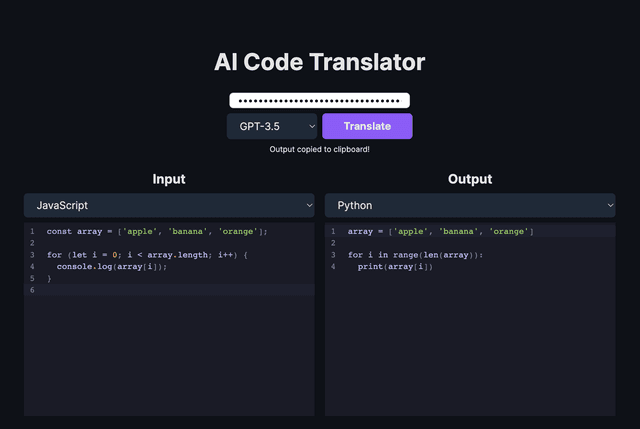
AI Code Translator
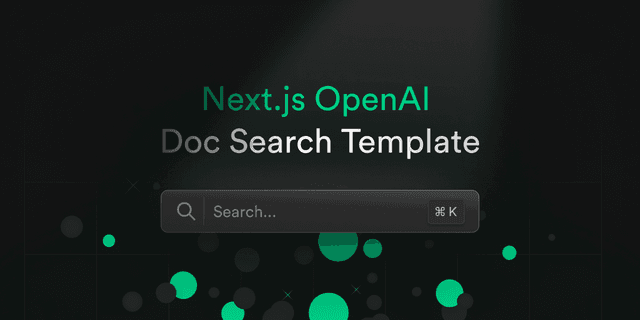
Next.js OpenAI Doc Search Starter
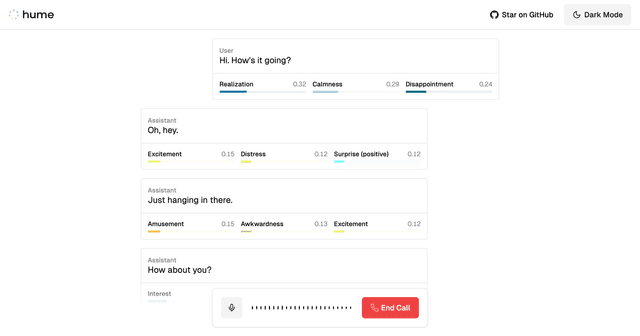
Hume AI - Empathic Voice Interface Starter