LaunchPad - Official Strapi Demo
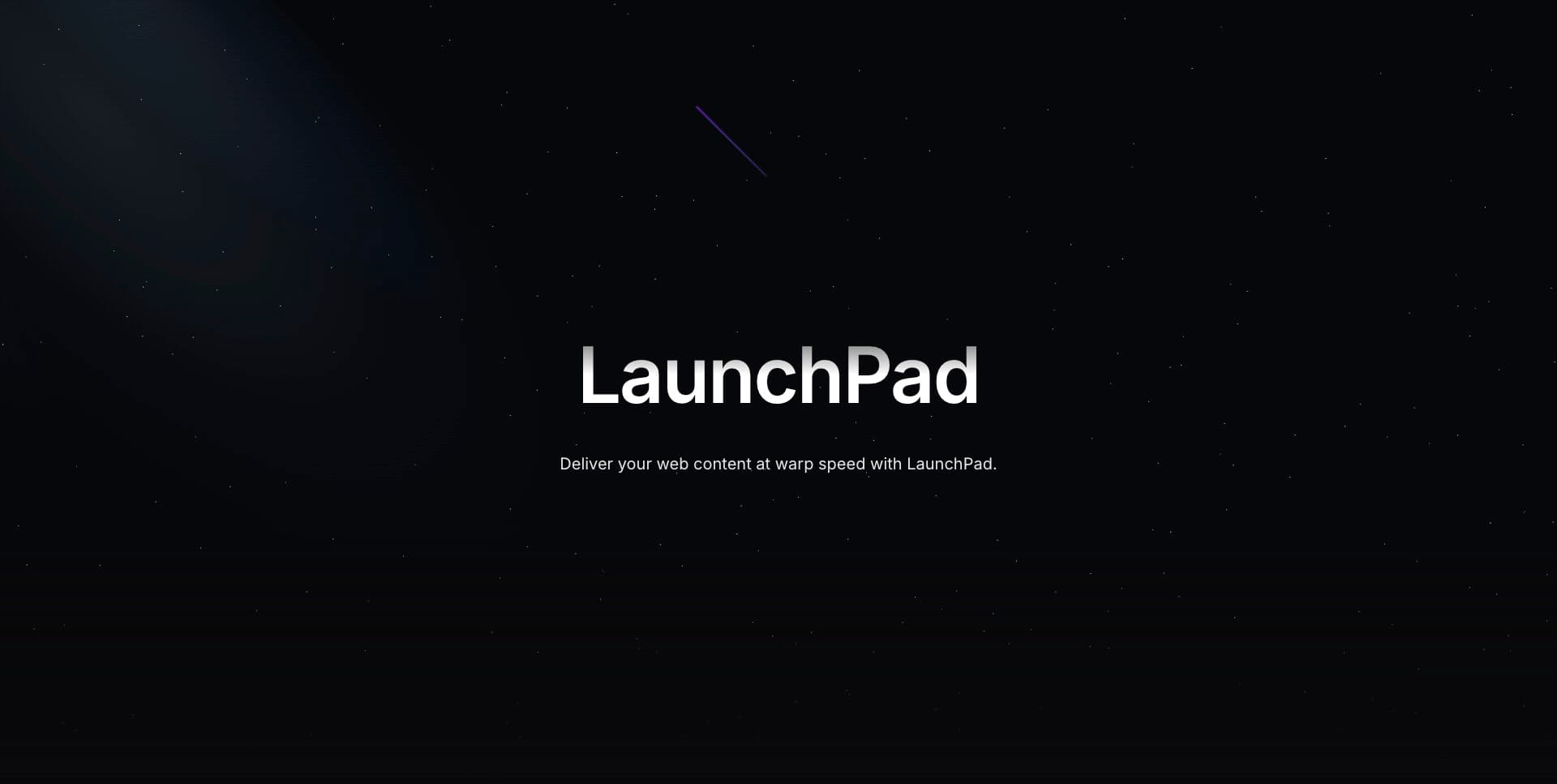
Welcome aboard LaunchPad, the official Strapi demo application, where we launch your content into the stratosphere at the speed of "we-can't-even-measure-it!". This repository contains the following:
- A Strapi project with content-types and data already onboard
- A Next.js client that's primed and ready to fetch the content from Strapi faster than you can say "blast off!"
🌌 Get started
Strap yourself in! You can get started with this project on your local machine by following the instructions below, or you can request a private instance on our website
Prerequisites
- Node.js v18 or higher
- Yarn as your package manager (this project uses Yarn internally for its scripts)
Don't have Yarn installed? You can enable it via Node.js Corepack:
Or install it globally via npm:
1. Clone and Install
To infinity and beyond! Clone the repo and install root dependencies:
git clone https://github.com/strapi/launchpad.gitcd launchpadyarn install2. Setup
Run the setup script to install dependencies in both projects (Strapi and Next.js) and copy the environment files:
yarn setup3. Seed the Data
Populate your Strapi instance with demo content:
yarn seed4. Start the Development Servers
Launch both Strapi and Next.js concurrently from the root:
yarn devThis starts the Strapi server first, waits for it to be ready, then starts the Next.js frontend. You're now a spacefaring content master!
Visit http://localhost:1337/admin to create your first Strapi user, and http://localhost:3000 to discover your space rocket website.
Features Overview ✨
User
- An intuitive, minimal editor The editor allows you to pull in dynamic blocks of content. It’s 100% open-source, and it’s fully extensible.
- Media Library Upload images, video or any files and crop and optimize their sizes, without quality loss.
- Flexible content management Build any type of category, section, format or flow to adapt to your needs.
- Sort and Filter Built-in sorting and filtering: you can manage thousands of entries without effort.
- User-friendly interface The most user-friendly open-source interface on the market.
- SEO optimized Easily manage your SEO metadata with a repeatable field and use our Media Library to add captions, notes, and custom filenames to optimize the SEO of media assets.
Global
- Customizable API: Automatically build out the schema, models, controllers for your API from the editor. Get REST or GraphQL API out of the box without writing a single line of code.
- Media Library: The media library allows you to store your images, videos and files in your Strapi admin panel with many ways to visualize and manage them.
- Role-Based Access Control (RBAC): Role-Based Access Control is a feature available in the Administration Panel settings that let your team members have access rights only to the information they need.
- Internationalization (i18n): Internationalization (i18n) lets you create many content versions, also called locales, in different languages and for different countries.
- Audit Logs: The Audit Logs section provides a searchable and filterable display of all activities performed by users of the Strapi application
- Data transfer: Streams your data from one Strapi instance to another Strapi instance.
- Review Worfklows: Create and manage any desired review stages for your content, enabling your team to collaborate in the content creation flow from draft to publication.
Resources
Docs • Discord • YouTube • Strapi Design System • Marketplace • Cloud Free Trial
Customization
-
The Strapi application contains a custom population middlewares in every api route.
-
The Strapi application contains a postinstall script that will regenerate an uuid for the project in order to get some anonymous usage information concerning this demo. You can disable it by removing the uuid inside the
./strapi/packages.jsonfile. -
The Strapi application contains a patch for the @strapi/admin package. It is only necessary for the hosted demos since we automatically create the Super Admin users for them when they request this demo on our website.