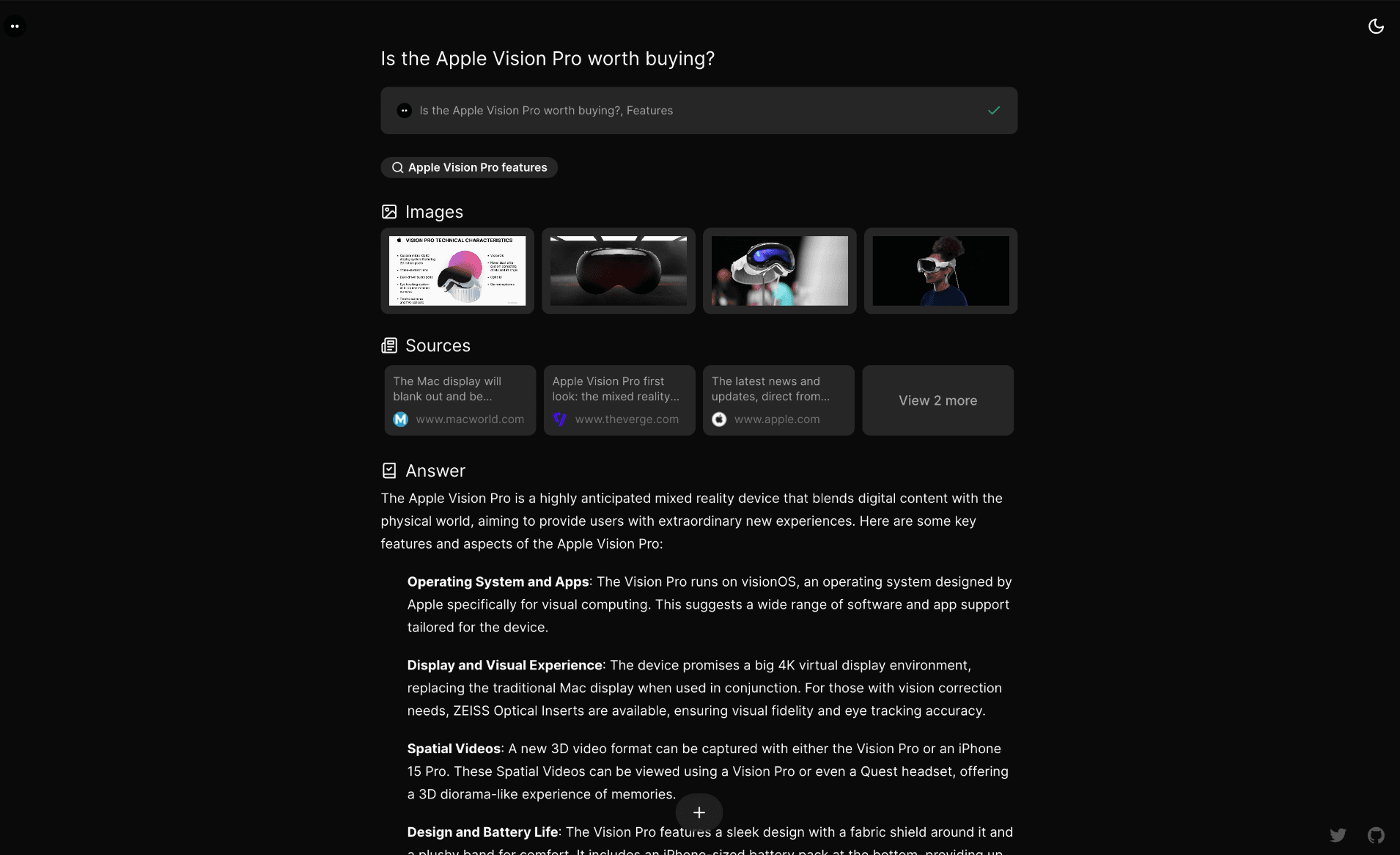
Features
- AI-powered search with GenerativeUI
- Search modes: Quick and Adaptive
- Model selector with dynamic provider detection (OpenAI, Anthropic, Google, Ollama, Vercel AI Gateway)
- Multiple search providers (Tavily, SearXNG, Brave, Exa)
- Chat history stored in PostgreSQL
- Share search results with unique URLs
- File upload support
- User authentication with Supabase Auth
- Guest mode for anonymous usage
- Docker deployment ready
Installation
Docker (Recommended)
The quickest way to run Morphic locally:
Then set up with Docker Compose:
- Clone the repository and configure environment:
- Edit
.env.localand set at least one AI provider API key:
See supported providers for other options (Anthropic, Google, Ollama, Vercel AI Gateway).
- Start all services:
- Visit http://localhost:3000 and select your model from the model selector.
Docker Compose starts PostgreSQL, Redis, SearXNG, and Morphic automatically. No additional search API key is needed — SearXNG is included.
See the Docker Guide for more options including building from source and file upload configuration.
Local Development
- Clone and install:
- Configure environment:
Edit .env.local and set your API keys:
To enable chat history, authentication, file upload, and other features, see CONFIGURATION.md.
- Start the dev server:
Visit http://localhost:3000.
Deploy
Vercel
Contributing
We welcome contributions! Please see our Contributing Guide [blocked] for details on how to get started, including local development setup.
License
This project is licensed under the Apache License 2.0 - see the LICENSE [blocked] file for details.


