Template name
eve Personal Agent
Build a personal eve assistant with persistent web chat, linked Slack identity, optional iMessage, and per-user memory.
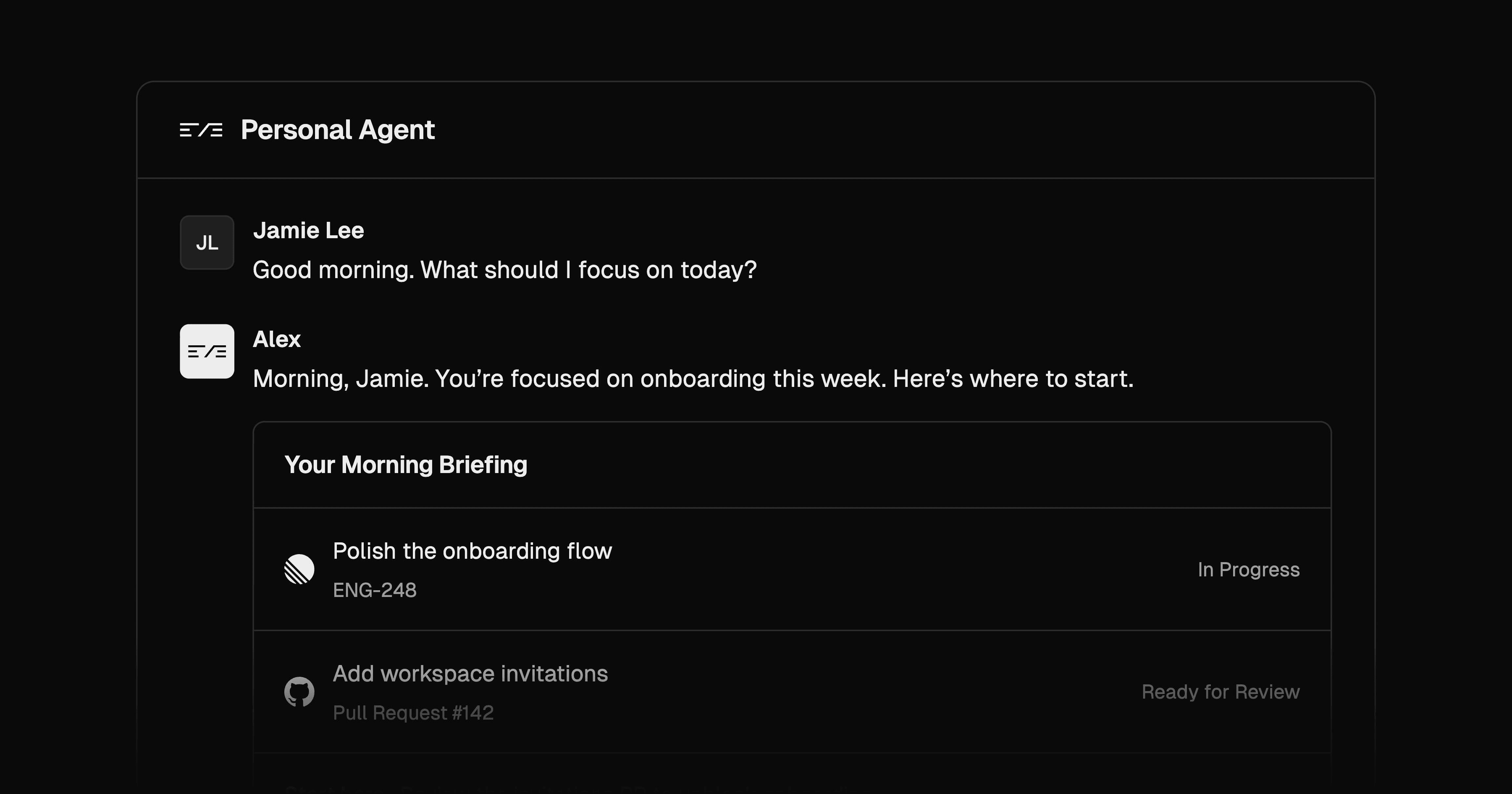
Build a personal eve assistant with persistent web chat, linked Slack identity, optional iMessage, and per-user memory.
eve Personal Agent is a Nuxt template for developers building artificial intelligence agents that remember a user's preferences across conversations. It includes persistent web chat and account linking for Slack, with optional iMessage through Photon. The example persona, V, gives you a starting point you can rename and adapt to your work.
Build a personal assistant that resumes web threads and brings your memory into linked Slack conversations. Add Photon to use iMessage, with incoming phone numbers mapped to the profile where you registered them. Tool calls appear in web chat as they run.
Connect GitHub to ask about repositories, pull requests, or CI using your account's access. Actions such as merging pull requests, closing issues, and editing files require approval. The Linear integration queries current issues, projects, and cycles. Ask for the daily summary when you want a briefing based on your current focus and assigned Linear issues, plus a suggested next action.
Per-user memory stores stable facts and preferences outside the conversation history. eve recalls it before each turn, so those facts remain available when a long conversation is condensed. The agent's instructions tell it to announce saves and remove or replace entries when you ask.
This template combines persistent chat, account linking, and user-scoped memory. You can build AI agents on that foundation without separate identity flows for each supported channel.
When choosing the best AI agent for personal work, consider your channels and connected accounts. Start with web chat, then add connections as needed. You can change V's persona and model, add tools or Markdown skills, and theme the Nuxt interface.
eve is an open-source AI agent framework with durable sessions. The template deploys its Nuxt web app and agent runtime as two services in one Vercel project.
Vercel Connect handles the supported service connections, while private Vercel Blob storage holds each user's memory document. This memory is separate from an optional Sandbox Drive, which stores files the agent creates in web conversations.
Follow the repository setup guide to configure Better Auth and PostgreSQL. Set BETTER_AUTH_SECRET, BETTER_AUTH_URL, and matching INTERNAL_API_SECRET values on the web and agent services. PostgreSQL is required locally as well as in deployment. The deploy button provisions Neon, but you must also attach a private Blob store for memory.
Slack, GitHub, Linear, and Photon are optional integrations that need their own setup. Link Slack from your web profile to share that identity and memory. Photon recognizes a sender through the phone number recorded on a profile. An unlinked sender does not inherit that web profile's private memory or connected accounts.
The persistent file workspace is off by default. Enable it for web chat when you need files to survive across conversations; it is not mounted in Slack threads or group chats.
Web sign-in establishes your identity. Link Slack to that profile to use the same memory in Slack conversations. Optional Photon iMessage recognizes you by your profile's phone number. Unlinked senders can receive replies without inheriting your web account's private context.
Yes. Ask it to remove a saved fact or replace it with corrected information. Its instructions call for a short notice when saving something so you can spot mistakes.
Destructive writes, including merging pull requests, closing issues, and editing files, wait for approval. User-driven requests use the caller's connected GitHub access. Linking your channel identity to your web profile lets those channels reuse the same Connect grant.
No. The web chat works independently of Slack, GitHub, Linear, and Photon. Configure those services as you need them. The daily summary runs on request, with no automatic schedule.
Yes, if you enable the optional per-user Vercel Sandbox Drive with AGENT_DRIVE_ENABLED=1. It holds files across web chats and stays separate from the facts recalled as memory. The Drive supports one active read-write mount, so a second concurrent conversation can start without the persistent workspace. Slack and group conversations do not receive the Drive.

Manage Sanity from Slack with GROQ queries, draft edits, schema changes, release workflows, and Notion drafting through eve.

Coordinate a marketing lead and five specialist agents in Slack, with Notion drafts, Typefully posts, and Resend email campaigns.
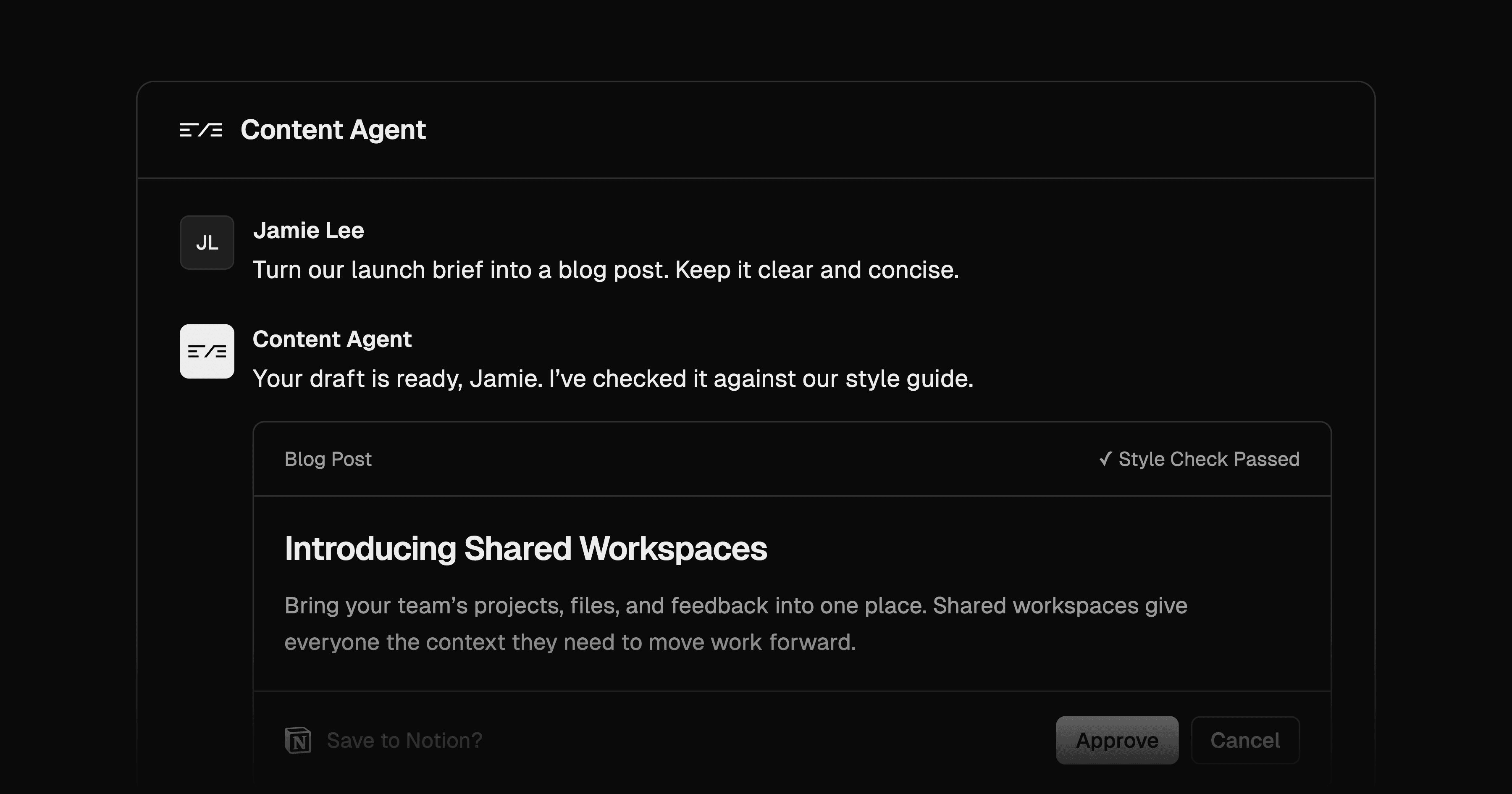
Draft content in Slack with house-style skills and Notion sources. Revise in threads and approve new Notion draft pages before creation.
