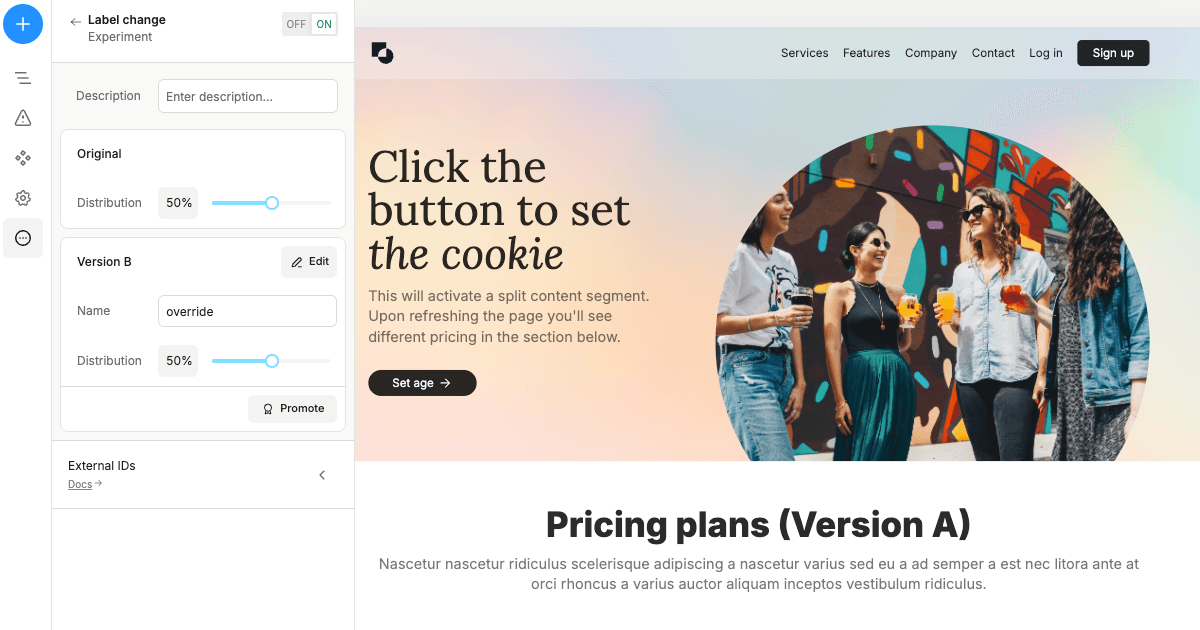
This is a Plasmic app template which includes the SSR split content support using middleware. Read more about split content in our docs.
Demo
Getting Started
This repo is pre-configured to use the projectId and token from the project listed in the demo section. In order to get started you'd need to:
-
Press the Deploy with Vercel button to host your app on Vercel and create your repo. Get the public link of your deployment.
-
Choose an existing Plasmic project, or create a new one.
-
Add your
PLASMIC_PROJECT_IDandPLASMIC_TOKENto theplasmic-init.tsfile. To find project’s ID and public API token open the project in Plasmic Studio.
- The project ID is in the URL, like: https://studio.plasmic.app/projects/PROJECTID.
- The public API token can be found by clicking the Code toolbar button.
-
Follow this guide to connect the app host in Plasmic studio to the host link from step 1
-
(Optional) Configure webhooks to re-build Vercel every time you publish from Plasmic. Follow this guide to get webhook URL on Vercel, and then add the URL in the Plasmic studio in Publish -> Webhooks.
You can start editing your project in Plasmic Studio. The page auto-updates as you edit the project.
For local development just run npm install to install the dependencies once, and then launch npm run dev if you want to start your server locally.
Learn More
With Plasmic, you can enable non-developers on your team to publish pages and content into your website or app.
To learn more about Plasmic, take a look at the following resources:
You can check out the Plasmic GitHub repository - your feedback and contributions are welcome!


