Template name
Next.js & shadcn/ui Admin Dashboard
Creative admin dashboard using Next.js App Router and shadcn/ui with a colocation-first structure for simplicity and scalability.
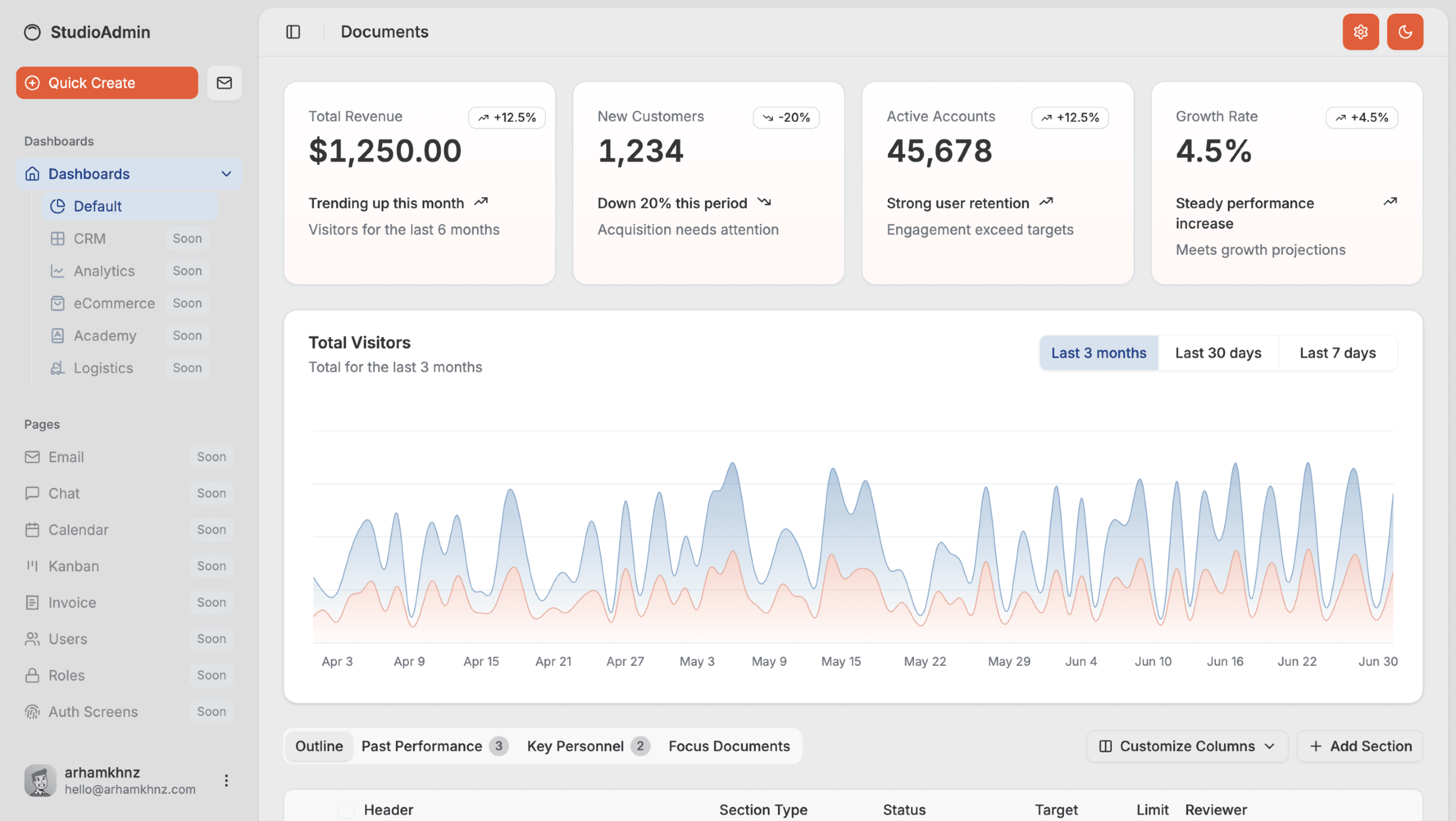
Creative admin dashboard using Next.js App Router and shadcn/ui with a colocation-first structure for simplicity and scalability.
Studio Admin - Includes multiple dashboards, authentication layouts, customizable theme presets, and more.
Most admin templates I found, free or paid, felt cluttered, outdated, or too rigid. I built this as a cleaner alternative with features often missing in others, such as theme toggling and layout controls, while keeping the design modern, minimal, and flexible.
View demo: studio admin
[!NOTE] Looking for the Base UI version? Check out next-shadcn-admin-dashboard-baseui.
Looking for the React Aria version? Check out arhamkhnz/next-shadcn-admin-dashboard-aria.
Looking for the TanStack Start version? Check out tanstack-shadcn-admin-dashboard.
[!TIP] If you're looking for individual blocks, please refer to Studio Blocks.
[!NOTE] The default dashboard uses the shadcn neutral theme.
It also includes additional color presets inspired by Tweakcn:
- Tangerine
- Neo Brutalism
- Soft Pop
You can create more presets by following the same structure as the existing ones.
Looking for the Next.js 15 version?
Check out thearchive/next15branch.
This branch contains the setup prior to upgrading to Next 16 and the React Compiler.
Looking for the Next.js 14 + Tailwind CSS v3 version?
Check out thearchive/next14-tailwindv3branch.
It has a different color theme and is not actively maintained, but I try to keep it updated with major changes.
This project follows a colocation-based architecture each feature keeps its own pages, components, and logic inside its route folder.
Shared UI, hooks, and configuration live at the top level, making the codebase modular, scalable, and easier to maintain as the app grows.
For a full breakdown of the structure with examples, see the Next Colocation Template.
You can run this project locally, or deploy it instantly with Vercel.
Deploy your own copy with one click.
Clone the repository
git clone https://github.com/arhamkhnz/next-shadcn-admin-dashboard.gitNavigate into the project
cd next-shadcn-admin-dashboardInstall dependencies
npm installStart the development server
npm run devYour app will be running at http://localhost:3000
Format, lint, and organize imports
npx @biomejs/biome check --writeFor more information on available rules, fixes, and CLI options, refer to the Biome documentation.
[!IMPORTANT]
This project is updated frequently. If you’re working from a fork or an older clone, pull the latest changes before syncing. Some updates may include breaking changes.
Contributions are welcome. Feel free to open issues, feature requests, or start a discussion.
Happy Vibe Coding!
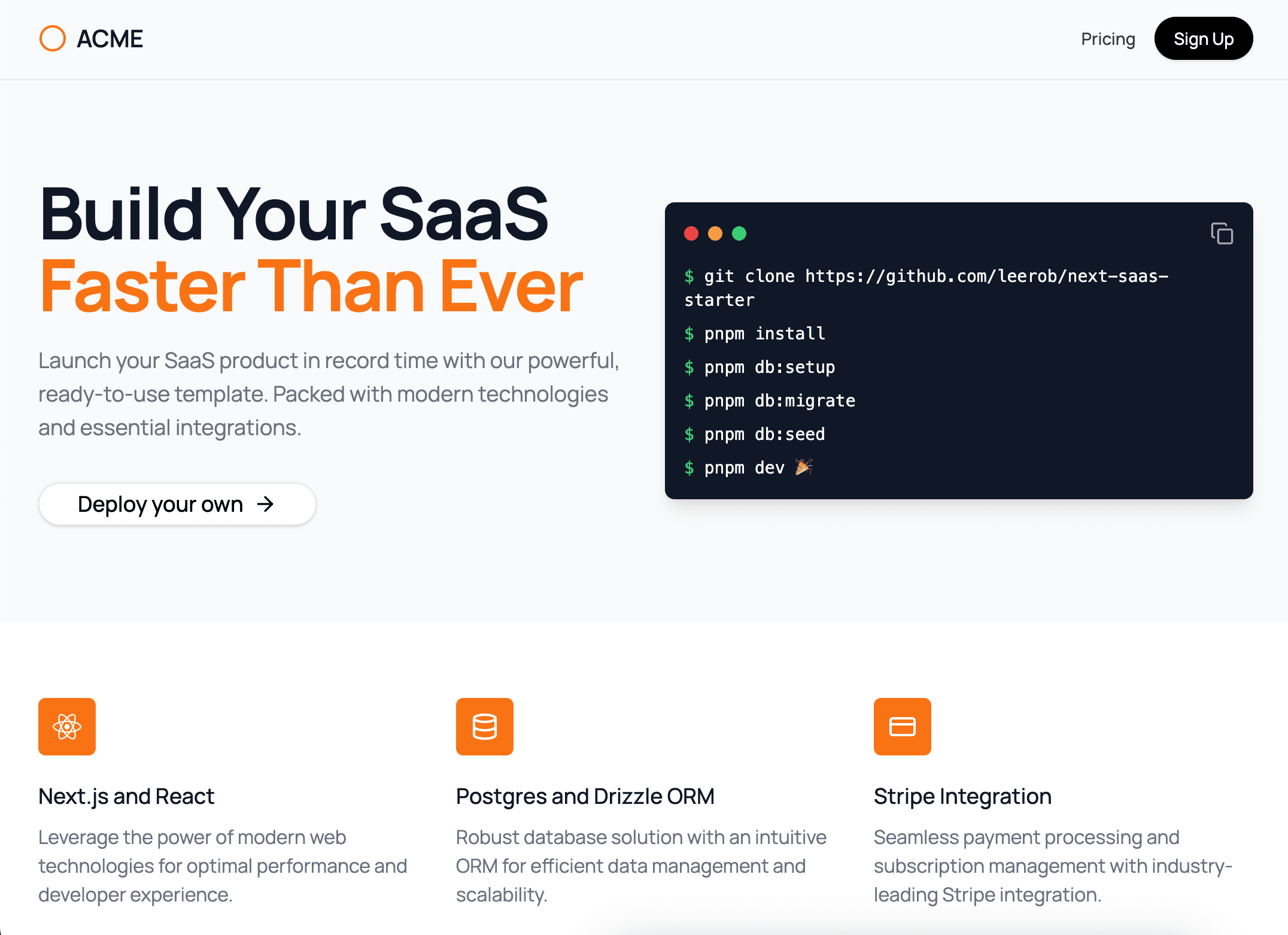
Postgres, Auth, Tailwind, shadcn/ui, and more.

Download our modernized admin template for your upcoming web application powered by Next.js, free of charge.

Get started building your admin dashboard with Vercel's starter, complete with Tailwind CSS, PostgreSQL, and Auth.
