Template name
eve Content Agent
Turn your style guide into a Slack agent. Drafts blogs, social posts, release notes, and newsletters in your house voice, lint-enforced.

Turn your style guide into a Slack agent. Drafts blogs, social posts, release notes, and newsletters in your house voice, lint-enforced.
Every team has a style guide. Almost no team's writing follows it, because a Notion page can't review a draft at 5pm on launch day. This template turns the style guide into software: a Slack agent that drafts blog posts, X and LinkedIn posts, release notes, and newsletters in your house voice, checks its own work against your banned-words list before you ever see it, and publishes approved pieces to Notion as the writer who asked. Built on eve, Vercel's agent framework, and running on your Vercel account with zero static keys.
Three layers, from softest to hardest:
A style skill per surface. Blog, X, LinkedIn, release notes, and newsletter each get their own skill folder carrying that surface's voice, structure, best practices, and format specs. The agent loads the matching skill before it drafts a word, so a release note never reads like a LinkedIn post.
House rules with one source of truth. Team-wide writing rules, including reference lists of AI-sounding phrases to avoid and plain-English alternatives, live in a single shared-references/ directory. One command syncs them into every skill and regenerates the reviewer's rubric, so updating the house voice is one edit, not five.
A deterministic lint. Voice guidance steers the model; the lint_against_style tool enforces it. Every draft is checked against the target surface's banned-words.json before the agent proposes it. The check is code, not model judgment, so "delve" and "game-changer" get caught every time. On the final draft, a fresh-context reviewer subagent scores the piece against the full rubric before it reaches the thread.
Writers can personalize on top: standing preferences like "keep my intros under two sentences" persist per writer, privately, across sessions. Preferences tune the voice; they never override the house rules.
@mention the agent with a request like "turn the Q3 launch brief into a blog post." It pulls the brief from Notion, drafts in the blog voice, lints, and posts the draft in the thread. You iterate right there ("tighten the intro", "less corporate"), and the thread is one session, so context carries between revisions. When you say ship it, the agent creates the page in your team's Drafts database in Notion and replies with the link.
Two guarantees hold throughout. The agent grounds drafts in real source material and won't invent facts: when a piece needs a statistic or a claim verified, it delegates to a researcher subagent that searches the web in a clean session and returns findings with source URLs, and it surfaces what it couldn't verify instead of writing around it. And nothing reaches Notion without consent: each writer signs in to their own Notion through Vercel Connect, pages are created with the writer's own permissions, and page creation itself pauses for an approve button before it runs.
Without touching agent code:
SKILL.md and banned-words.json.shared-references/ and run pnpm sync:shared.<surface>-style folder and run the sync. The surface list used by the lint tool and the reviewer is generated from the folders, so there's no registry to update.Behavior lives in agent/instructions.md, the model in agent/agent.ts, and tools in agent/tools/ where the filename is the tool name. The agent picks up edits automatically.
Click Deploy and Vercel provisions the Slack connector with its event trigger, the Notion connector, and a Blob store for exported drafts and images. No API keys to create: Slack and Notion run on Vercel Connect, and Blob and the AI Gateway authenticate with the project's OIDC token. When the deployment finishes, @mention the bot in Slack and hand it a brief.
Working with an AI coding agent like Claude Code or Cursor? Point it at the setup guide and let it drive:
I want to build a Slack agent with the eve framework, using the eve content agent template. Read the setup instructions at https://agent-resources.dev/eve-content-agent-template.md and follow them.Yes, and it's designed to. The eve Typefully Agent and eve Sanity Copilot can both register this agent as a remote subagent and hand long-form drafting to it over an OIDC-authenticated call, with no shared secret between deployments. Deploy it once as your team's writer and let your other agents delegate to it.

Slack-based Contentful assistant built on eve, with Vercel Drives providing a searchable copy of your content.
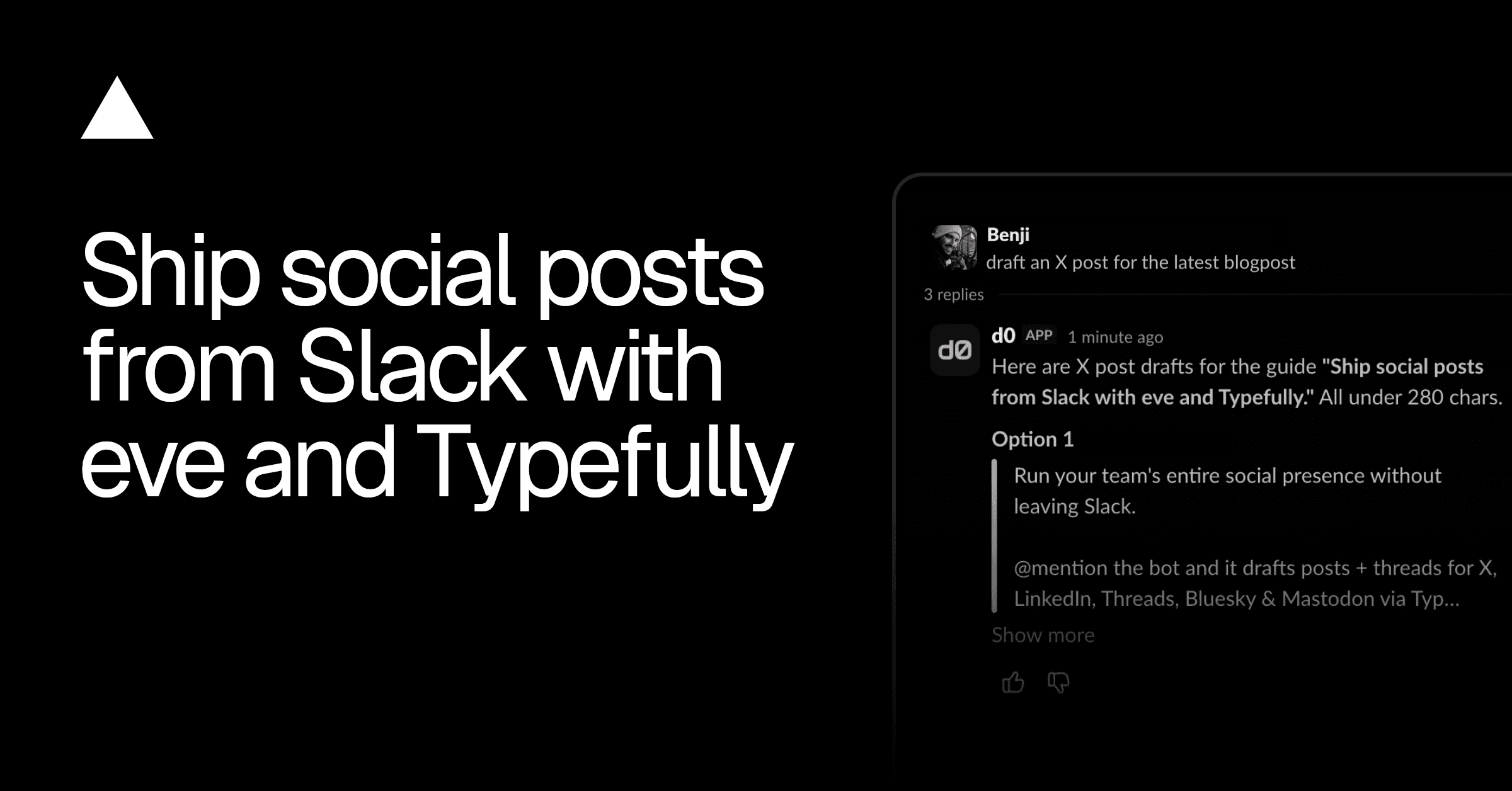
Run your social presence from Slack. Drafts for X, LinkedIn, and more via Typefully, schedules on approval, reports analytics weekly.
Marketing team in Slack: one lead, five specialists. Blog drafts in Notion, posts in Typefully, campaigns in Resend, on approval.

