Template name
eve Web Chat
Build an eve chat app with Next.js, browser-saved conversations, and password access. Add individual accounts when needed.
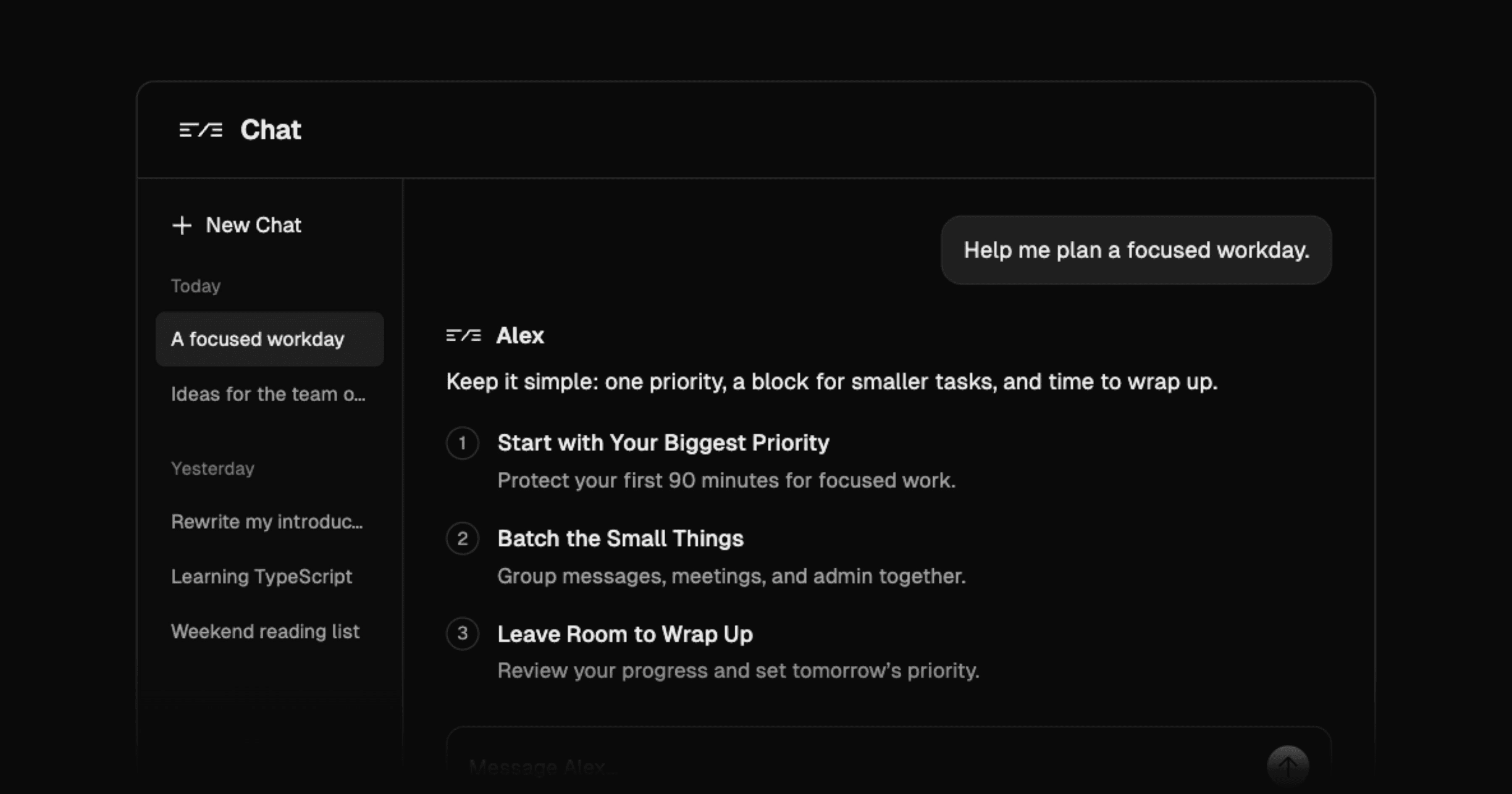
Build an eve chat app with Next.js, browser-saved conversations, and password access. Add individual accounts when needed.
eve Web Chat is a Next.js template for developers building an AI agent with a browser interface and saved conversations. Start with password access and browser-stored history, then add Sign in with Vercel and database-backed persistence when the app needs separate user accounts and chat history across devices.
Build a text chat app where users revisit conversations from a history sidebar, start new chats, or delete old ones. The interface renders assistant responses with Streamdown and uses shadcn/ui and Tailwind CSS for messages, tool results, approval prompts, and the composer. Chat titles come from the user's first message.
The browser uses useEveAgent from eve/react through same-origin eve routes. Saved session cursors and event snapshots let a chat resume its conversation after refresh. The chat architecture connects these persistence mechanisms to the interface, so artificial intelligence agents can continue a conversation when someone returns to the page.
You can build AI agents for your own workflows by changing the instructions and adding tools in the template's agent/ directory. Optional Notion, Linear, and Sentry connections add external tools; a Slack channel is also available after connector setup.
A chat app needs to coordinate what the user sees with what the agent has already done. This template connects streaming responses to saved events and session state, including the interface for tool calls and human input. Adapt the agent without assembling that chat lifecycle yourself.
When choosing the best AI agent starter for a Next.js app, check where conversations are stored and who needs access. This template supports a single trusted operator first, with an upgrade path to individual accounts. Browser history, durable agent execution, and optional long-term memory each have separate storage responsibilities.
eve is an open-source AI agent framework with durable execution for conversations that wait for tools or human input. On Vercel, Workflows preserves execution state across interruptions. The template adds browser history and resume controls for returning to those conversations.
Vercel Connect manages authentication for the template's optional integrations. You still configure the connectors and authorize access to the services you use.
The setup and deployment guide offers a password-based starter and a production upgrade. The deploy button asks for EVE_CHAT_PASSWORD; starter mode needs no database or migrations. Password holders share one agent identity and connection grants, so use it for one trusted operator.
For separate users, configure Better Auth with Sign in with Vercel, Neon, and Upstash Redis. The setup script provisions services, registers OAuth credentials, and runs migrations. A manual setup path covers credentials and callbacks. Run production migrations after schema changes.
Long-term memory is optional and stays disabled on Vercel until you configure private Blob storage. Starter users share that memory document; production accounts get separate documents. This memory stores facts and preferences separately from chat history. The template uses Drizzle for database schemas and migrations; it does not include NextAuth/Auth.js or AI Elements.
Yes. Saved events and an eve session cursor let the app reopen the same conversation. Starter history stays in the current browser's localStorage, while production mode stores each user's chats in Neon for access across devices.
The password-based starter runs without either service. Production mode requires Neon for authentication records, chat history, and saved session state, plus Upstash Redis to rate-limit authenticated chat sends. Complete the database migrations when configuring that mode.
Starter deployments use a shared password. The production configuration uses Better Auth with Sign in with Vercel and requires OAuth credentials and matching callback URLs. Configure individual sign-in before giving independent users access.
Notion, Linear, and Sentry use optional MCP connectors, and Slack has an optional channel integration. Create and attach the Vercel Connect connectors you need, then set their configuration values. The composer shows its connections menu only when an MCP connector is configured.
No. The included interface accepts text and does not provide file uploads or a guest mode. Access uses the configured password or Vercel sign-in, depending on the deployment mode.

Manage Contentful from Slack with eve. Query synced content, edit drafts, upload assets, and review publication requests.
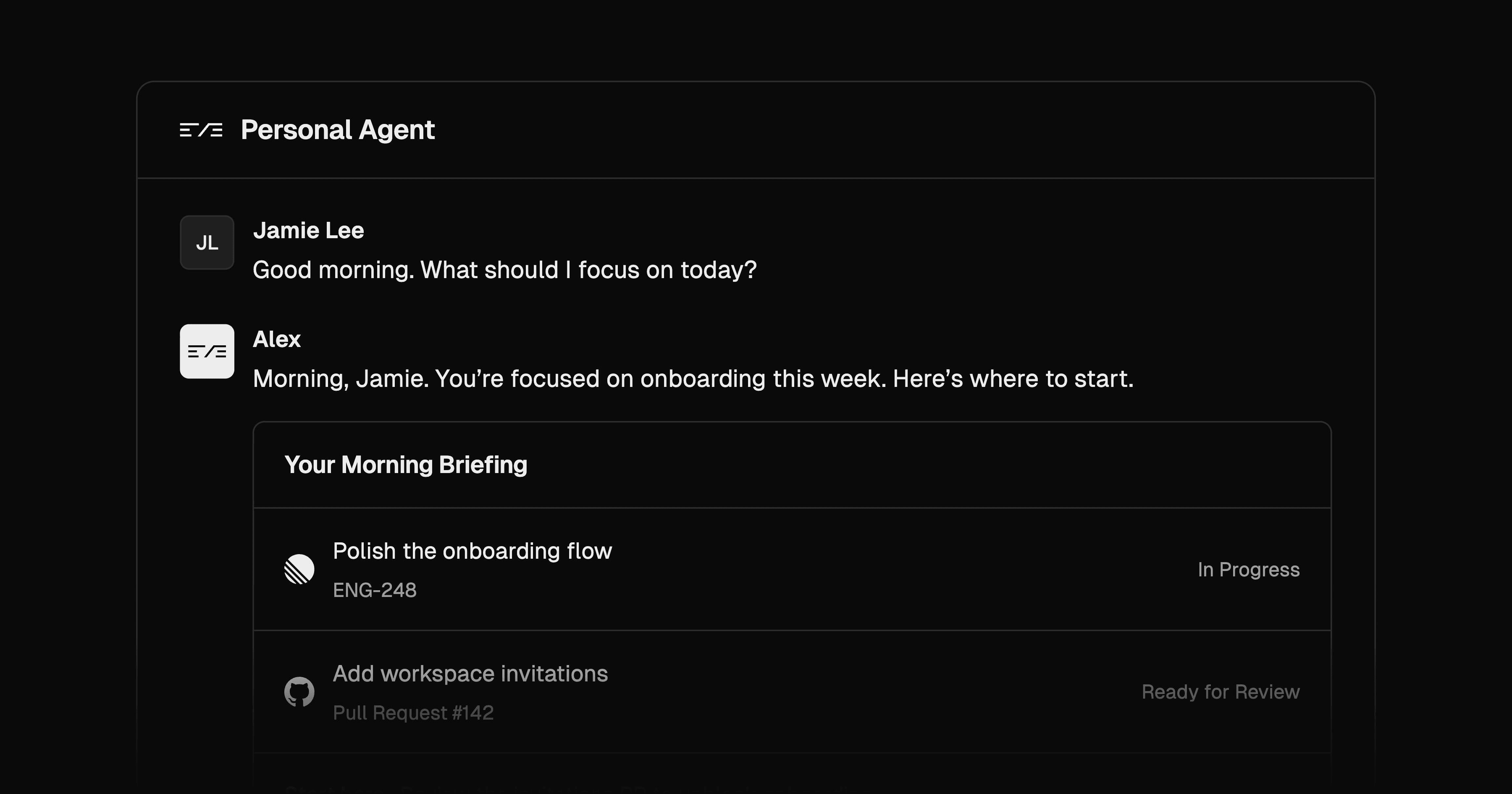
Build a personal eve assistant with persistent web chat, linked Slack identity, optional iMessage, and per-user memory.
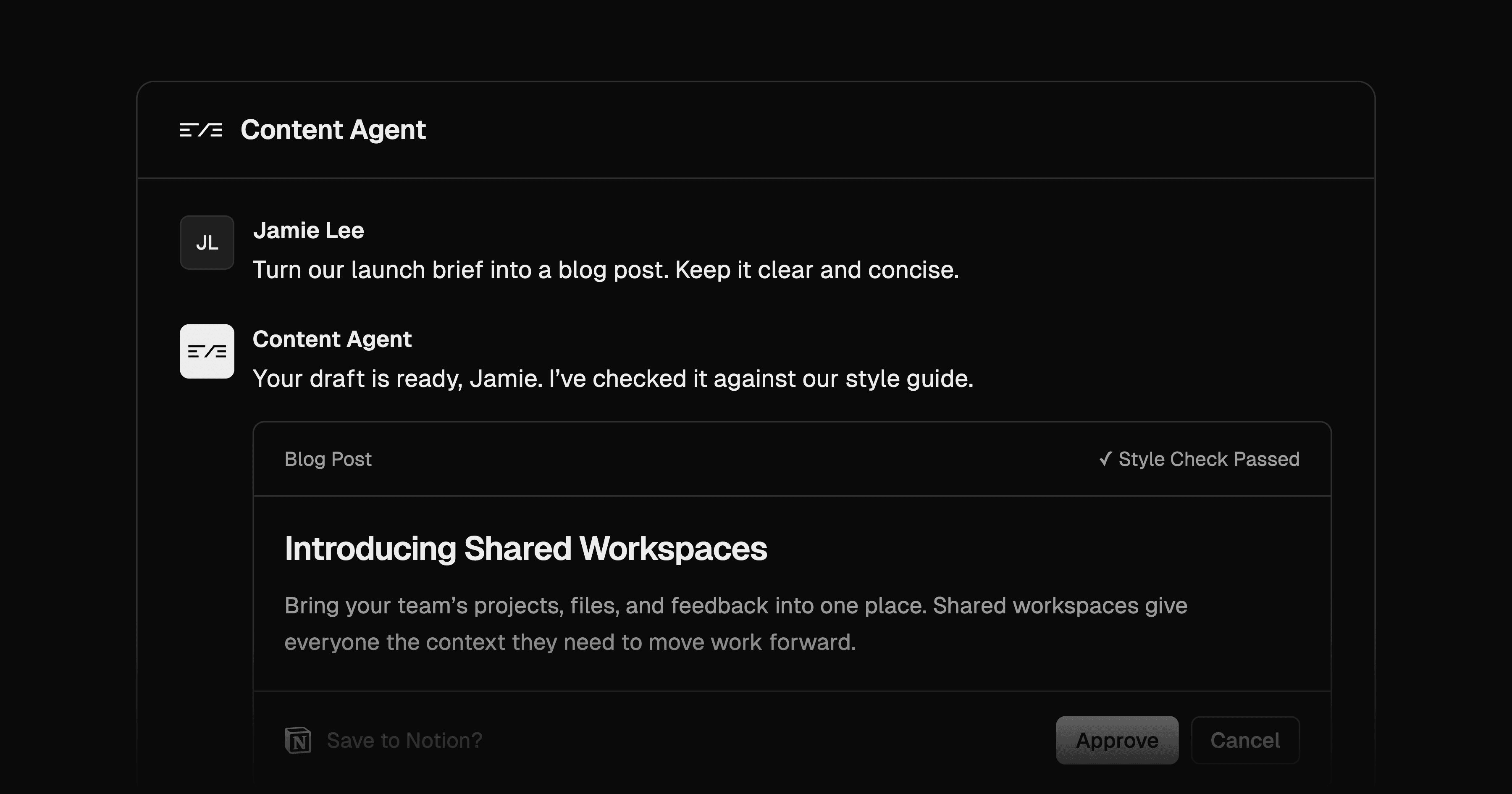
Draft content in Slack with house-style skills and Notion sources. Revise in threads and approve new Notion draft pages before creation.
