

Template name
New Project
Build a browser voice agent with eve and GPT-Live-1, a live transcript, sample tools, and spoken approvals in a Next.js interface.
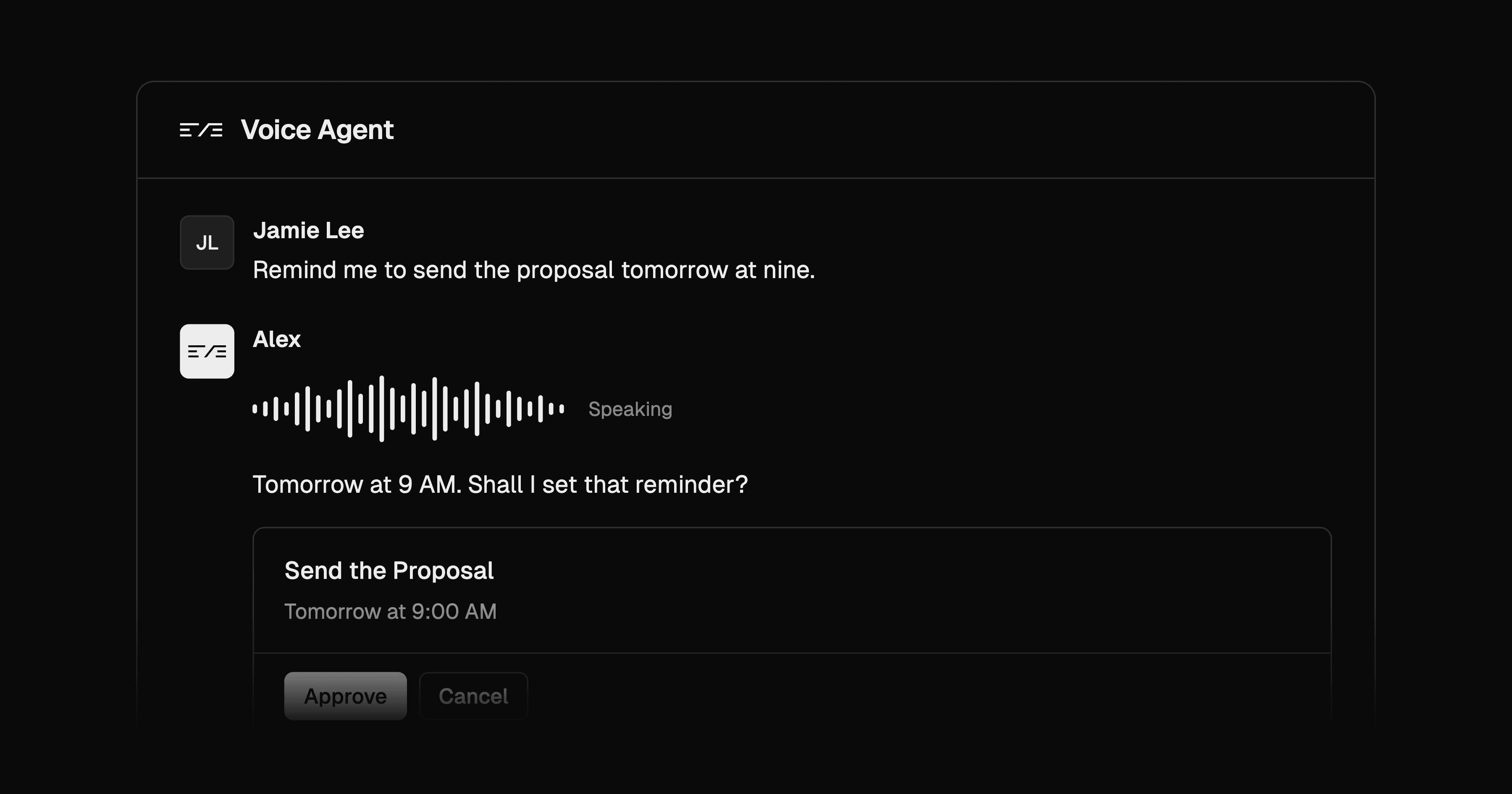
eve Voice Agent is a Next.js template for developers building browser assistants that can act on spoken requests. OpenAI's GPT-Live-1 connects through Vercel AI Gateway to an eve agent. Users hear the response and see a live transcript alongside tool activity, with approval prompts they can answer during the call.
Give artificial intelligence agents a spoken interface with visible tool activity. The voice model handles listening, speaking, and turn-taking, while eve runs tools and maintains the call's conversation state. Progress appears on screen, and GPT-Live-1 speaks the agent's answer.
The included weather and reminder tools demonstrate this flow with sample data. They do not fetch live forecasts or schedule reminders. The reminder example asks for approval before running, so you can try saying an option such as "approve" or selecting it on screen.
Spoken answers work for prompts with options. Free-text questions and connection sign-ins use the onscreen interface. Hanging up cancels the active eve turn.
When you build AI agents with voice, the application needs to connect speech to tool execution and return results to the conversation. This template includes that connection together with the transcript and approval interface. Replace the sample tools with your services and edit the agent's instructions to define its work.
Approval handling and session persistence are useful criteria when choosing the best AI agent for a spoken workflow. This starter lets you test voice and screen interactions together, including actions that need an explicit response before they continue.
eve is an open-source AI agent framework with durable execution. Here, it handles tools and approvals behind the voice conversation. Each call creates a new eve session, but the application does not save calls for later. Reloading ends the conversation; durable execution does not provide a saved call history.
The browser connects to AI Gateway for audio using a single-use client secret minted by the server. The Gateway API key stays on the server.
Every deployment mode requires AI_GATEWAY_API_KEY. For starter mode, also set a strong EVE_VOICE_PASSWORD, then enter it in the app and allow microphone access. This mode is intended for one trusted operator: everyone with the password shares the same agent identity.
The repository setup guide includes an optional production upgrade using Better Auth with Sign in with Vercel, Neon, and Upstash. Follow that setup for authenticated user access. The Gateway API key remains required after upgrading.
Voice sessions are billed per second, including silence and time waiting for tools. The agent's model calls incur separate charges. The browser ends calls after 10 minutes, but a modified client can bypass that browser limit. Treat it as a call-length cap, not a server-enforced spending limit; review AI Gateway pricing before sharing access.
GPT-Live-1 manages the spoken exchange and passes work to the eve agent. eve executes tools, handles approval requests, and maintains session state. The interface displays tool progress while the voice model delivers the answer aloud.
No. The weather tool returns sample conditions, and the reminder tool produces a sample result after approval. Connect your own service for live forecasts or scheduled reminders.
Speech can select an available prompt option, including approving or canceling a tool action. Prompts that require free text and connection sign-ins must be completed on screen. Users can also select approval options in the interface.
No. Refreshing ends the current call, and another call begins a fresh eve session. The template does not persist calls for later access, even though eve maintains durable state during execution.
Password holders all use one agent identity, so starter mode is for a trusted operator. Use the production setup for authenticated user access. Voice billing includes quiet periods and tool waits, with agent model usage charged separately. The 10-minute browser cap does not enforce a server-side spending ceiling.
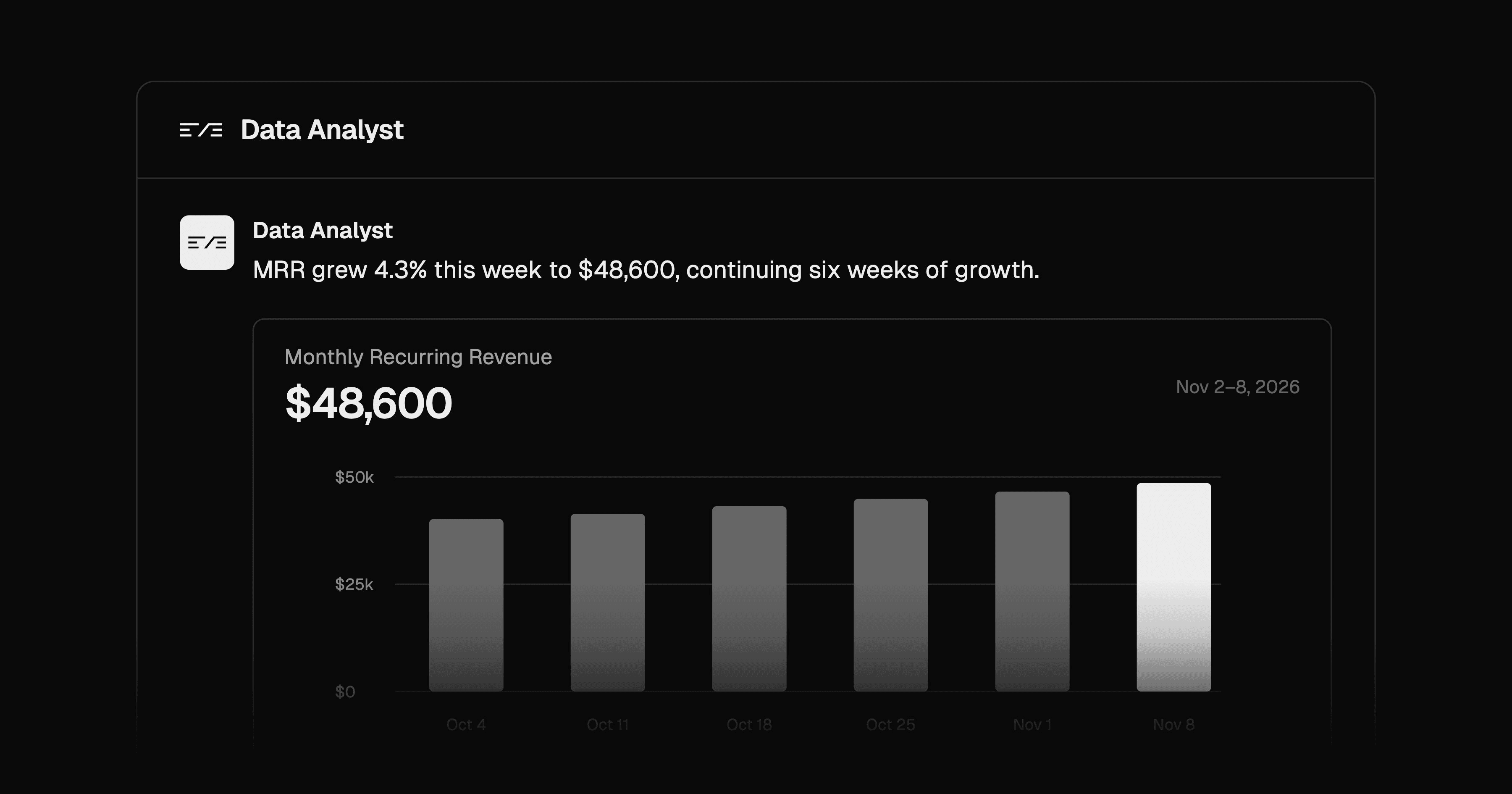
Ask data questions in Slack and get Postgres-backed answers with charts and SQL evidence. Configure metrics, roles, and query approvals.
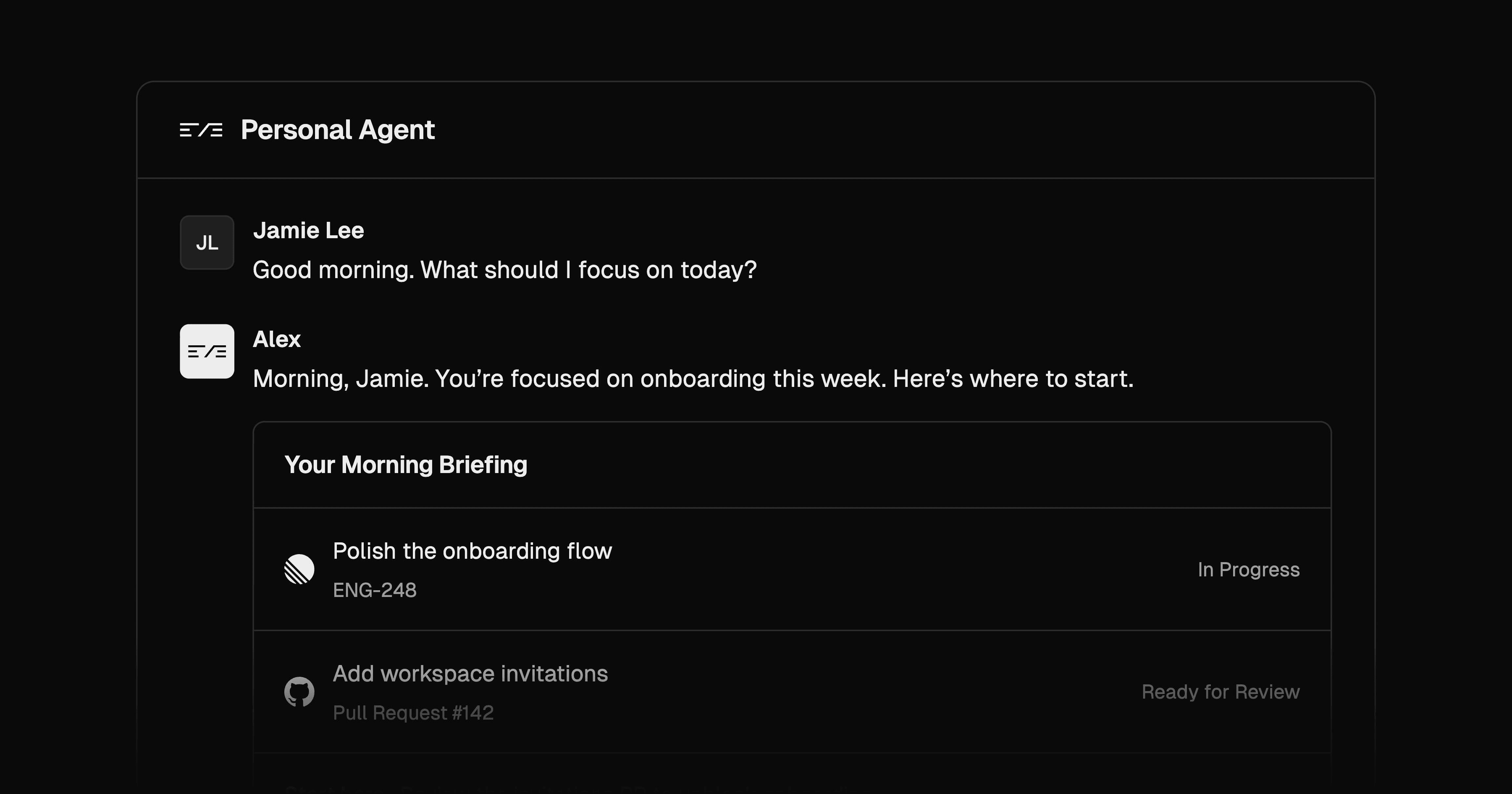
Build a personal eve assistant with persistent web chat, linked Slack identity, optional iMessage, and per-user memory.
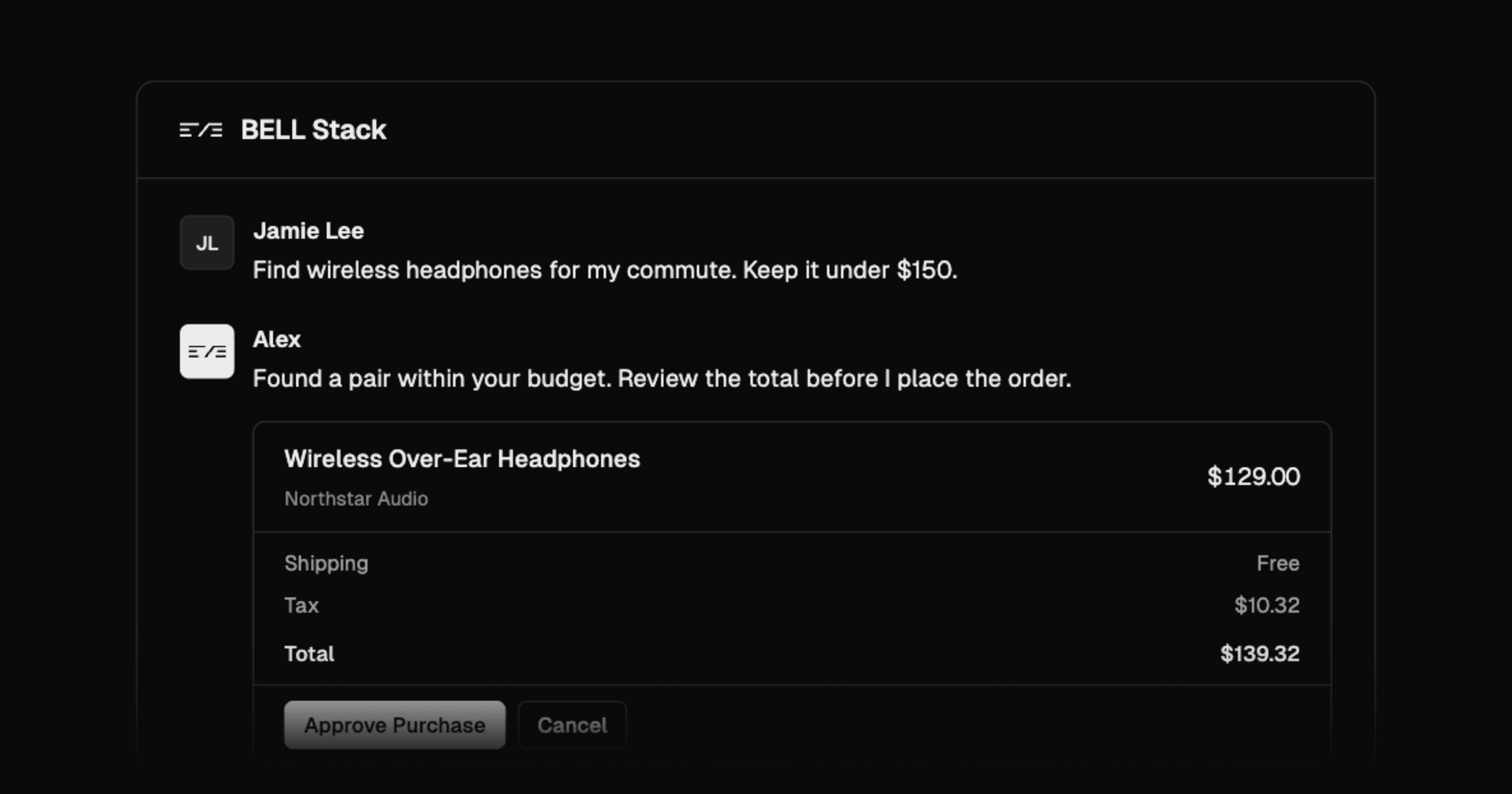
Build a personal browser and messaging assistant with Browserbase, eve, Link by Stripe, and Linq for one trusted operator.
