

Template name
New Project
Build a TanStack Start chat with eve, interactive cards, sortable tables, follow-up forms, and conversations with shareable URLs.
eve TanStack Agent is a template for developers building a React chat interface with structured, interactive answers. It connects TanStack Start to an eve agent that can search the web and present results through json-render. Users can explore result cards or sort a table, then continue the conversation with a follow-up question.
Build a research assistant that searches the web, reads pages, and presents what it finds as components. A search for recent articles can return cards with images and summaries. Comparisons can use sortable tables, while an ordered layout can present an itinerary or set of instructions.
The agent selects components from a fixed catalog that you define. Its render_ui tool produces a structured specification, and json-render connects that specification to your React renderers. Component properties are validated before the result appears. You control the available components and how they look in the application.
Streaming responses show tool activity alongside messages. When the agent needs more information, question forms offer options or a field for a typed answer. The included approval demo also shows a tool waiting for a person's decision before it runs.
Use this starter to build AI agents whose answers benefit from tables, metrics, or ordered steps. It supplies the rendering connection between the agent and the frontend, so you can focus on the information your application needs and the components that make it usable.
For artificial intelligence agents doing research, a result card can put an image and source link beside the summary. That control over presentation is a useful criterion when choosing the best AI agent template for a TanStack Start app. The frontend uses shadcn/ui and Tailwind CSS, with TanStack Table handling sortable tables.
eve is an open-source AI agent framework. The agent lives in agent/ and the React chat lives in apps/web/. You can change the agent's role and tools separately from the chat components.
Vercel Services deploys the frontend and agent together in one project. Deployed agent sessions use Vercel Sandbox. Each conversation has a URL that lets you reload the page and return to the same session, or share it with another person who has access.
Set EVE_ACCESS_PASSWORD to a long random password during setup. Visitors enter the password before chatting, and everyone who signs in is trusted equally. Share access only with people who may see each other's conversations: anyone with the password can open a shared chat link.
For separate user accounts and private chats, replace the shared-password flow with your authentication provider and check session ownership. The repository setup and customization guides explain the changes to the frontend and agent authentication.
Extend the component catalog together with its matching React renderer when adding a new result format. The approval example demonstrates a configurable tool behavior; it does not make every action in the application require approval.
TanStack Start provides the React frontend, and eve runs the agent behind the conversation. The chat displays streaming replies and tool activity, including forms that collect follow-up answers. Vercel Services deploys both parts in the same project.
The render_ui tool describes a result using components from the developer's catalog. json-render maps that structured result to React components after validating their properties. The included catalog supports result cards, metrics, sortable tables, and ordered layouts.
Yes. Return to the conversation's URL after a reload to continue its session. You can also send that URL to someone with the shared password. The starter's access model allows password holders to open each other's linked conversations.
No. Browser sign-in uses EVE_ACCESS_PASSWORD, shared by everyone you authorize to use the app. Add another authentication provider and session-ownership checks if your application needs private conversations for each user.
Declare a component in agent/lib/ui-catalog.ts and add its React renderer in apps/web/app/_components/ui-registry.tsx. Add tools under agent/tools/ and adapt agent/instructions.md to describe the agent's role. Keep the catalog and renderers in sync as you extend the interface.

Manage Contentful from Slack with eve. Query synced content, edit drafts, upload assets, and review publication requests.
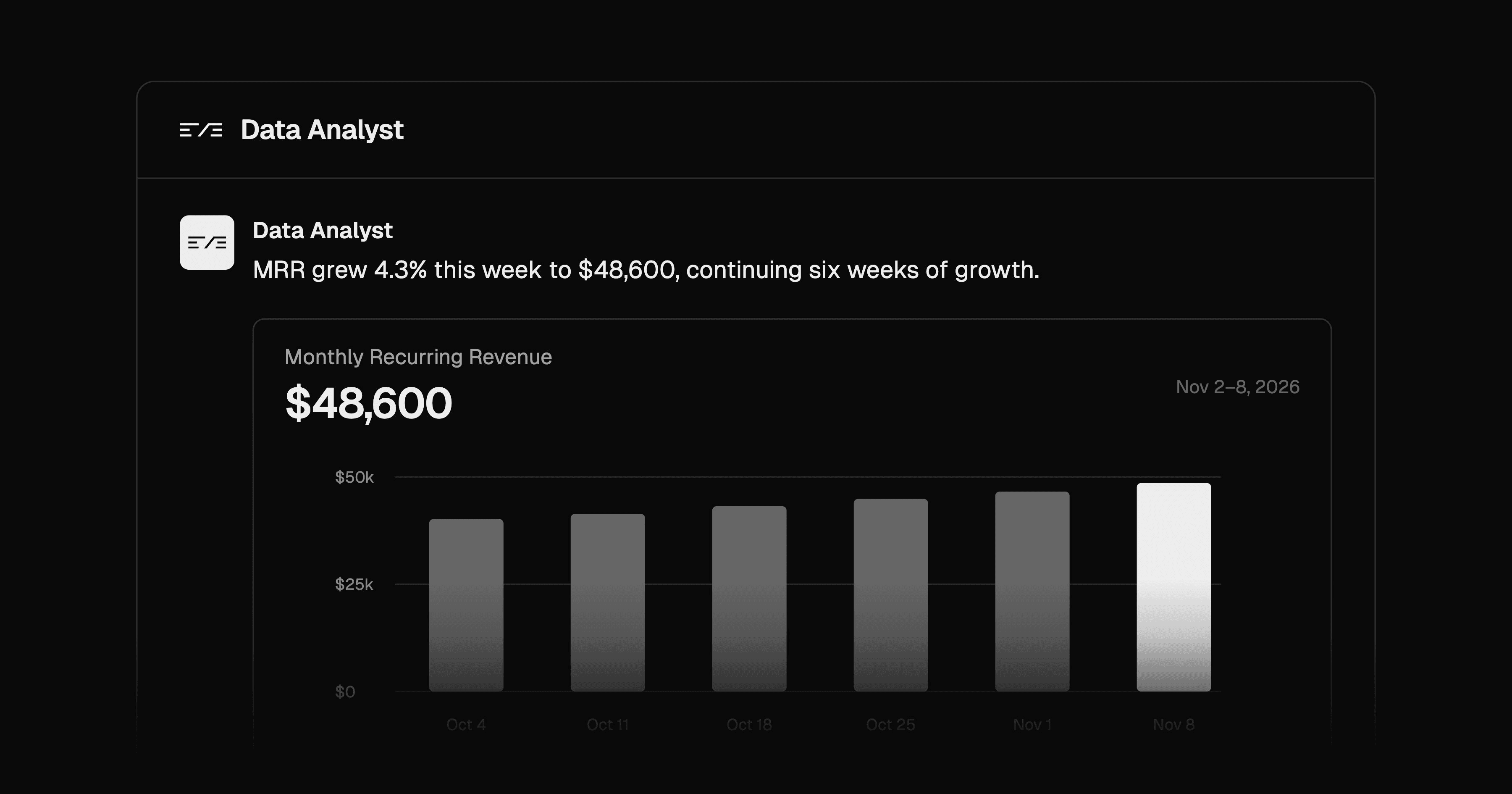
Ask data questions in Slack and get Postgres-backed answers with charts and SQL evidence. Configure metrics, roles, and query approvals.
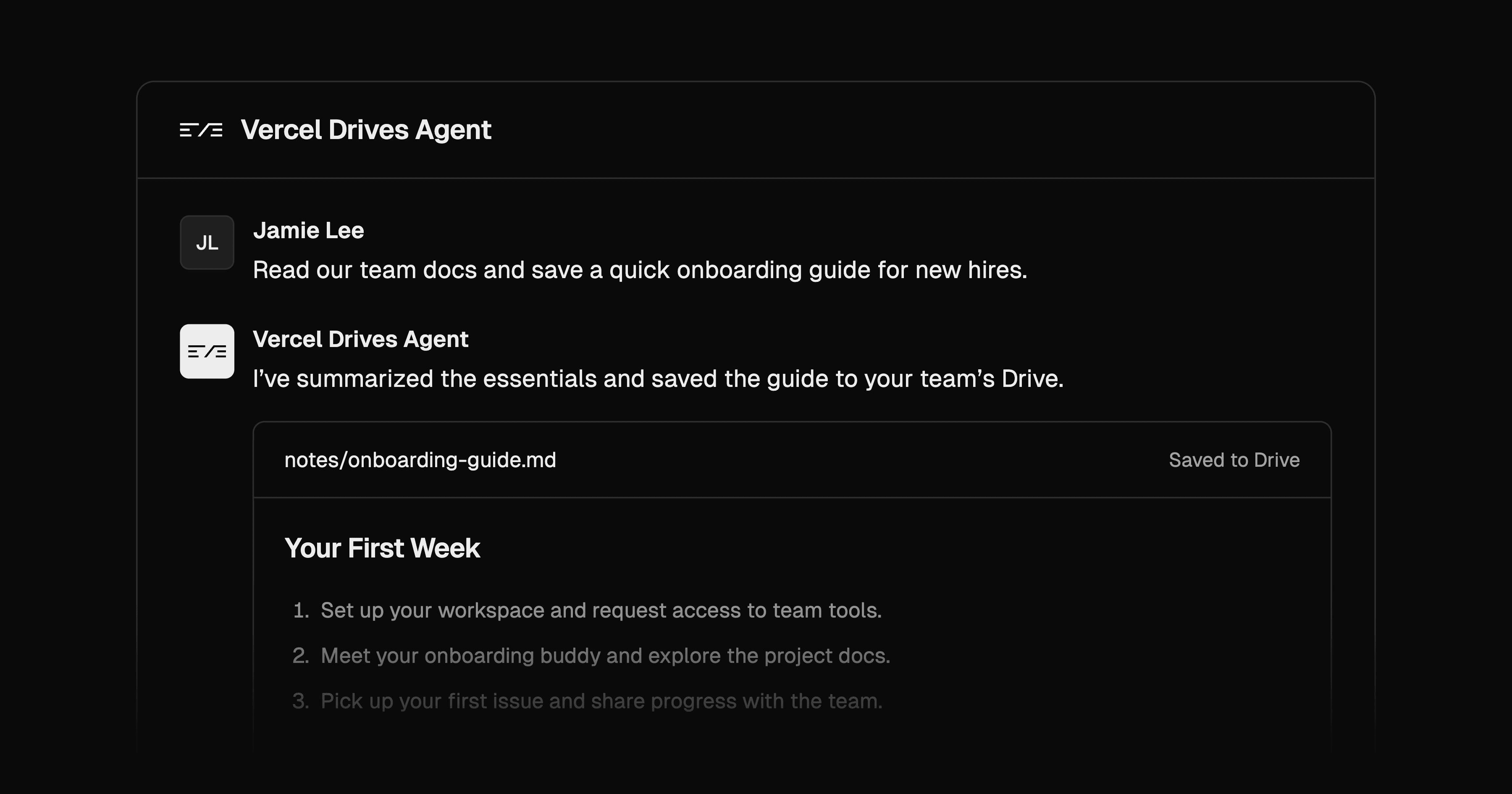
Build an eve agent for shared team files on Vercel Drives, with read-only session snapshots and a separate tool for saving files.
