

Template name
New Project
Build a Slack agent with eve using an example tool and skill. Customize its behavior, test locally, and deploy on Vercel.

Manage Contentful from Slack with eve. Query synced content, edit drafts, upload assets, and review publication requests.

Coordinate a marketing lead and five specialist agents in Slack, with Notion drafts, Typefully posts, and Resend email campaigns.
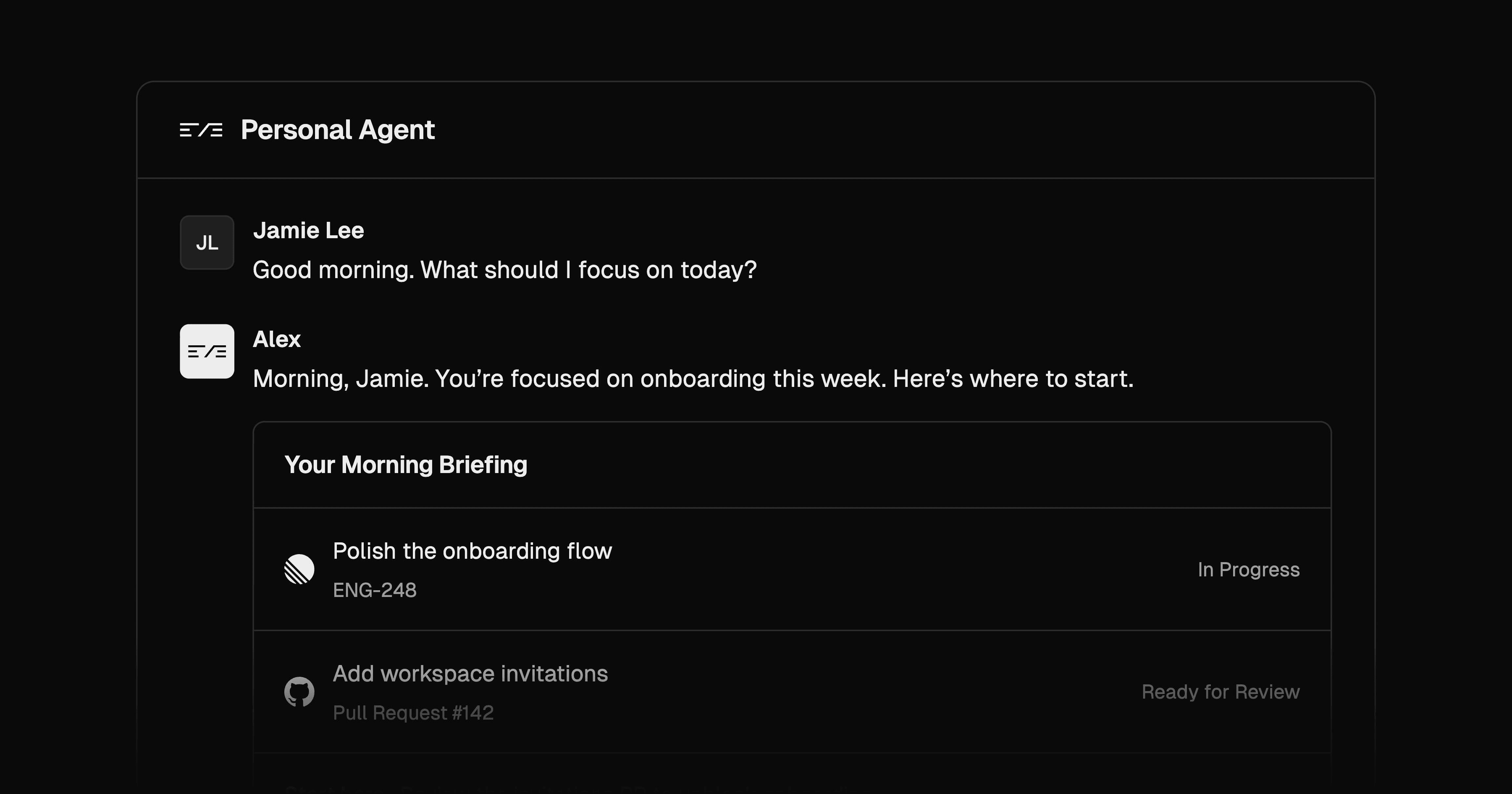
Build a personal eve assistant with persistent web chat, linked Slack identity, optional iMessage, and per-user memory.
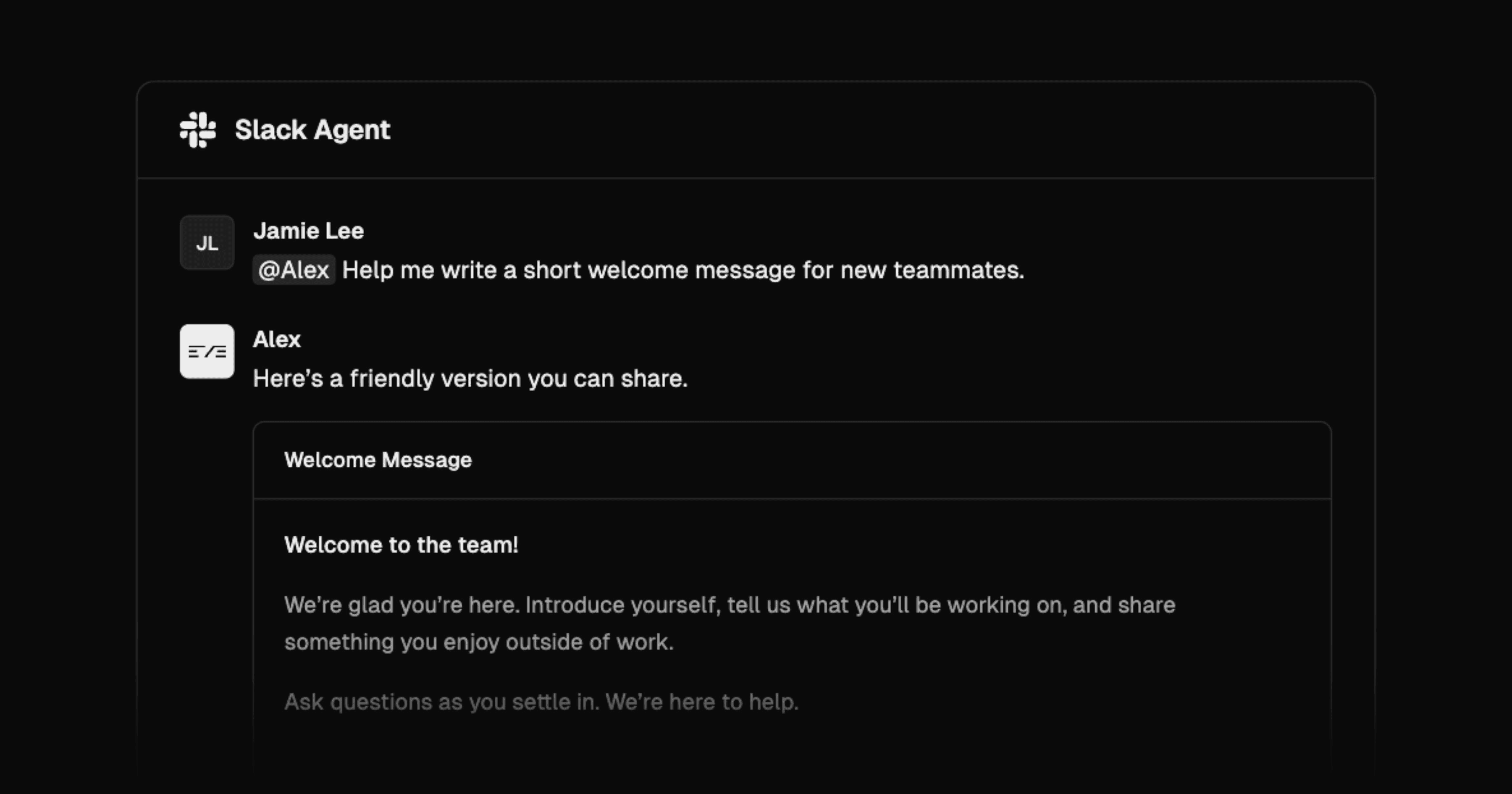
eve Slack Starter is a minimal template for developers building a Slack AI agent. It includes an agent with model configuration and instructions, a Slack channel, and examples of a tool and a skill. Deploy it to Vercel, mention the bot in a channel, and it replies in a thread.
The included weather tool returns sample data, and the trip-planning skill demonstrates how the agent follows a procedure. Together, they show how artificial intelligence agents combine callable tools with task-specific instructions.
The agent's files separate the parts you can customize:
| File | Purpose |
|---|---|
agent/agent.ts | Select the model |
agent/instructions.md | Define the agent's behavior |
agent/channels/slack.ts | Configure the Slack connection |
agent/tools/get_weather.ts | Demonstrate a tool with a validated input and sample result |
agent/skills/plan_a_trip.md | Provide instructions for trip-planning requests |
eve discovers tool and skill files, so you can build AI agents by adding files for your workflow.
When defining your own Slack workflow, the best AI agent starter is one whose behavior you can inspect and change. This template lets you trace a request through the Slack channel, then see how the agent calls its sample tool or follows its skill. You can replace those examples file by file while keeping the channel connection, learning the framework as you turn the starter into your own agent.
eve is an AI agent framework that runs conversations as durable workflows. A Slack thread maps to an agent session, so follow-up requests in that thread continue its conversation.
The starter uses Vercel Connect for Slack credentials and request verification. Model calls go through AI Gateway with the linked Vercel project's credentials. This setup handles the Slack bot token and model authentication while you work on the agent's behavior.
Follow the Slack starter setup guide to deploy and install the bot, then invite it to a channel. Its default behavior requires another mention for each follow-up in a thread. Automatic thread following needs changes to the Slack channel configuration.
Install dependencies, link the Vercel project, and pull its environment before running pnpm dev locally. Use the terminal UI to test the agent and its examples. Test Slack delivery against a preview or production deployment because Vercel Connect sends events to deployed projects.
Replace the sample weather result before using the tool for real forecasts. Third-party APIs you add may need credentials beyond the starter's Vercel-managed Slack and model authentication.
No. The get_weather example returns sample weather data to demonstrate a tool call. The plan_a_trip skill uses that example as part of a trip-planning procedure and instructs the agent not to describe it as current weather.
Yes. The starter answers channel mentions and direct messages, and each channel-thread reply needs a mention. You can customize its Slack channel to follow replies without a mention.
Vercel Connect manages the Slack bot token and verifies incoming requests. AI Gateway authenticates model calls through your linked Vercel project, so this starter does not require a separate model provider key. Tools you add for other services may require additional credentials.
Yes. Run pnpm dev to chat with the agent in eve's terminal UI and try its tool and skill. To verify the Slack connection itself, use a preview or production deployment.
Place TypeScript tools in agent/tools/ and Markdown skills in agent/skills/. eve discovers them from the filesystem without a separate registration step. Edit agent/instructions.md for general behavior and agent/agent.ts to change the model.
