

Template name
New Project
Investigate incidents in Slack with an eve agent that tests hypotheses against Datadog, GitHub, and Vercel data and cites sources.
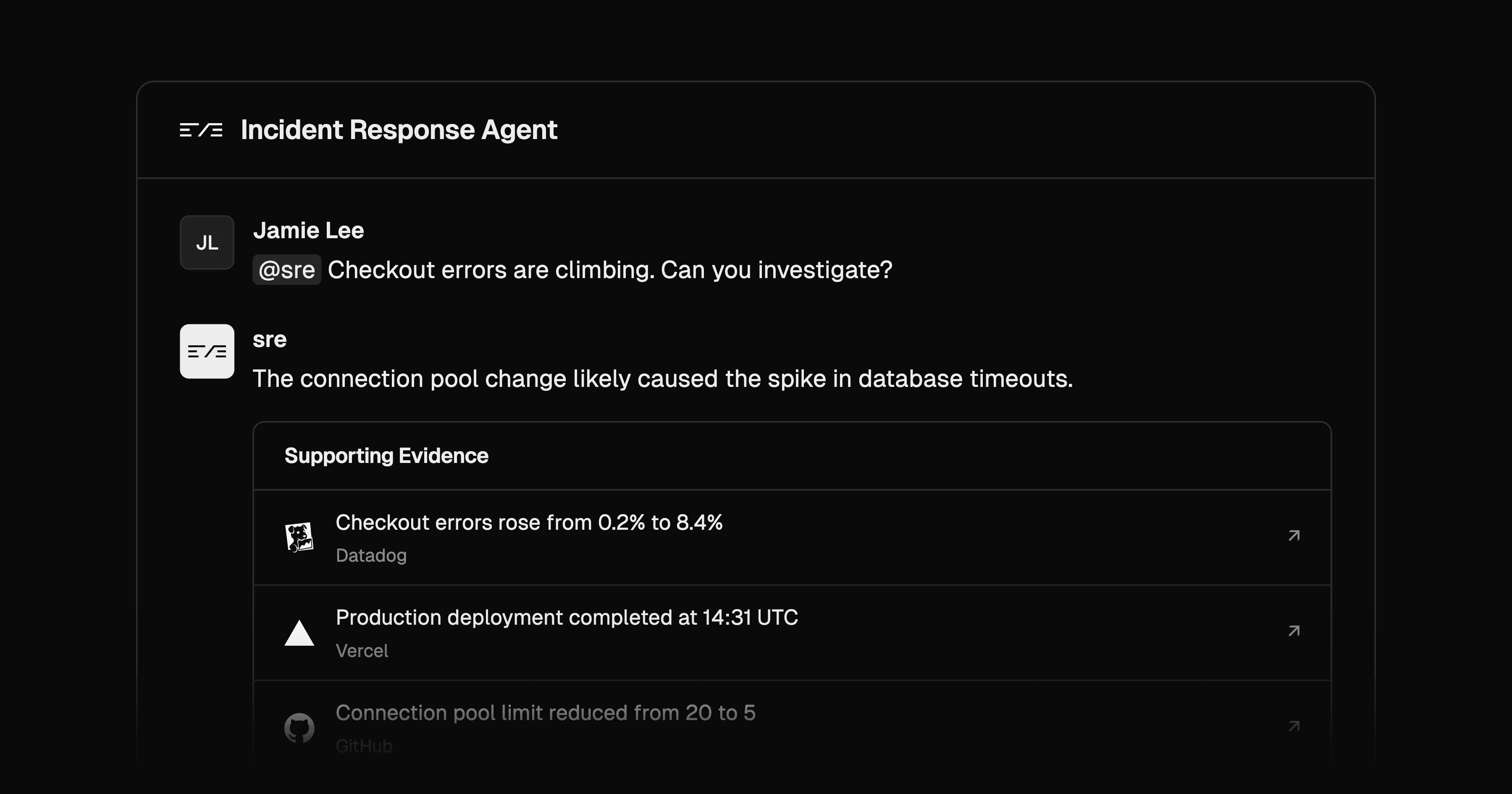
eve Incident Response Agent, named sre, is a Slack AI agent for investigating production alerts and incidents. It checks possible causes against Datadog, GitHub, Vercel, and other connected operational sources, then reports findings with source links. The default investigation workflow is read-only, leaving responders to decide what action to take.
Give your team an investigator they can call from an incident conversation or connect to an alert source. Investigations can start through:
POST /v1/investigate request from an external system.The agent tests hypotheses against live signals and records findings that affect the investigation. Each turn has its own evidence set, with duplicate finding-and-URL pairs recorded once. Slack replies put the conclusion first and include evidence so responders can inspect the source.
You can build AI agents for your team's operational workflows by changing the investigation instructions and skills or adding connections to other systems. Saved runbooks let recurring alerts use procedures created through Slack.
Teams evaluating artificial intelligence agents for on-call work can inspect the sources behind sre's conclusions and adapt its investigation procedures to their services. The template connects incoming alerts to an investigation and a Slack response, giving responders an explanation they can check against their monitoring and deployment data.
The best AI agent for an incident workflow must be able to access the evidence that workflow requires. Check the credential model before enabling unattended investigations: automated runs use service-authenticated tools and supplied metadata, while a Slack user's Vercel connection requires that user's authorization.
The eve AI agent framework provides the agent's instructions, tools, and channels. Vercel Connect supplies the integrations used to gather operational data, so you can extend the investigation without replacing its Slack entry point or reporting workflow.
Private Vercel Blob stores channel-watch configuration and saved custom runbooks. These are optional features; Blob is not required for every investigation. Global runbooks apply across sessions, while personal runbooks belong to the requesting Slack user.
The deploy flow provisions Slack, GitHub, Datadog, and Vercel MCP connectors plus private Blob storage. Use read-only GitHub and Datadog permissions. Invite the bot to the target Slack channel and confirm that a mention receives a reply before enabling automation. The setup guide covers CLI configuration and connector credentials.
For webhooks, configure WEBHOOK_SECRET and send it in the x-sre-webhook-secret header or as an Authorization: Bearer token. The automation guide documents request fields and delivery checks. An accepted request schedules the investigation; confirm its Slack thread separately.
Automated webhook and channel-watch runs have no requesting user's OAuth identity. They cannot use the user-authorized Vercel connection, even when that connector exists on the project. Choose service-authenticated sources for the investigations you want to start unattended.
Mention sre or send it a direct message. You can also configure a watched channel so new top-level messages can trigger investigations, or send an authenticated request to the investigation webhook. The bot must belong to the Slack channel receiving the investigation.
Yes. sre attaches source links to recorded findings and includes that evidence in its Slack result. Evidence belongs to the current investigation turn, so a later turn starts its own set instead of inheriting the previous turn's recorded findings.
No, the default workflow is a read-only investigation that reports its conclusions. Configure read-only permissions for GitHub and Datadog as part of setup. The investigation instructions and the permissions you grant connectors are separate controls.
No. Webhook and channel-watch investigations run with service identities and cannot borrow a Slack user's OAuth connection. They use the supplied incident context and available service-authenticated tools; Vercel's user-authorized tools require an investigation associated with an authorized Slack user.
Ask sre in Slack to create a runbook for a recurring issue. Global runbooks apply to all sessions, and a user's personal runbook takes precedence over a global one with the same name. A newly saved runbook loads on a later matching request, not during its creation request, and saving or loading it requires private Vercel Blob storage.

Manage Contentful from Slack with eve. Query synced content, edit drafts, upload assets, and review publication requests.

Coordinate a marketing lead and five specialist agents in Slack, with Notion drafts, Typefully posts, and Resend email campaigns.
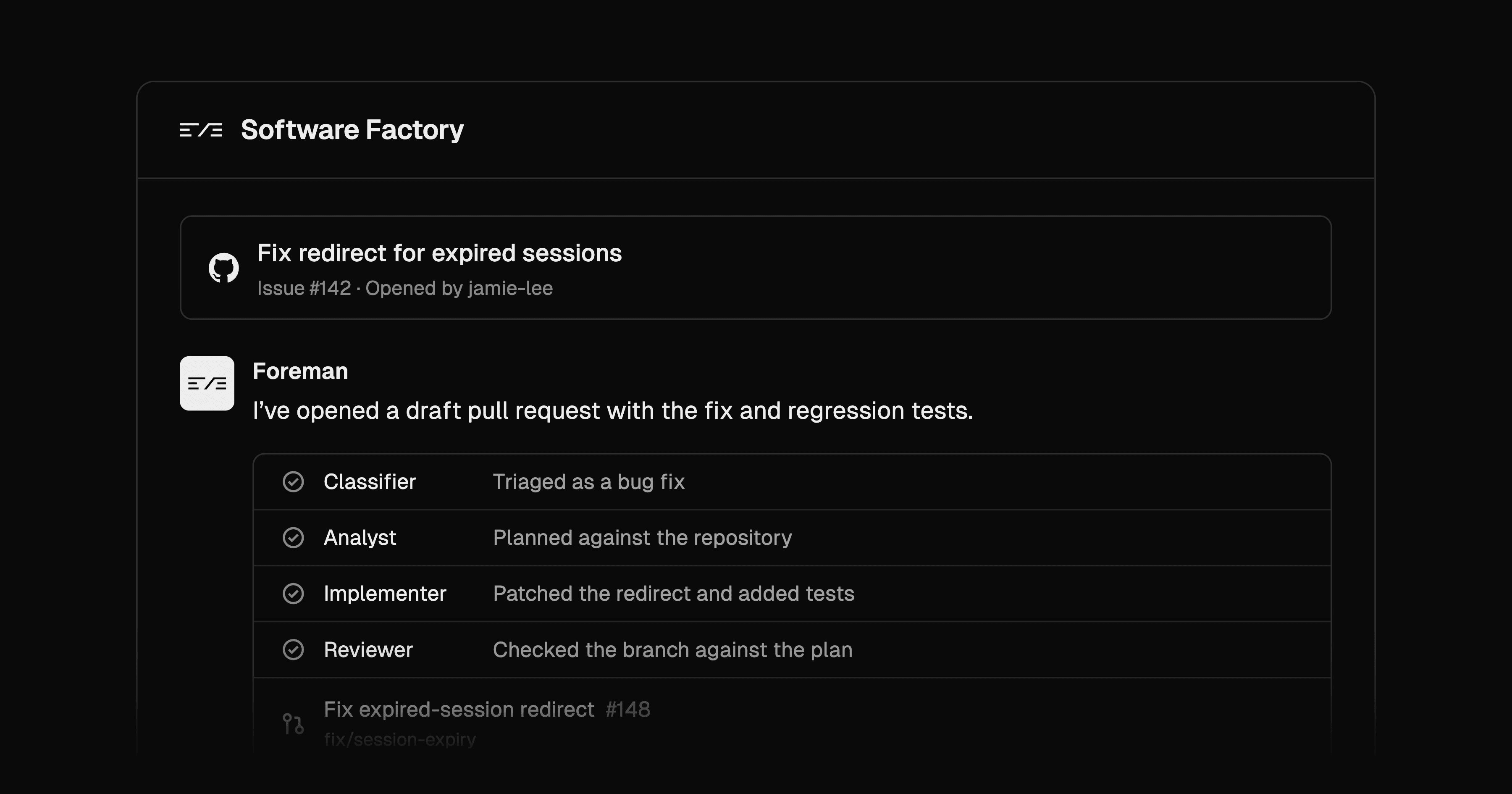
Turn GitHub and Linear issues into reviewed draft pull requests with specialist eve agents and human approval before shipping.
