

Template name
New Project
Build an eve Discord agent to recap recent conversations, answer questions in threads, and search the web for current information.
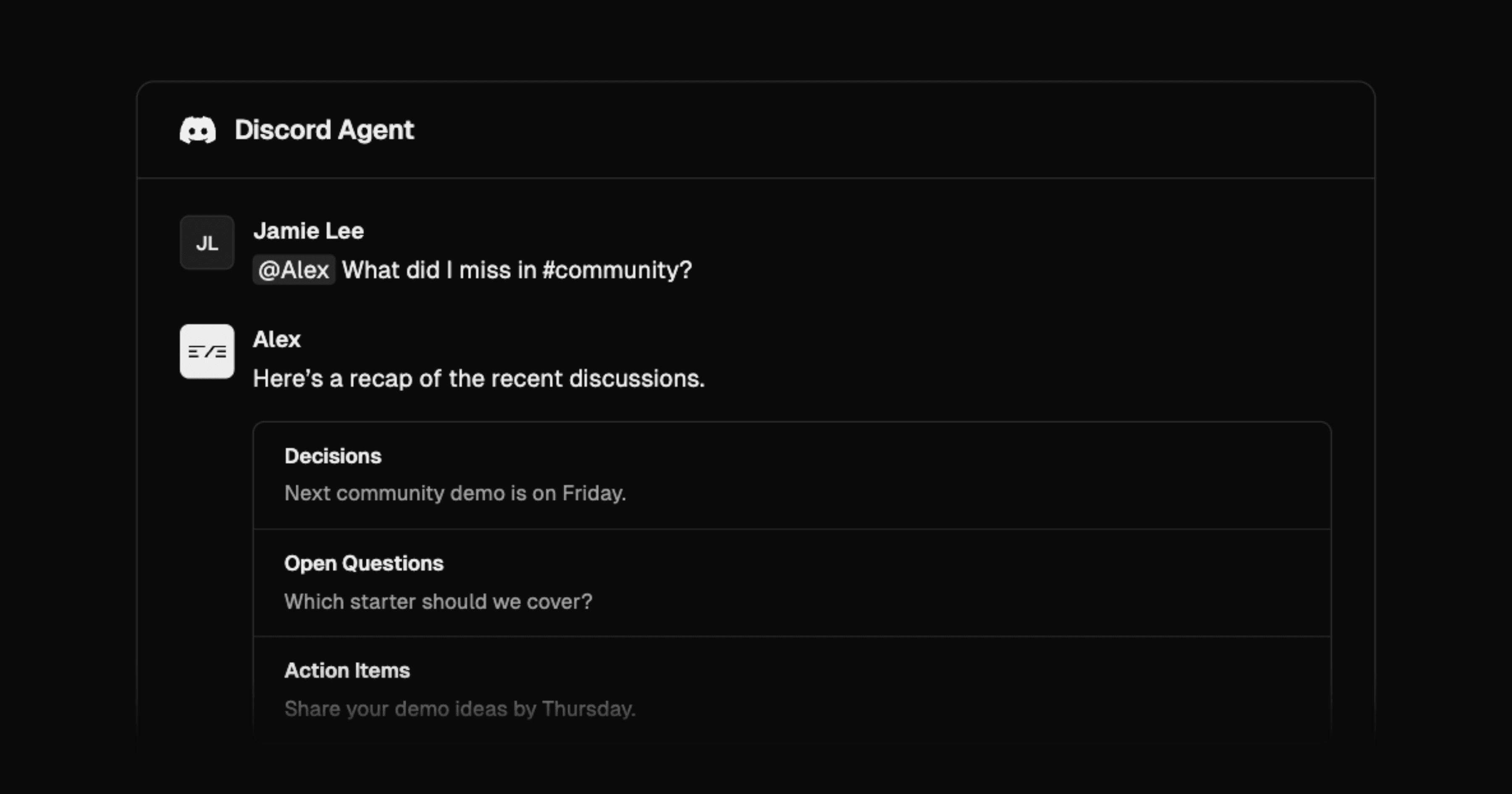
eve Discord Community Agent is an AI agent template that helps members catch up on Discord conversations and ask questions. Mention the bot to get a recap of recent channel or thread messages. Developers can adapt recap instructions and response behavior to their server.
Members can ask what they missed and receive a summary of decisions, unresolved questions, and action items. The agent reads recent messages from the channel or thread where the request originated, then uses its catch-up skill to compose the recap. It also answers questions through mentions and DMs, with channel replies organized into threads.
Artificial intelligence agents in community conversations need to distinguish a request for help from people talking to each other. This template includes a no-reply tool that lets the agent hold back during those exchanges. When a question requires information beyond the Discord discussion, the agent can use web search for current facts.
You can adapt the catch-up skill to change what a recap includes, while the agent's instructions control its general behavior. These files let you build AI agents with recap formats and response styles suited to your community.
A recap bot needs access to the conversation before it can summarize it. This template connects that retrieval step to the recap instructions and Discord replies, so you can work on the quality of the summary without assembling the message-reading tool and conversation handling first.
Recap accuracy and restraint are useful criteria when selecting the best AI agent for a Discord community. Test it on a discussion with a known decision, then leave people to continue the thread without addressing the bot. Review both the summary and whether the agent speaks when it has something relevant to contribute.
eve is the AI agent framework behind the template's instructions, tools, and skills. An experimental Discord Gateway relay receives mentions, DMs, and thread replies and forwards them to eve. It runs as a Vercel Daemon, which provides the running process needed for the Gateway connection.
Vercel Connect manages the Discord bot credentials, keeping the bot token out of environment variables in this setup. The relay handles message delivery while the agent reads the conversation and decides how to respond.
You'll need Node.js 24, pnpm, a Vercel account, and a Discord server where you can install the bot. The repository setup guide covers bot configuration and deployment. For guided CLI setup, run pnpm exec eve add channel/discord --overwrite after installing dependencies, then select DMs, mentions, and threads. Deploy with pnpm exec eve deploy and add the bot through the installation URL setup provides.
Message Content Intent must be enabled for thread follow-ups that don't mention the bot. If Discord prevents setup from enabling it, setup disables that intent in the relay and members must mention the bot in thread follow-ups.
When testing a local relay, scale the production daemon to zero first. Running both sends each message to both relays and can produce duplicate answers.
Mention the bot in the channel or thread you want summarized and ask what you missed. The catch-up skill works from recent messages to identify decisions, outstanding questions, and work people need to follow up on. You can edit the skill to change the recap's focus.
No. The agent can choose not to reply when members are talking to each other. Address it with a mention or send a DM when you want its help, and use mentions for thread follow-ups if Message Content Intent is disabled.
Yes. The template includes web search for questions that need current external information. It can use those results alongside the recent Discord conversation when preparing an answer.
A Discord Gateway relay forwards messages to the agent from a Vercel Daemon. This relay is experimental. Vercel Connect supplies its bot credentials, so this template does not require a bot token in environment variables.
Prepare Node.js 24 and pnpm, a Vercel account, and permission to install a bot in your Discord server. Use the guided Discord setup to connect the bot and select DMs, mentions, and threads. After deployment starts the relay, open the setup's bot installation URL to add it to your server.
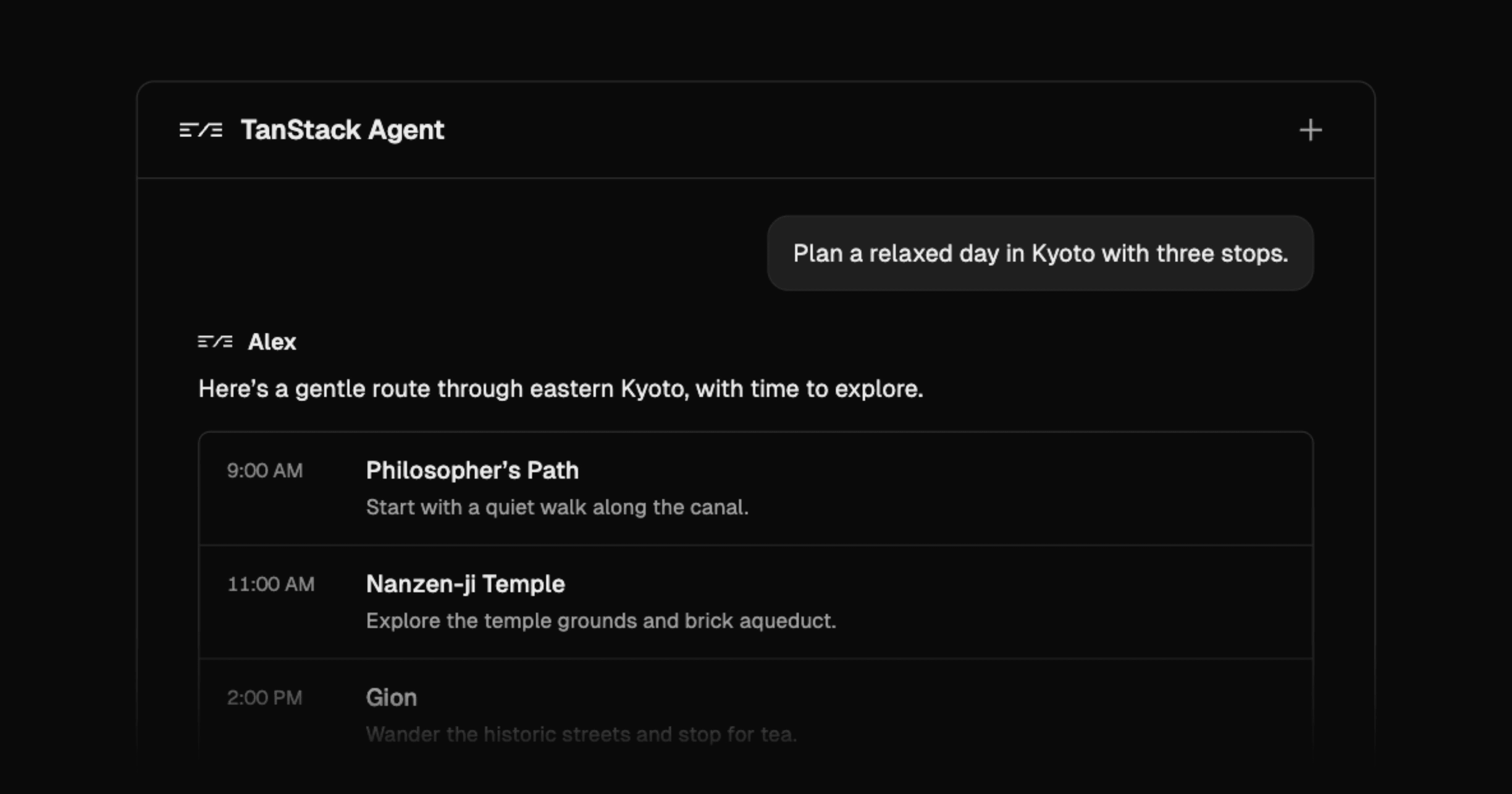
Build a TanStack Start chat with eve, interactive cards, sortable tables, follow-up forms, and conversations with shareable URLs.
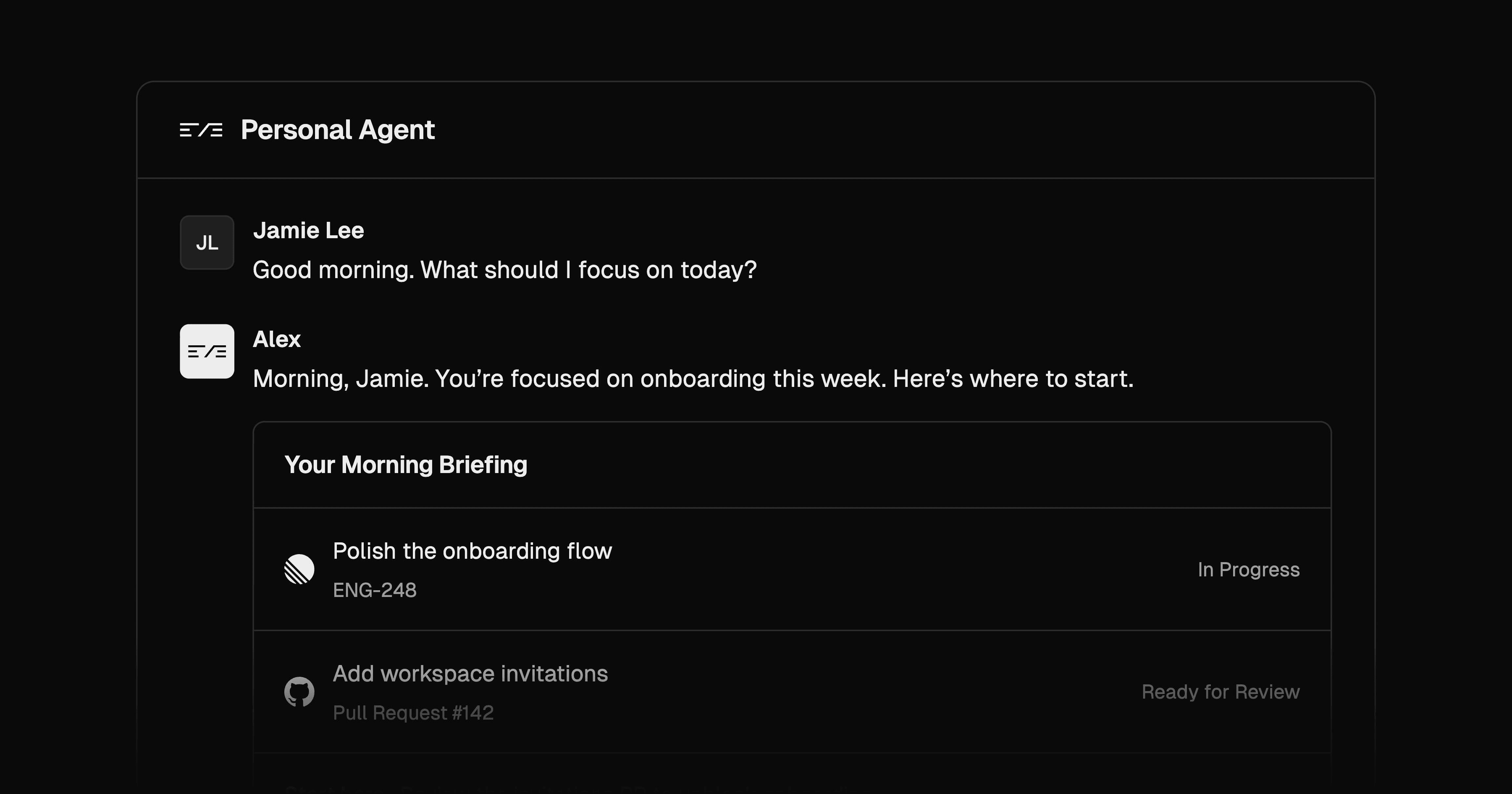
Build a personal eve assistant with persistent web chat, linked Slack identity, optional iMessage, and per-user memory.
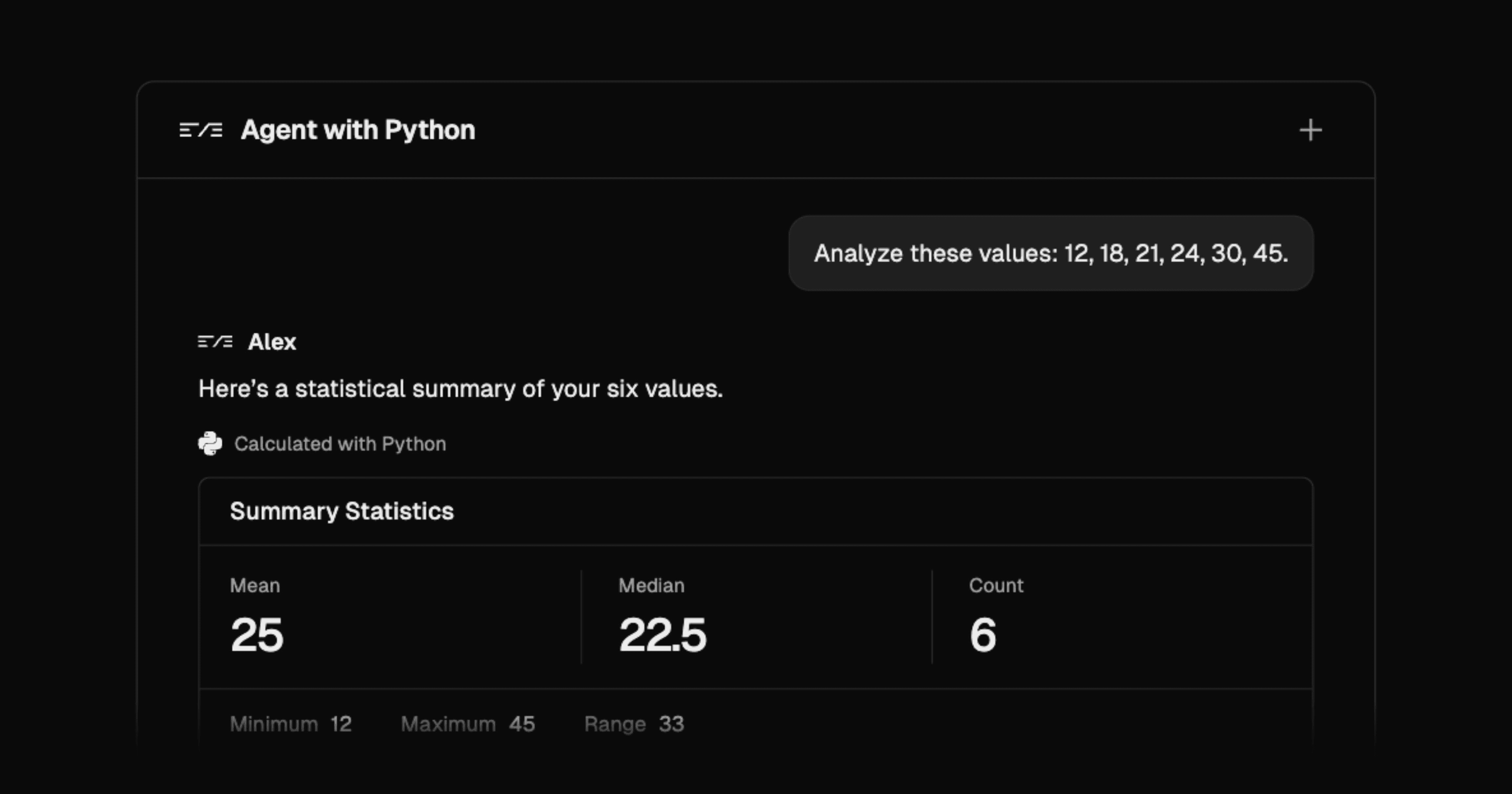
Connect an eve agent and Next.js chat to FastAPI for Python analysis and shared tasks, with Neon storage in one Vercel project.
