

Template name
New Project
Ask data questions in Slack and get Postgres-backed answers with charts and SQL evidence. Configure metrics, roles, and query approvals.
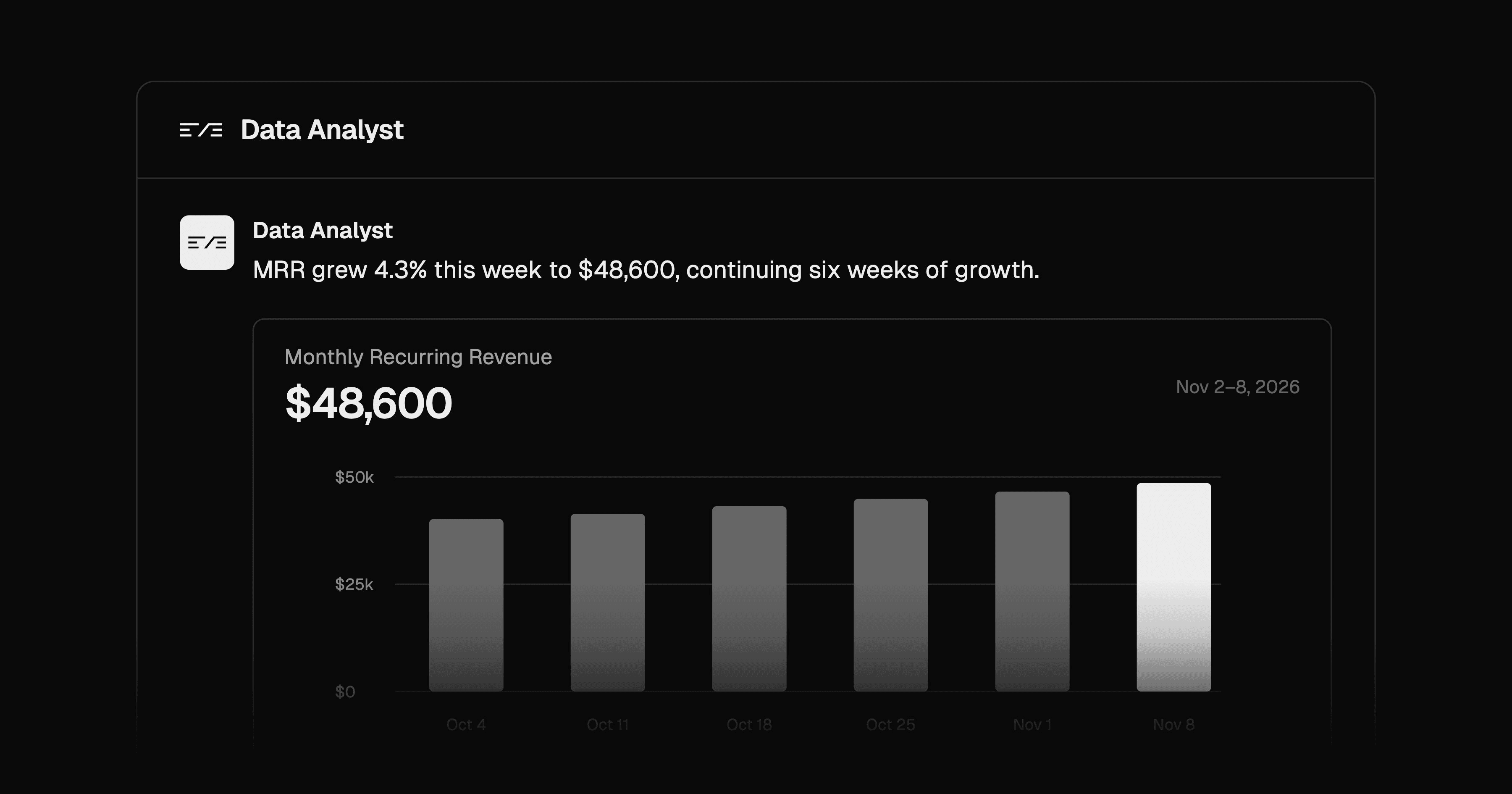
eve Data Analyst is a Slack AI agent that answers business questions by querying Postgres. Ask about monthly recurring revenue, churn, or traffic, and receive a number with its reporting period and time zone. Charts and tables explain trends or breakdowns, with SQL details below each answer.
Give your team a way to ask database questions in a Slack conversation. The agent inspects available tables and column descriptions, then loads your metric definitions before calculating a business metric. It summarizes data in SQL and chooses text, a table, or a chart to present the result.
The collapsed SQL section identifies the queries that ran, the tables they read, and a data timestamp. That lets someone examine the calculation behind a result without filling the main reply with SQL.
You can build AI agents for your own reporting needs by replacing the sample definitions and configuring the schemas the agent can explore.
A question about MRR can produce different answers depending on how your team treats discounts or internal accounts. This template gives artificial intelligence agents an explicit metric file to consult and shows the resulting SQL, so analysts can review the business rule and calculation together.
When selecting the best AI agent for database questions, test it against a metric your team already knows how to calculate. Compare its definition, time window, and access permissions with your reporting requirements before sharing it across Slack channels.
The eve AI agent framework brings the analyst's tools and metric skills into its Slack workflow. Vercel Connect handles the Slack integration, while private Vercel Blob stores remembered preferences such as number formatting and a channel's default region. Business metric definitions stay in skill files and take precedence over memory.
On Vercel, the agent's sandbox denies outbound network access. Web search and web fetching tools are disabled. The agent's instructions also treat query results and retrieved text as data, separate from the instructions governing its work.
Standard setup needs Postgres 14 or later and a DATABASE_URL whose user can create schemas and roles. Deployment creates a separate database user for read-only runtime queries. The database setup guide also supports a read-only runtime connection via ANALYST_DATABASE_URL.
Set ANALYST_SEED_DEMO_DATA to true to load 18 months of fictional subscriptions, billing, and traffic. To use your own data, set it to false, choose schemas with ANALYST_SCHEMAS, and update the metric definitions. Add the deployed agent to a Slack channel and mention it to ask a question.
Everyone initially uses ANALYST_DEFAULT_ROLE, which defaults to analyst_readonly. Configure Slack user and channel role mappings through ANALYST_ROLE_MAP for different access or explicit denials. Database permissions determine which tables a selected role can read.
Ask questions your Postgres data and metric definitions can answer, such as last month's MRR or the leading traffic sources. The agent queries the database for the result and states the dates and time zone used. Adapt the sample definitions before relying on answers from your own tables.
Queries use a dedicated database user with a selected read-only role. Each runs as a single wrapped SELECT in a read-only transaction with a timeout and rollback. Postgres estimates query cost first; queries above the configured threshold wait for the requester's approval.
Yes. Slack responses can include charts for trends or comparisons and tables for exact values. The SQL details show executed queries and table references, with a timestamp indicating when the data was read. Local terminal sessions use text instead of Slack visualizations.
No. Unmapped users share the configured default role. Set ANALYST_ROLE_MAP to assign roles to users or channels, or use an empty role to deny access. For allowed users, a channel mapping takes precedence over their personal role. Match permissions to everyone who can read the answers.
Edit agent/skills/metric-definitions.md with your calculation rules, table names, and exclusions. Remembered user or channel preferences do not replace that file. For your own database, configure the relevant schemas and revise the demo definitions together.

Manage Contentful from Slack with eve. Query synced content, edit drafts, upload assets, and review publication requests.
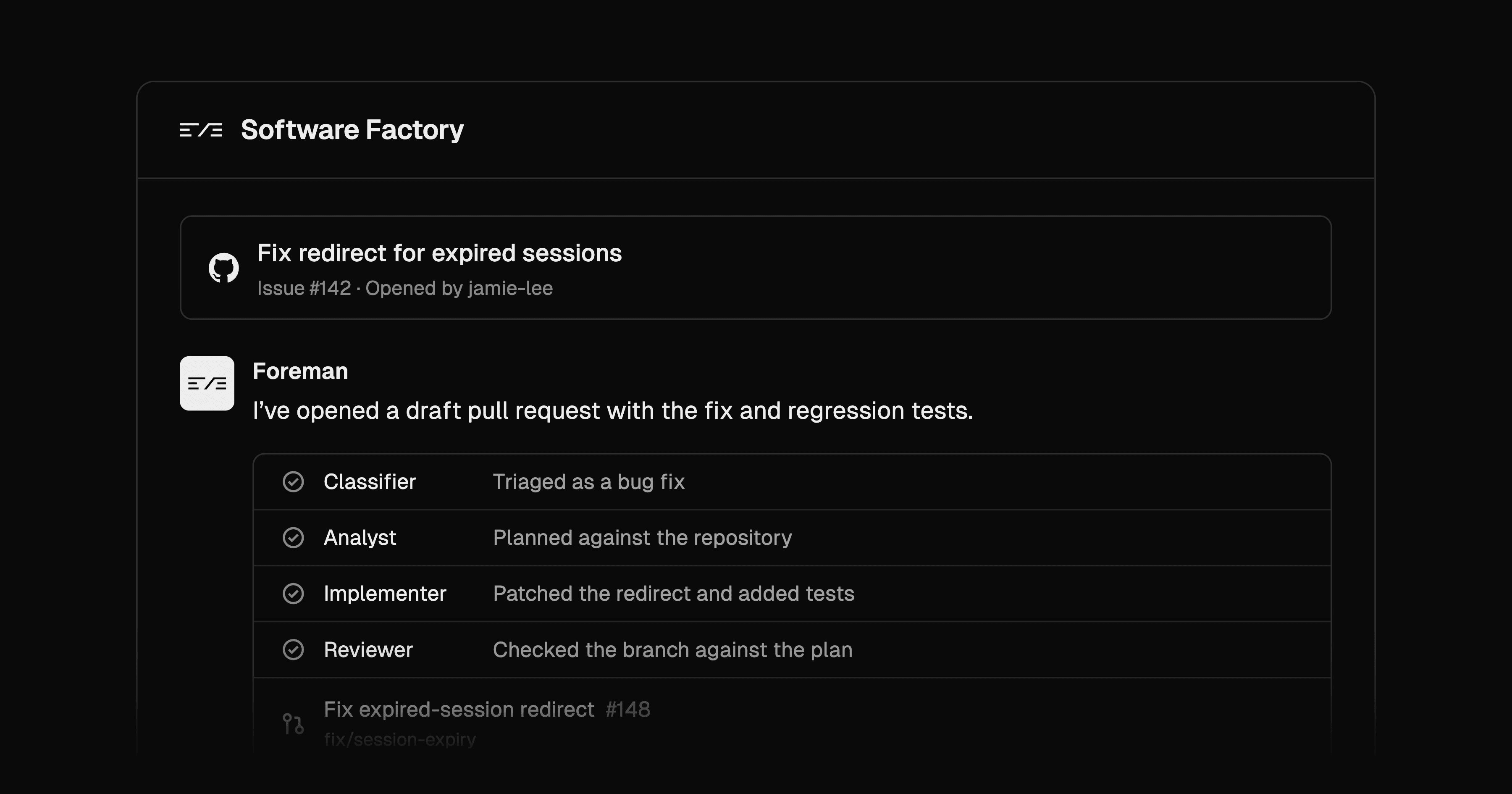
Turn GitHub and Linear issues into reviewed draft pull requests with specialist eve agents and human approval before shipping.
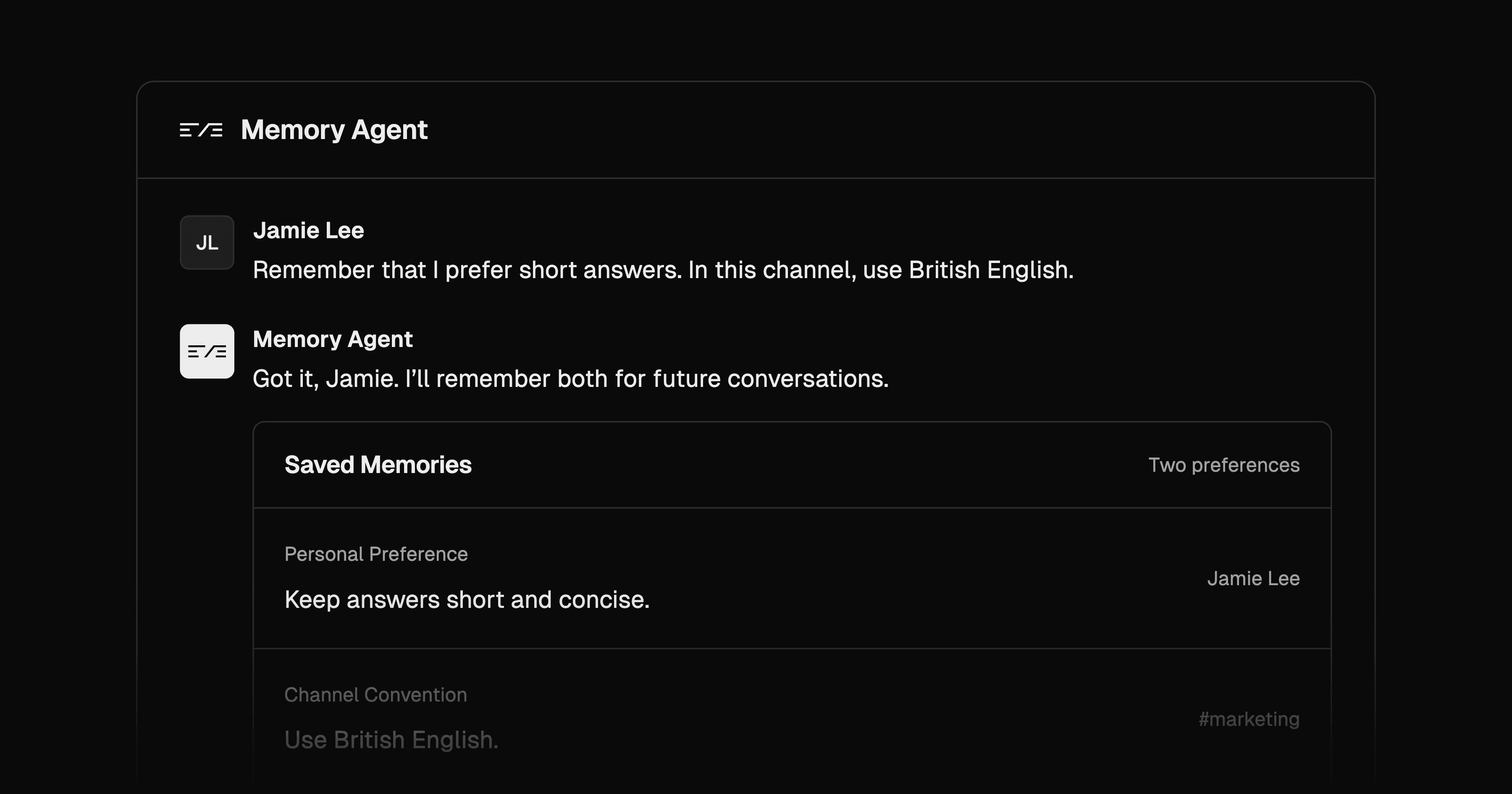
Build a Slack assistant that remembers personal preferences and channel conventions, with automatic recall and private Blob storage.


