

Template name
New Project
Build a personal browser and messaging assistant with Browserbase, eve, Link by Stripe, and Linq for one trusted operator.
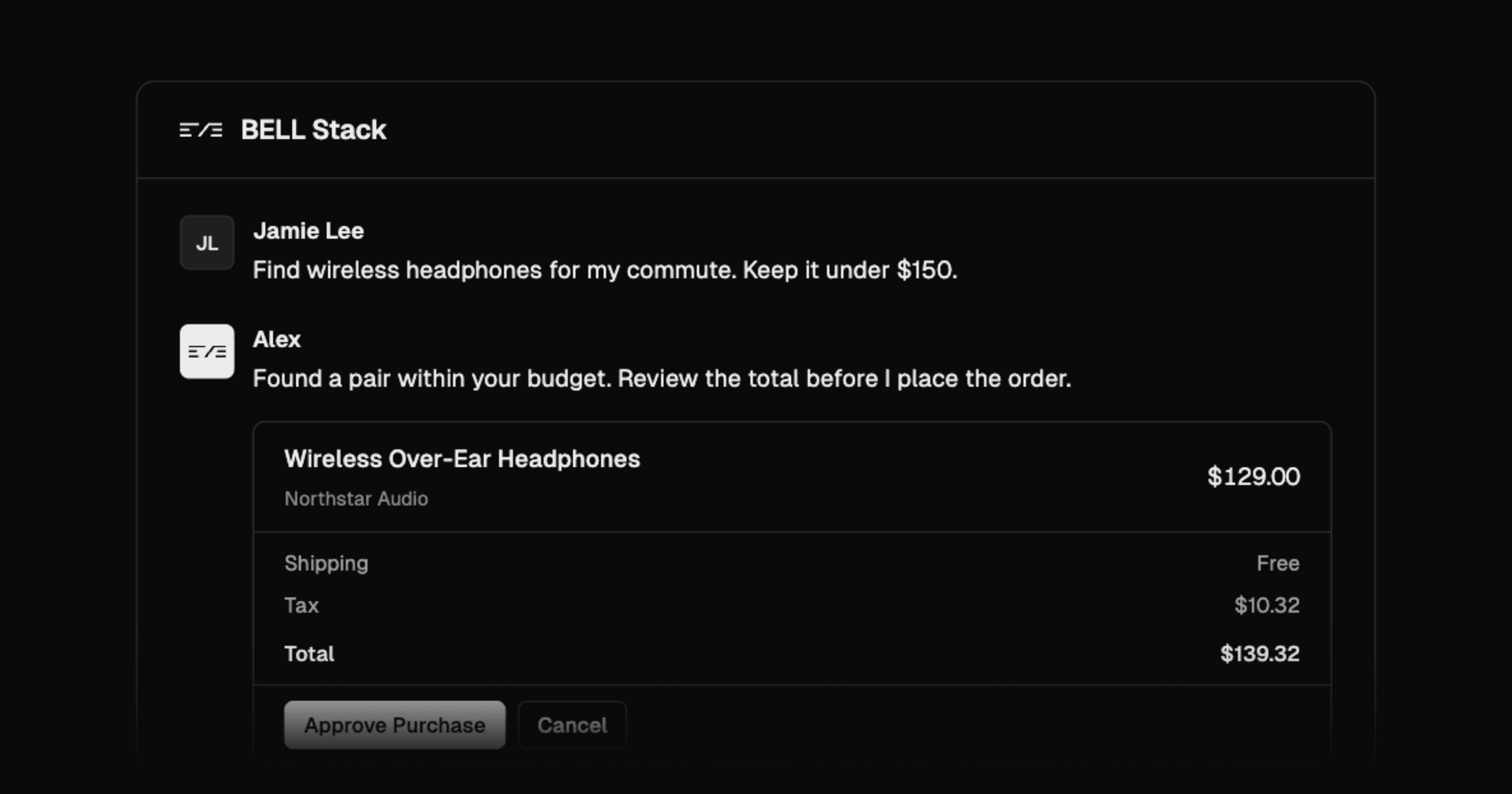
BELL Stack is a reference architecture and sample app for a personal assistant that browses websites, receives messages, and helps with purchases. It combines Browserbase, eve, Link by Stripe, and Linq for developers building an AI agent that can act through a browser and respond over iMessage or SMS.
Browserbase and Stagehand give the assistant a browser for navigating websites and performing actions. Saved browser contexts retain cookies and site state. When a login challenge or another step needs a person, human handoff lets you take control in Browserbase Live View and then return to the conversation.
Linq carries requests and replies through iMessage and SMS. Follow-up messages in one Linq chat reuse that conversation's browser. With Link by Stripe configured, the assistant can request wallet authorization and help complete purchases through messaging, with approval before checkout.
You can build AI agents for other personal tasks by adapting the instructions, tools, and supported websites. Optional integrations include 1Password access to operator credentials and Baselayer verification for compatible merchants. Personal 1Password Agentic Autofill is disabled by default and remains separate from operator credential access.
BELL shows how artificial intelligence agents can connect a request sent by phone to actions on a website, while retaining a way for the person to intervene. You get an example of how conversation state and browser state work together, including the points where the agent must wait for authorization or approval.
When choosing the best AI agent starting point for work over text messages, examine browser handoff and purchase approval alongside the model's responses. BELL is designed for one trusted operator. Its saved browser contexts and credential integrations require additional isolation before you adapt it for unrelated users.
eve is the AI agent framework that runs BELL's tools and maintains its conversation state. On Vercel, eve can use durable workflows to wait for human input and resume work. In BELL's Link integration, wallet consent returns to the original messaging conversation so the agent can continue the request.
The agent's instructions and tools are files you can review and change in the repository. Vercel hosting still requires BELL's application authentication and storage configuration, along with credentials for the external services you enable.
Use Node.js 24 and pnpm 10.33.4 for the local sample. Set OPENAI_API_KEY and BROWSERBASE_API_KEY, then use BELL_DEMO_URL for the website the assistant should visit. The integration setup guides cover the local run commands and separate configuration for messaging, wallet access, and other services.
Protect the web interface and session routes with application authentication. Preserve browser-context metadata across restarts; multi-instance deployments need shared durable storage. Configure Linq's signed webhook and restrict the sender allowlist to the operator's numbers. A web conversation does not automatically connect to an existing Linq chat or wallet.
Real Link checkout needs its own OAuth and PostgreSQL setup. Test the intended merchant flow before enabling purchases, and reconcile an uncertain submission before retrying it.
BELL combines Browserbase, eve, Link by Stripe, and Linq. Browserbase supplies the browser, eve runs the agent, Link handles wallet and purchase flows, and Linq provides messaging. The sample also includes optional integrations beyond those four services.
Yes. BELL supports human handoff through Browserbase Live View for steps that need your input, such as a login challenge. After completing the step, return to the original conversation. Keep handoff links private because they grant browser control.
Linq sends messages to BELL through a signature-verified webhook. The sample checks a sender allowlist and replies in the incoming Linq chat. Configure your receiving number and restrict access to the trusted operator's numbers.
No. Wallet authorization and spending approval are separate parts of BELL's payment flow. Checkout retains both eve confirmation and Link approval, with the final total including shipping and tax confirmed before the purchase.
The sample targets one trusted operator. Before deploying, configure application authentication and persistent storage for browser metadata. Serving multiple independent users also requires user isolation; provider credentials and the messaging allowlist alone do not make the shared browser and credential setup suitable for them.
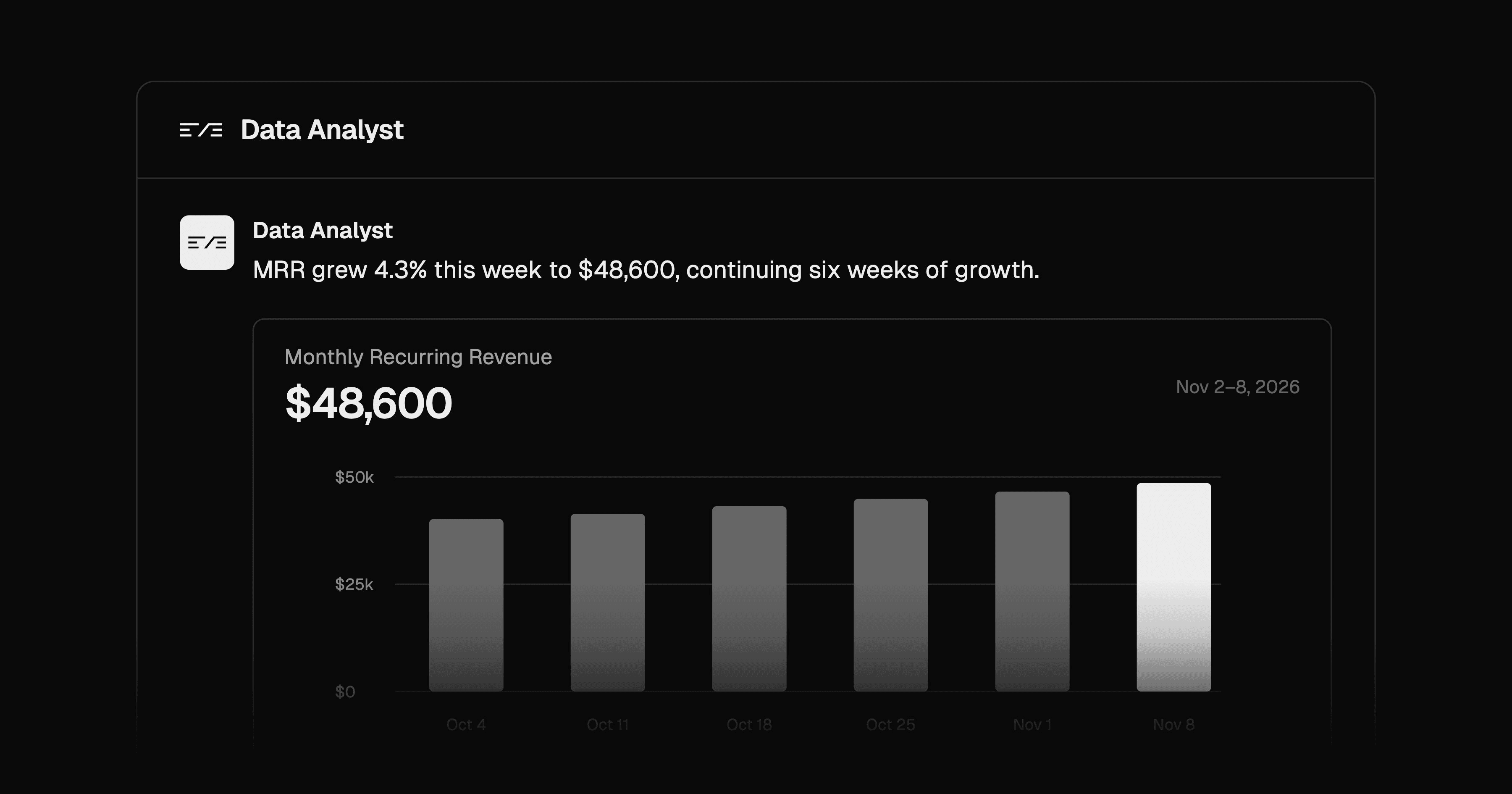
Ask data questions in Slack and get Postgres-backed answers with charts and SQL evidence. Configure metrics, roles, and query approvals.
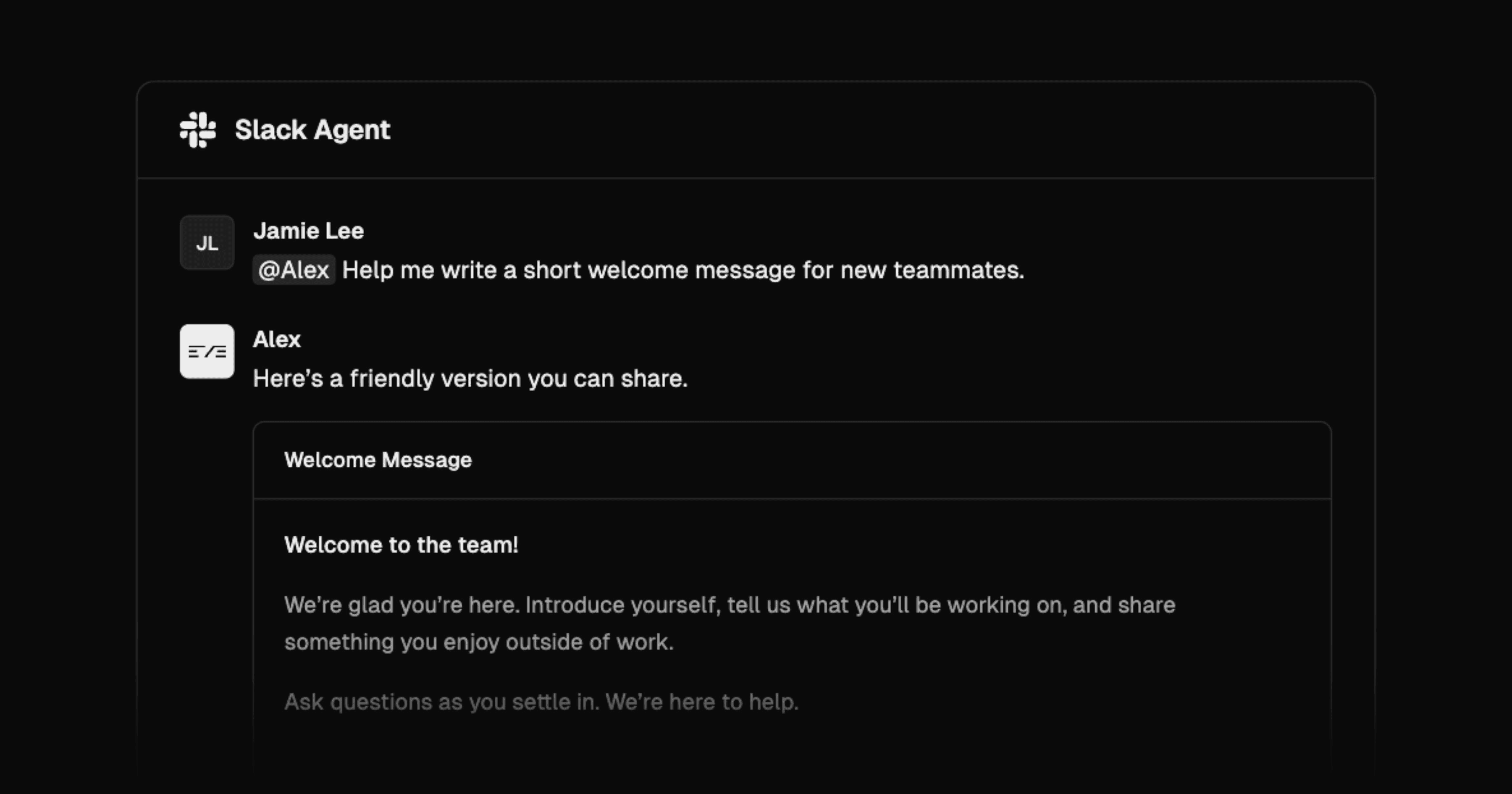
Build a Slack agent with eve using an example tool and skill. Customize its behavior, test locally, and deploy on Vercel.
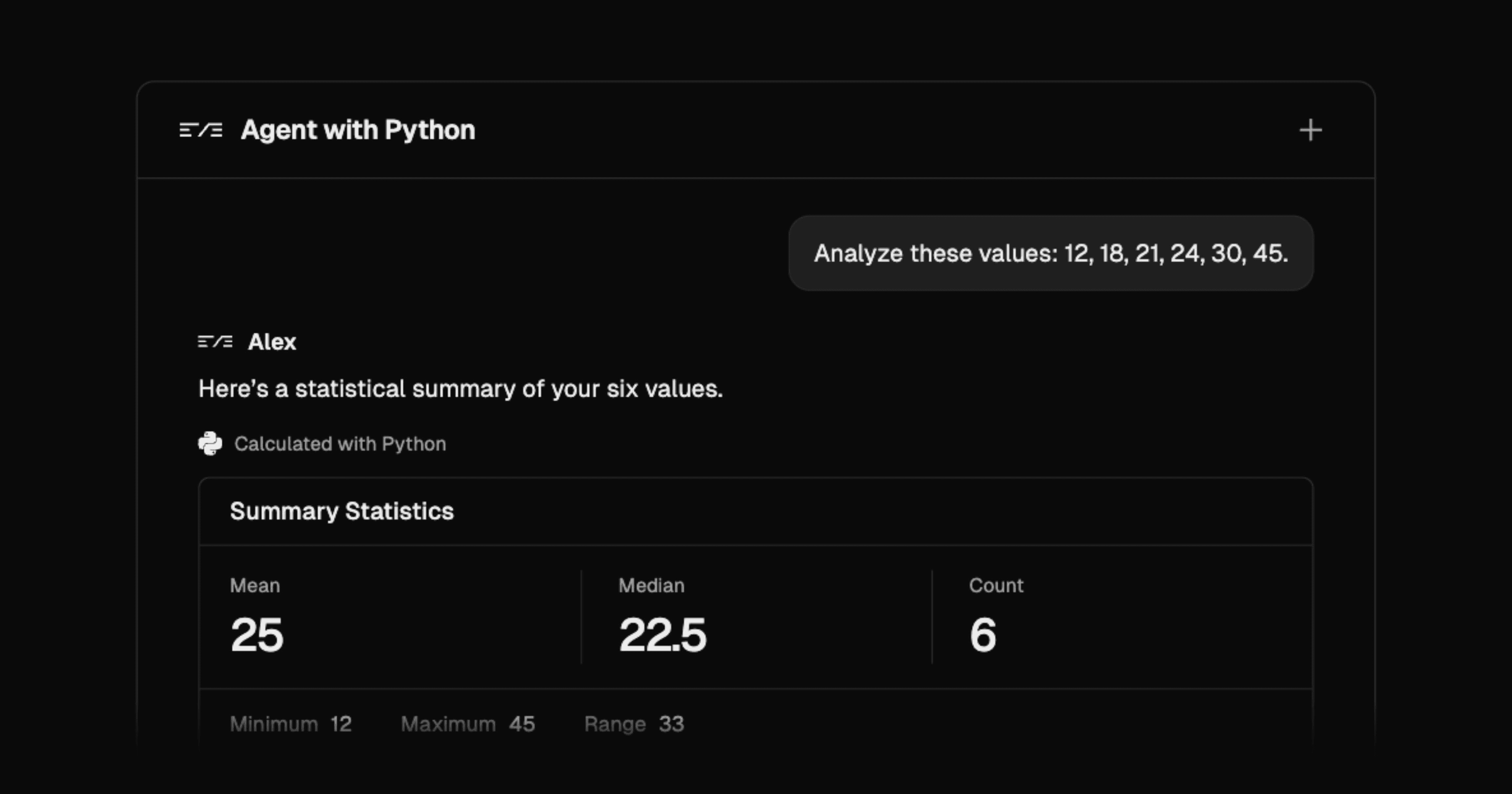
Connect an eve agent and Next.js chat to FastAPI for Python analysis and shared tasks, with Neon storage in one Vercel project.
