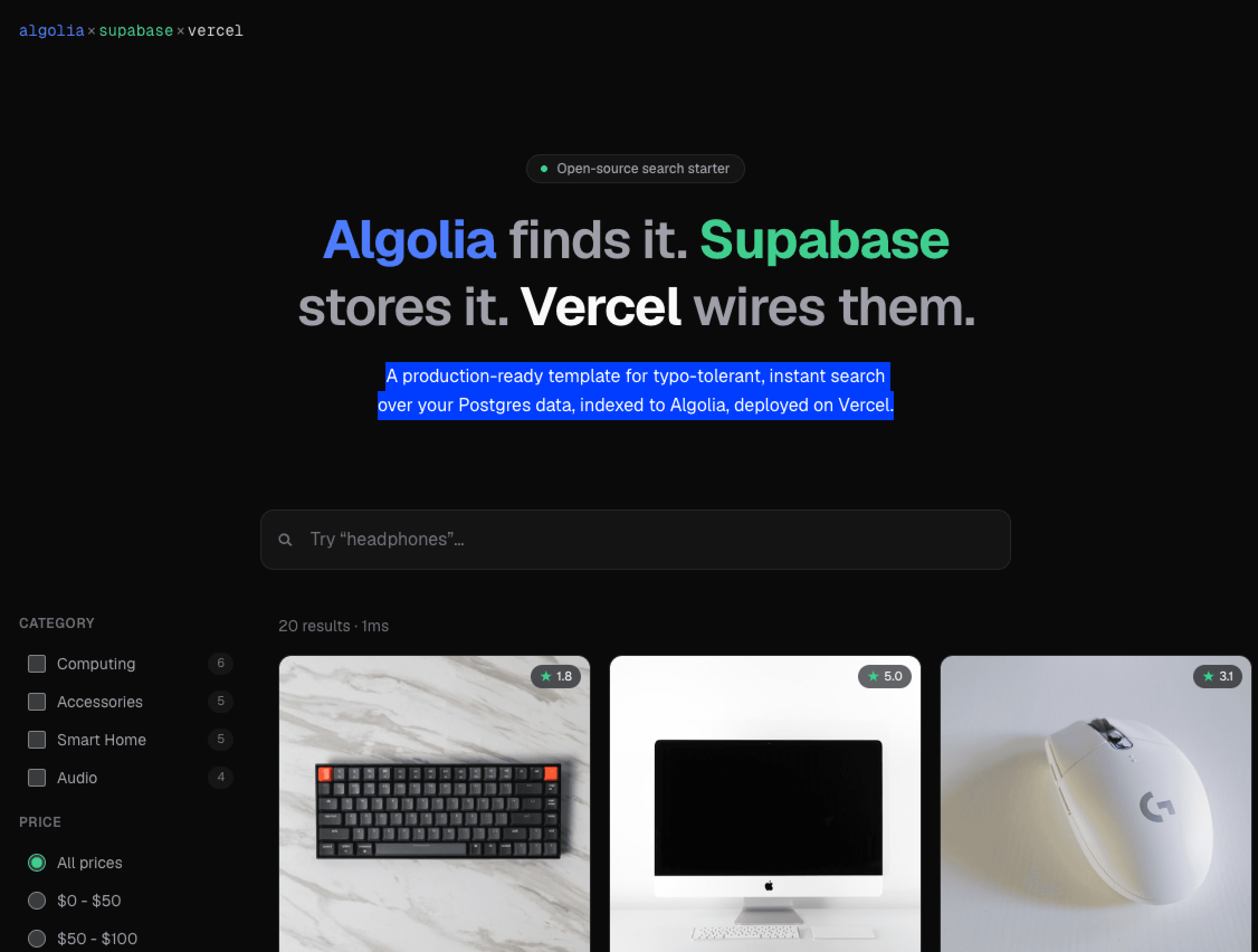
A production-ready template for typo-tolerant, instant search over your Postgres data, indexed to Algolia, deployed on Vercel.
A minimal Next.js starter for instant, typo-tolerant search over Postgres data. Algolia indexes and searches the products, Supabase stores them, and the Algolia connector keeps the index in sync — no sync code in the app. Deploy it, seed the database, connect the two from their dashboards, and search is live.
Live demo: algolia-supabase-vercel-starter.vercel.app
The button installs both integrations on your new project — Supabase provisions a Postgres database, Algolia provisions an application — and injects their environment variables. No manual configuration.
Create and seed a products table by pasting demo/seed.sql into
the Supabase SQL Editor (open your project → SQL Editor) and running it —
this demo uses a 12-column table mixing searchable and internal-only fields.
The
demo/folder holds the sample dataset and transformation used by this walkthrough — replace them with your own data when adapting the template.
Create the connector from the Algolia dashboard → Data sources → Connectors → Supabase:
demo/transform.js into the
wizard's transformation editor; it maps id to objectID, returns only the
searchable attributes, and derives in_stock from quantity — a transformation
can compute fields, not just strip them. Check the preview: the internal-only
fields (cost_price, supplier_id, internal_notes, stock_location) must be
gone.products.Reload your deployment — search is live.
The sidebar filters need faceting enabled. In the Algolia dashboard, open index
products → Configuration → Facets and add:
category, price, rating — searchable facets for the sidebarin_stock — set as filter-only (powers the "Hide out of stock" toggle)
Open http://localhost:3000.
The integrations inject these environment variables. The Algolia integration may
use bare (ALGOLIA_*) or NEXT_PUBLIC_-prefixed names — next.config.ts
maps either shape. Only the two Algolia search values are exposed to the browser:
| Variable | Purpose | Browser-safe? |
|---|---|---|
NEXT_PUBLIC_ALGOLIA_APP_ID | Identifies your Algolia application | ✅ exposed as NEXT_PUBLIC_ALGOLIA_APP_ID |
NEXT_PUBLIC_ALGOLIA_SEARCH_API_KEY | Search-only key used by the frontend | ✅ exposed as NEXT_PUBLIC_ALGOLIA_SEARCH_API_KEY |
POSTGRES_URL | Supabase connection string for the product page | ❌ server-side only |
NEXT_PUBLIC_ALGOLIA_WRITE_API_KEY | Indexing key | ❌ unused by the app; the connector indexes from the dashboard |
⚠️ The write key must never be referenced in client code — its NEXT_PUBLIC_ prefix
would inline it into the browser bundle if referenced. This app never references it.
Key files:
app/page.tsx — landing page rendering the search experiencecomponents/search/search-experience.tsx — InstantSearch UI (algoliasearch lite client)app/products/[id]/page.tsx — product page served from Supabase, showing the DB-only fields