

Template name
New Project
Manage Sanity from Slack with GROQ queries, draft edits, schema changes, release workflows, and Notion drafting through eve.
eve Sanity Copilot is a Slack agent template for managing Sanity content and releases. Mention it in a thread or send a direct message to query content, edit drafts, or work on schemas. It can also turn source material into long-form Notion drafts, with selected changes waiting for human approval.
Build a copilot that answers content questions with GROQ and acts on your Sanity project. Ask which articles reference an outdated page, propose a field for a content type, or organize drafts into a release. Its instructions call for checking the schema and querying existing content before edits.
For drafting work, the copilot can read a Notion brief and create a new page for the result. A researcher supplies cited findings when the project lacks needed information. A separate reviewer checks finished drafts against a writing-quality rubric before the copilot proposes them.
The template connects the CMS workflow to the identity of the person asking. Default Sanity and Notion calls use that person's permissions, and configured approval rules pause selected changes in Slack. Those controls are useful criteria when choosing the best AI agent for a content team.
You can build AI agents around your editorial process by editing the instructions and approval lists. Six skills from the Sanity Agent Toolkit cover Sanity practices, content modeling, Portable Text conversion and serialization, SEO/AEO, and experimentation. A separate writing rubric guides prose. These instructions guide artificial intelligence agents through CMS tasks.
eve is an open-source AI agent framework. Its tools and skills let this copilot combine CMS operations with research and draft review.
Vercel Connect manages the default Slack, Sanity, and Notion connections. Blob and model access use the project's OIDC token. Private Blob holds per-user preferences and exported files or assets. Asset URLs identify files to the tools; they do not provide public downloads.
For more extensive house-style drafting, you can deploy the Content Agent separately and connect it as a remote subagent using OIDC between deployments.
The repository setup guide covers provisioning Slack, Sanity, Notion, and private Blob storage. Users then authorize their Sanity and Notion accounts. You can test those services and Blob from the local terminal UI; Slack requires a deployment.
Review the configured approval lists when changing tools. Document patches, document publishing, and schema deployment are among the gated Sanity actions. Notion page updates and moves also wait for approval, while creating a new draft page is allowed without that prompt. Deleting stored assets requires approval too.
Optional Sanity Context adds read-only reference knowledge. It is disabled until SANITY_CONTEXT_MCP_URL and SANITY_ORGANIZATION_TOKEN are set. This connection uses a shared organization token, so all users see the endpoint's content regardless of their individual Sanity permissions. Scope that content before enabling it.
Yes. They can ask a content question in Slack, and the copilot can generate and run the GROQ query. Its instructions require checking the actual project and schema, including document IDs and field names, before proposing edits.
It can inspect the current schema and propose changes to content types or fields. The supplied schema-deployment tool policy requests human approval before deployment. Keep that policy in place when customizing the connection.
The copilot can stage drafts into releases. Its instructions keep work in drafts until the user requests publication, and the configured document-publishing tool waits for approval. Approval depends on the named tools in the connection policy, so review that list when extending release operations.
No. Creating a new Notion page is part of the normal drafting flow and is not approval-gated. Updating or moving pages requires approval. The agent returns a link to the draft for review in Slack.
Default Sanity and Notion connections use each person's Vercel Connect authorization. Edit the connection approval lists to choose which tools pause for a decision. Optional Sanity Context is a separate read-only connection using an organization token shared across users.

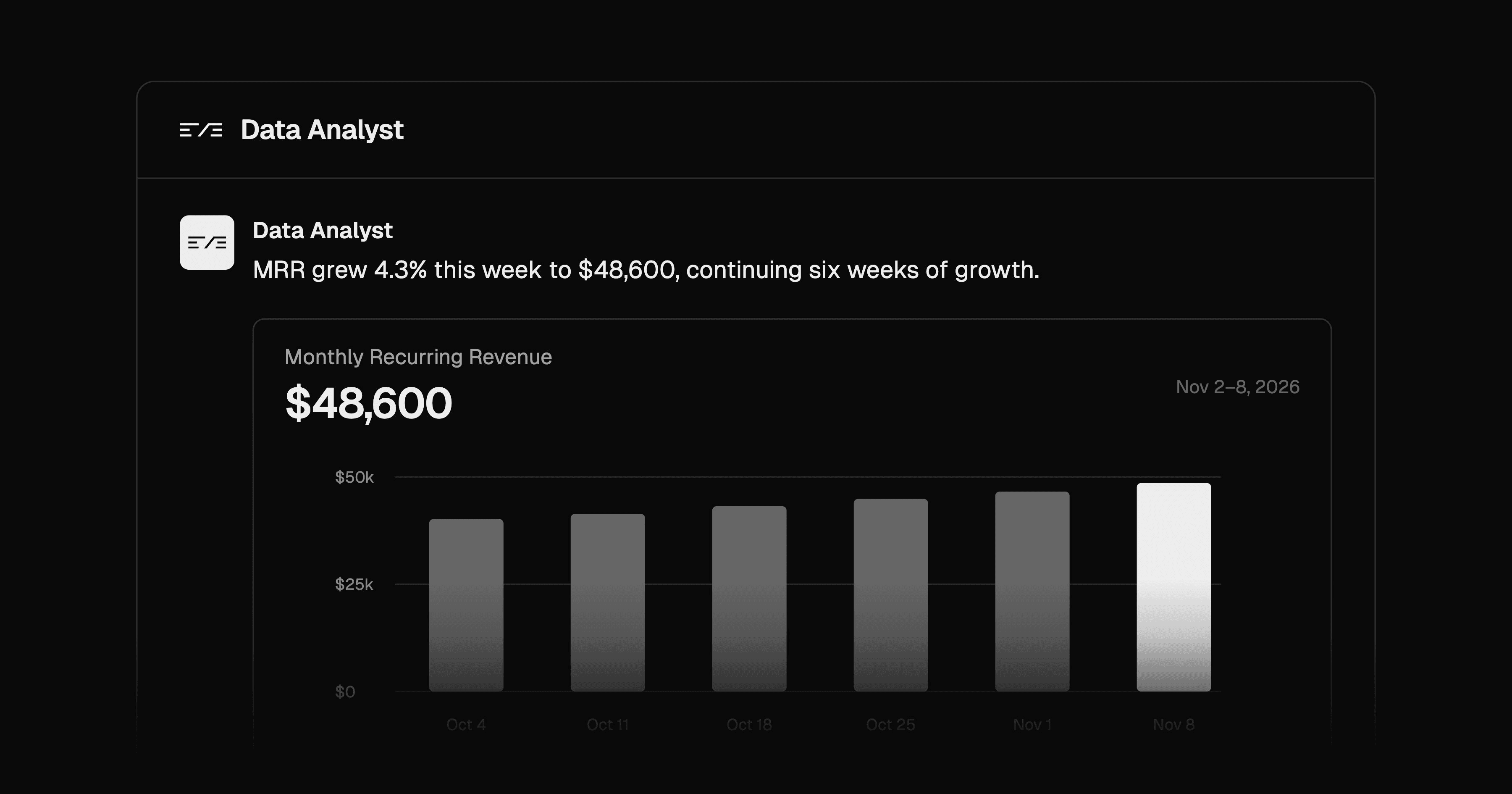
Ask data questions in Slack and get Postgres-backed answers with charts and SQL evidence. Configure metrics, roles, and query approvals.

Coordinate a marketing lead and five specialist agents in Slack, with Notion drafts, Typefully posts, and Resend email campaigns.
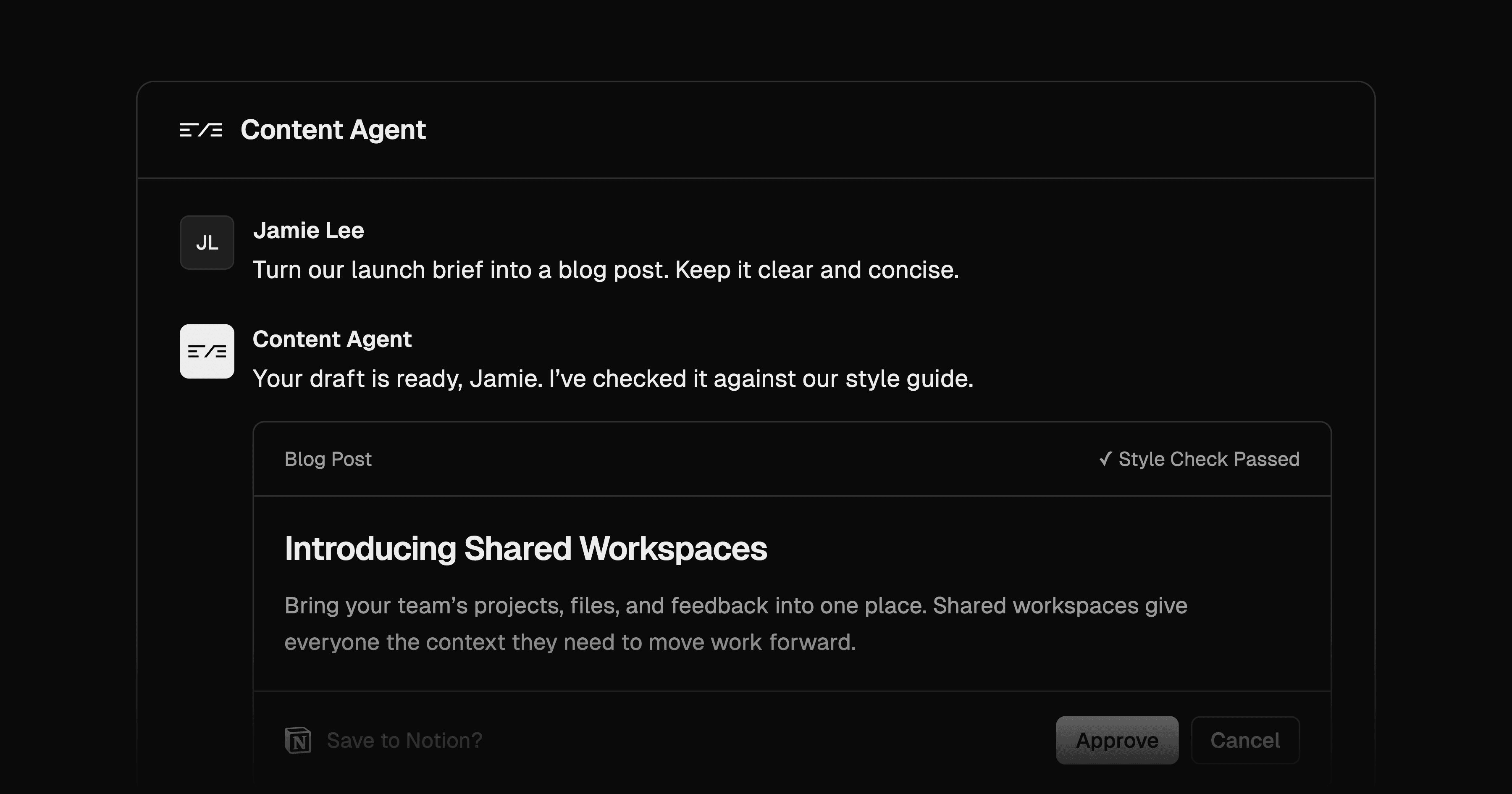
Draft content in Slack with house-style skills and Notion sources. Revise in threads and approve new Notion draft pages before creation.

