

Template name
New Project
Give your team a Sanity copilot in Slack. It runs GROQ, edits schemas, manages releases, and asks before it touches production.
Your content team has questions only a GROQ query can answer, and one developer who knows GROQ. This template closes that gap. Deploy it once and anyone in your Slack workspace can @mention a copilot that queries and edits your Sanity project, reshapes schemas, stages releases, and writes long-form drafts into Notion. Built on eve, Vercel's agent framework, and running entirely on your Vercel account.
Three problems make CMS agents harder than they look, and this template solves each one:
Permissions. A shared bot token turns every user into an admin. Here, each person signs in to Sanity and Notion through Vercel Connect, so the agent acts as the real user with that user's permissions. An intern asking for a content audit can't publish to production by accident, because the agent can't do anything they couldn't do themselves.
Trust. An agent that publishes on its own is a liability. This one works in drafts and treats anything destructive (patching documents, publishing, deploying schema changes, deleting files) as approval-gated: the request renders as buttons in the Slack thread, and nothing runs until a human clicks yes. You decide which tools need approval by editing one list per connection.
Secrets. There are none to manage. Slack, Sanity, and Notion credentials live in Vercel Connect, and Vercel Blob and the AI Gateway authenticate with the project's OIDC token. No API keys in code, no .env file to rotate, nothing to leak.
Anything they'd otherwise open Sanity Studio, or interrupt a developer, for:
subtitle field to the article type." It reads the current schema first, proposes the change, and deploys only after approval.The copilot grounds every action in your real project. It inspects schemas before editing, queries before claiming, and never invents document IDs or field names. When a draft needs a fact your content doesn't hold, it delegates to a built-in researcher subagent that returns findings with source URLs instead of answering from memory. Finished drafts pass through a second subagent, a fresh-context reviewer that scores the piece against a writing-quality rubric before the copilot proposes it.
Seven skills the agent loads on demand. Six come from Sanity's own Agent Toolkit: GROQ and schema best practices, content modeling, Portable Text conversion in both directions, SEO and AEO readiness, and content experimentation. The seventh is a writing-quality rubric that keeps generated prose from sounding generated. Each skill is a folder of Markdown you can edit, replace, or extend.
Per-user memory. Tell it "our production dataset is prod" or "always write titles in sentence case" once, and it persists the preference in Vercel Blob, scoped and private to that user, across every future session.
File storage tools. Export a draft as Markdown, stash images and attachments, and read them back by URL, all through Vercel Blob.
A local dev loop. Run pnpm dev and chat with the agent in a terminal UI to test the Sanity, Notion, and Blob flows before anything reaches Slack. Ship with eve deploy.
Click Deploy and Vercel provisions the full stack in one pass: the Slack connector with its event trigger wired to the agent's route, the Sanity and Notion connectors, and a Blob store. When the deployment finishes, @mention the bot in Slack and start asking.
Working with an AI coding agent like Claude Code or Cursor instead? Point it at the setup guide and let it drive:
I want to build a Slack agent with the eve framework, using the Sanity copilot template. Read the setup instructions at https://agent-resources.dev/sanity-copilot-eve-template.md and follow them.Everything the agent does is a file you can edit, and it picks up changes automatically:
agent/instructions.md is the whole personality and workflow in one Markdown file.APPROVAL_REQUIRED_TOOLS in each connection file controls which operations pause for a human.agent/skills/ holds the knowledge. Add a folder to teach it something new.agent/tools/ holds the capabilities. The filename is the tool name.Need house-voice blog posts, newsletters, or social copy too? Deploy the eve Content Agent alongside it and register it as a remote subagent. The copilot hands off drafting work over an OIDC-authenticated call, with no shared secret between the two deployments.
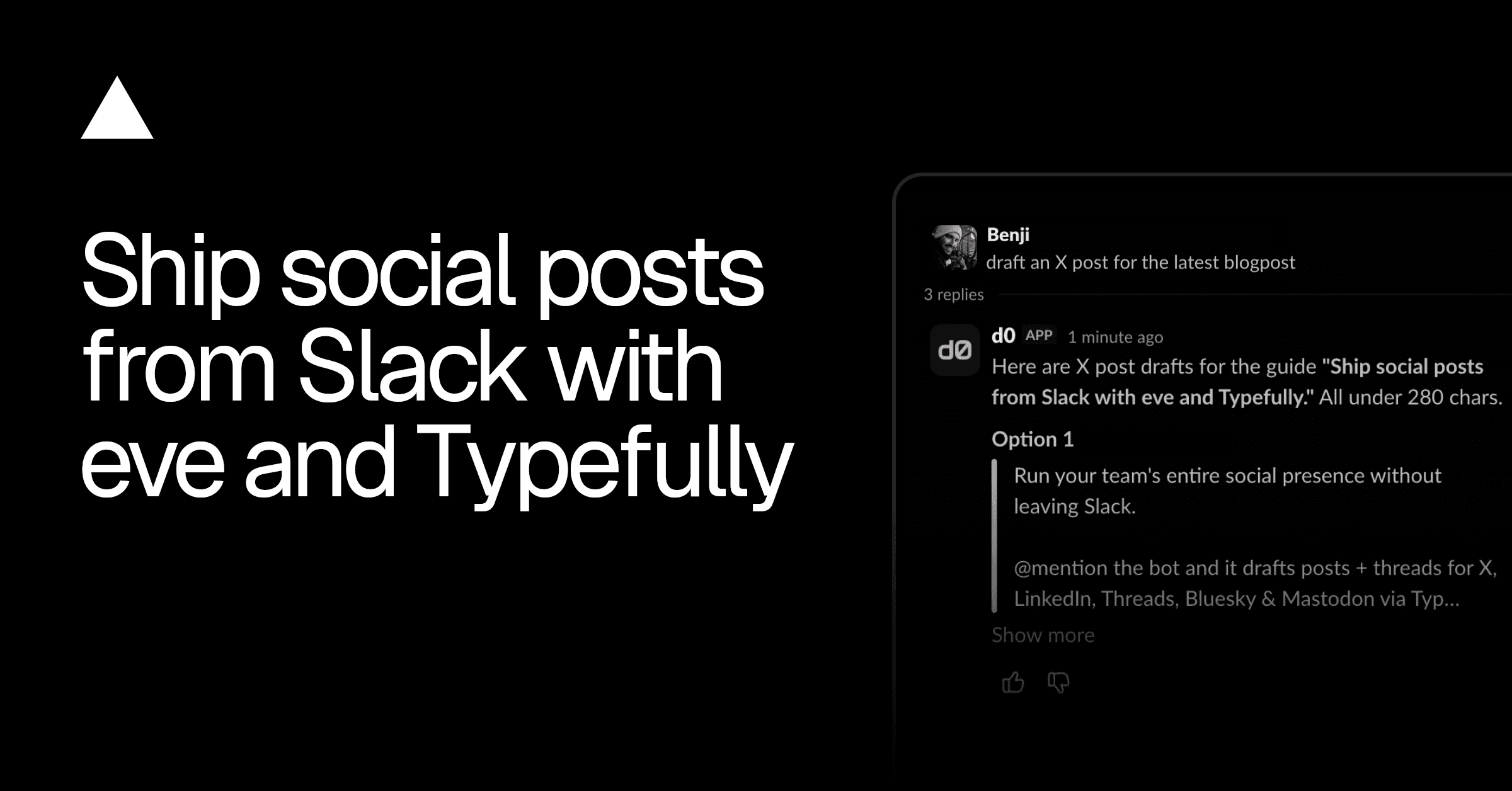
Run your social presence from Slack. Drafts for X, LinkedIn, and more via Typefully, schedules on approval, reports analytics weekly.
Marketing team in Slack: one lead, five specialists. Blog drafts in Notion, posts in Typefully, campaigns in Resend, on approval.

Turn your style guide into a Slack agent. Drafts blogs, social posts, release notes, and newsletters in your house voice, lint-enforced.

