Removing a Domain from a Project or Account
To remove a domain from one Vercel project, delete it from the project's Domains settings. To remove the domain from your account and all associated projects, delete it from the Domains section of your dashboard.
To remove a domain that is assigned to a project, open Domains in the sidebar from the Project Overview and click Edit for the domain you want to remove.
In the edit form, click Remove. Then confirm the removal in the Remove Domain from Project dialog.
Remove the domain from your account from the dashboard or the Vercel CLI.
Optionally, if you wish to remove a domain from all Projects, as well as your Account, navigate to the Domains section of your dashboard. In the list of all the domains under your account, find the domain you wish to remove. Then, from the context menu, click the Delete menu item.
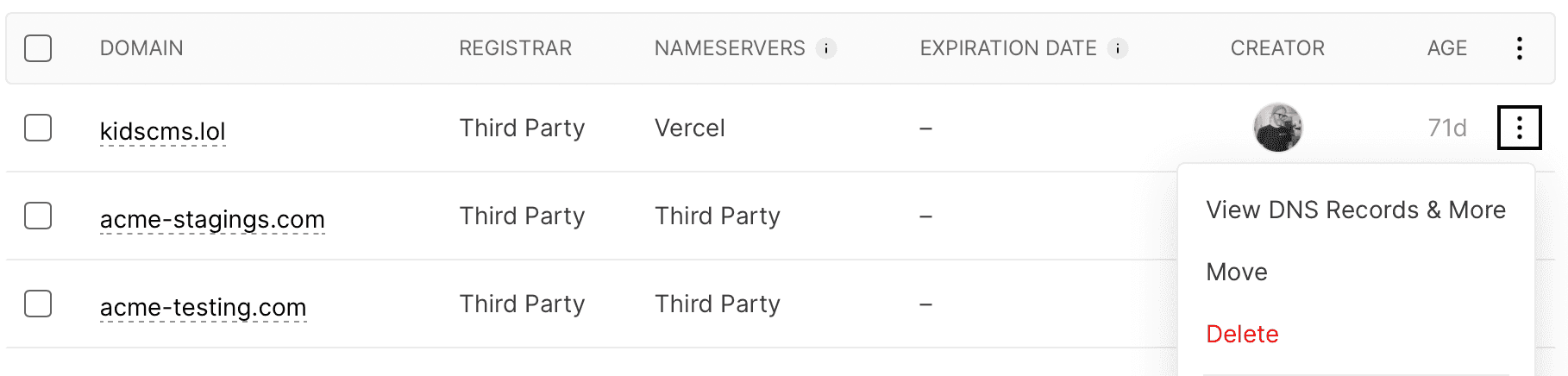
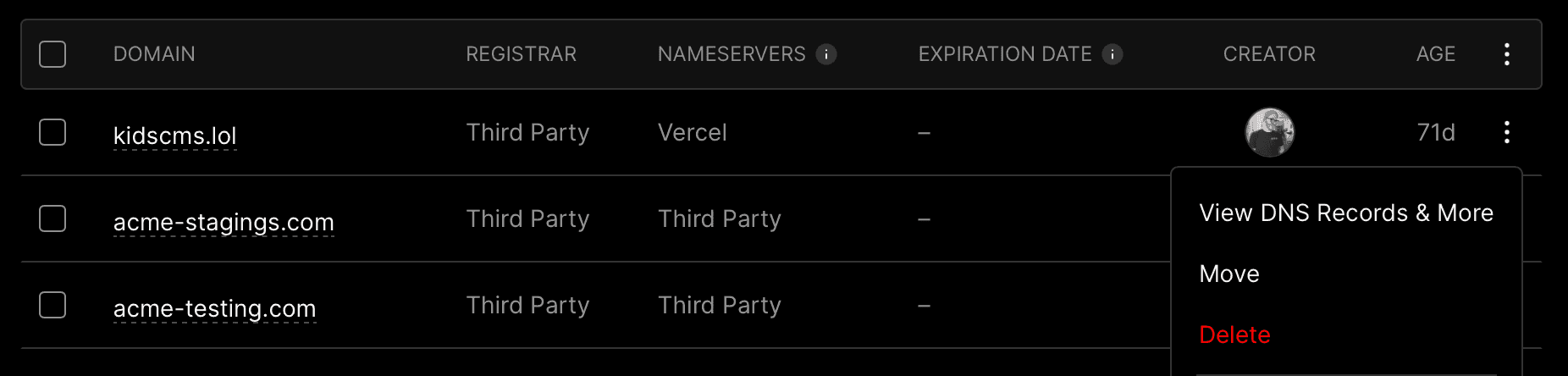
Option to delete domain(s) from the Domains tab. Run
vercel domains removeto remove the domain from your account and all projects:terminalvercel domains remove example.com
To remove a domain from a project using cURL, you can use the following command. To create an Authorization Bearer token, see the access token section of the API documentation.
curl --request DELETE \
  --url https://api.vercel.com/v9/projects/<project-id-or-name>/domains/<domain-name> \
--header "Authorization: Bearer $VERCEL_TOKEN"Was this helpful?