OPTIONS Allowlist
OPTIONS Allowlist is available on all plans
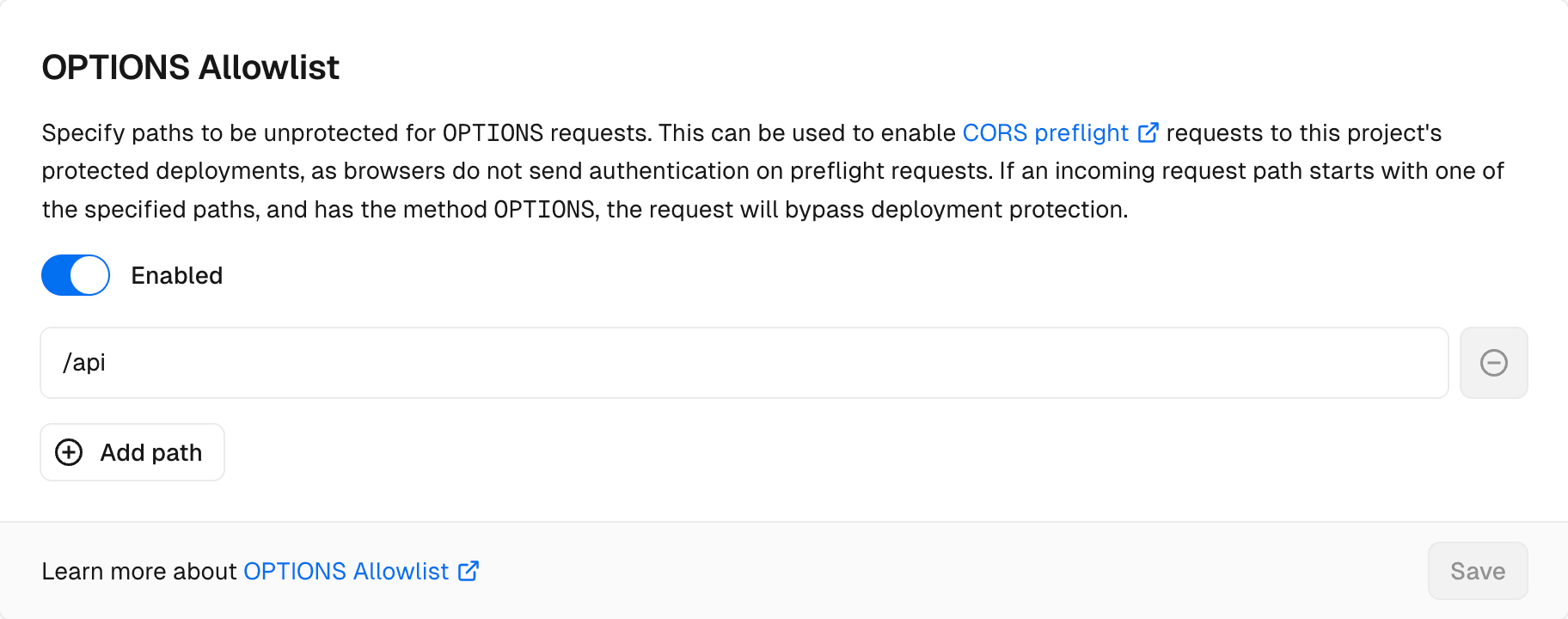
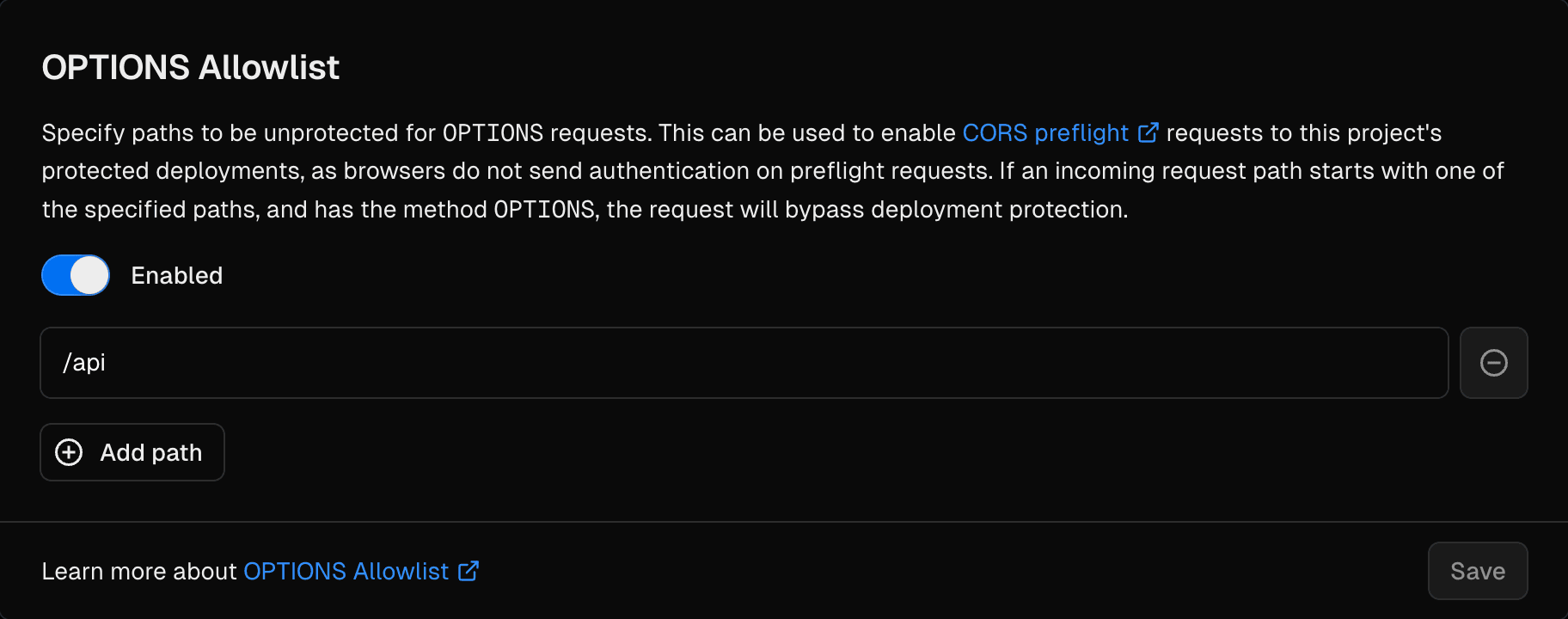
You can use OPTIONS Allowlist to disable Vercel Authentication and Password Protection on any incoming CORS preflight OPTIONS request for a list of paths.
OPTIONS Allowlist does not bypass Trusted IPs. When a deployment requires a Trusted IP address, a preflight request from an IP address that is not on your Trusted IPs list still receives a 404 response, even for a path on the allowlist.
When you add a path to OPTIONS Allowlist, any incoming request with the method OPTIONS that starts with the path will no longer be covered by Vercel Authentication or Password Protection. When you remove a path from OPTIONS Allowlist, the path becomes protected again with the project's Deployment Protection settings.
For example, if you specify /api, all requests to paths that start with /api (such as /api/v1/users and /api/v2/projects) will skip Vercel Authentication and Password Protection for any OPTIONS request.
From your Vercel dashboard:
- Select the project that you wish to enable OPTIONS Allowlist for
- Go to Deployment Protection in the sidebar
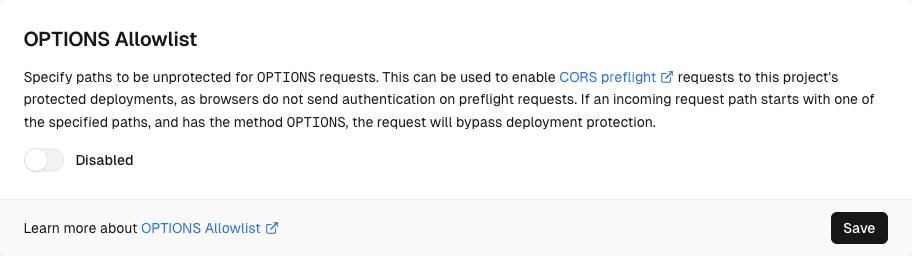
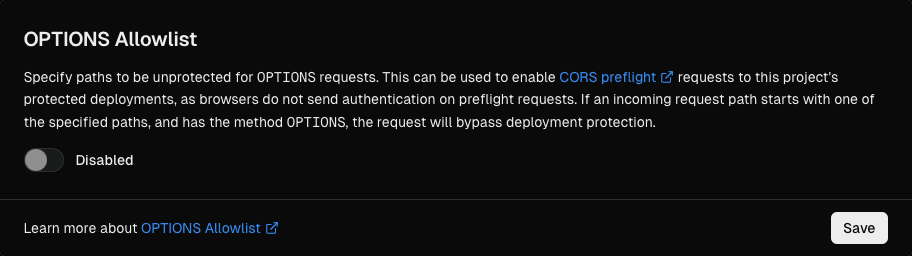
From the OPTIONS Allowlist section, enable the Allow OPTIONS Requests toggle:
Specify a path to add to the OPTIONS Allowlist:
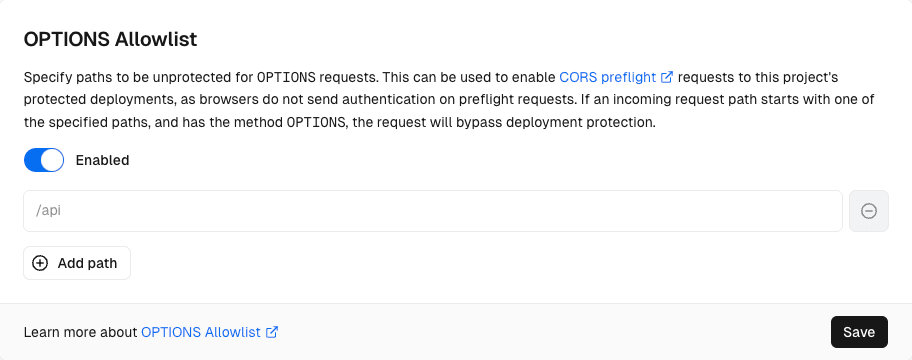
To add more paths, select Add path:
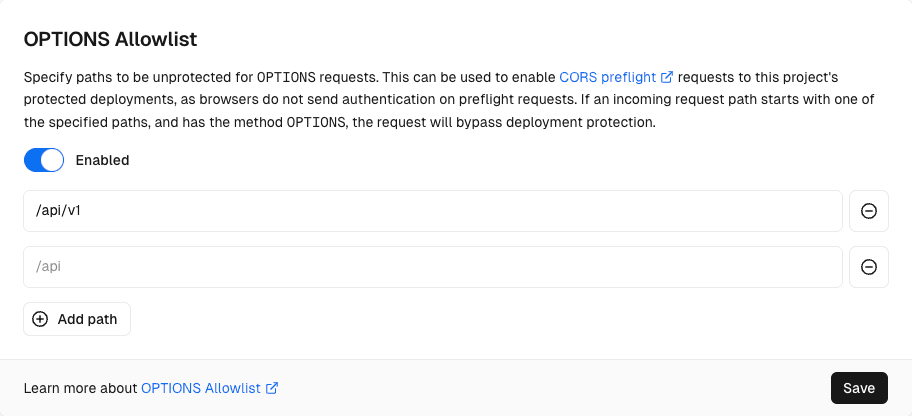
Once all the paths are added, select Save
From your Vercel dashboard:
- Select the project that you wish to disable OPTIONS Allowlist for
- Go to Deployment Protection in the sidebar
From the OPTIONS Allowlist section, disable the Allow OPTIONS Requests toggle:
Select Save
Was this helpful?